FT-920 Operating Manual
22
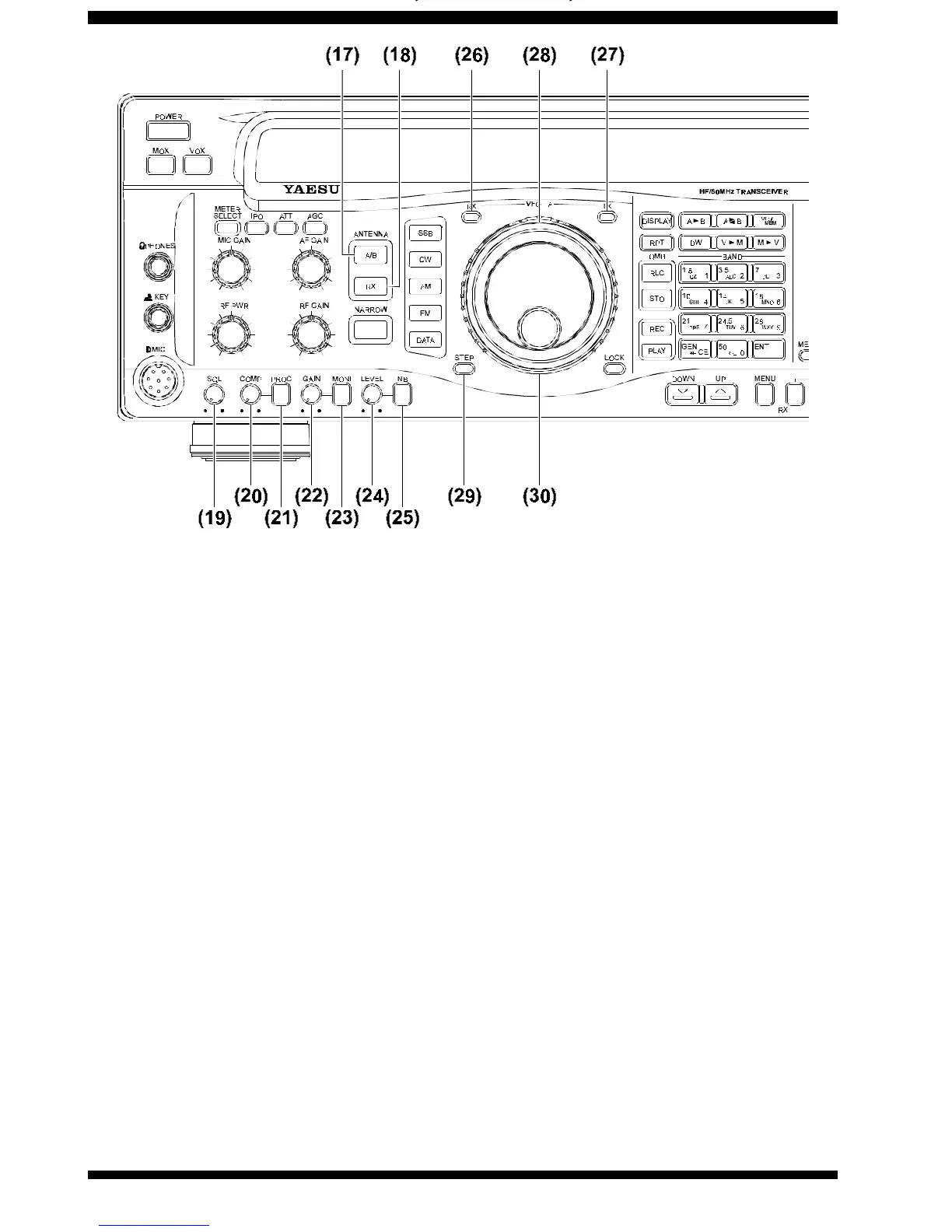
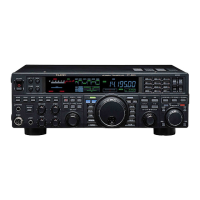
(17), (18) Antenna Switches (A/B, RX)
These switches allow selection of antennas, per the
information and illustration below.
(17) A/B Press this switch to toggle between an-
tennas connected to the “A” and “B” connectors
on the rear panel. The indicator “ANT[A]” or
“ANT[B]” will appear on the display panel to indi-
cate which antenna is in use. The antenna selec-
tion will be maintained in the VFO or Memory reg-
ister in use.
(18) RX When this switch is pressed, the
receiver’s input is connected to the receive-only
“RX IN” RCA connector on the rear panel of the
FT-920. This feature allows connection of a low-
noise receiving antenna or a VHF/UHF receive
converter. When the RX button is pushed, the “RX
ANT” indicator will appear on the display panel.See
the drawing on the next page for details.
(19) SQL (Squelch) Control
This control, active in all modes, may be used to si-
lence background noise when no signal is present.
Most frequently used during FM operation, this con-
trol must be rotated fully counter-clockwise for most
SSB, CW, or AM operation.
(20) PROC COMPression Level Control
This control is used to adjust the compression level
of the digital speech processor during SSB opera-
tion. Clockwise rotation increases the compression
level.
(21) PROC Switch
Pressing this switch activates the digital SSB speech
processor, for enhanced “talk power” under difficult
conditions. The “PROC” indicator will appear on the
display panel when the speech processor is activated.
Press this switch again to turn the speech processor
off.
(22) MONI GAIN Control
This control is used to adjust the audio level of the
voice monitor. Clockwise rotation increases the au-
dio level.
(23) MONI Switch
Pressing this switch activates the voice monitor, which
allows the operator to monitor voice characteristics
during adjustments. When the monitor is activated,
the “MONI” indicator appears on the display panel.
Press this switch again to turn off the monitor.






 To Next Page