35
DTX-MULTI 12
44. Exit
[Test Code]
A0 2C 00
[Initial indication]
44:Exit
Press [ENTER]
[Test contents]
Finishes the test program mode and resets to the normal
operation mode.
Checks residual noise, pad circuit operation and click noise.
[Test method]
Press the [ENTER] button to execute the test.
Press the [ENTER] button again in the test mode to start the
normal operation mode.
[Check item]
Check that the normal operation mode starts.
After the normal operation mode is started, set the [MASTER]
and [PHONES] volume to the MAX and check the noise level
meets the following requirements.
Do not insert a plug to the [AUX IN] terminal.
[OUTPUT L/MONO]: -90 dBu or less (load of 10 kΩ)
[OUTPUT R]: -90 dBu or less (load of 10 kΩ)
[PHONES] Lch: -89 dBu or less (load of 33 Ω)
[PHONES] Rch: -89 dBu or less (load of 33 Ω)
Press the [UTILITY] button while holding down the [SHIFT]
button to enter trigger mode.
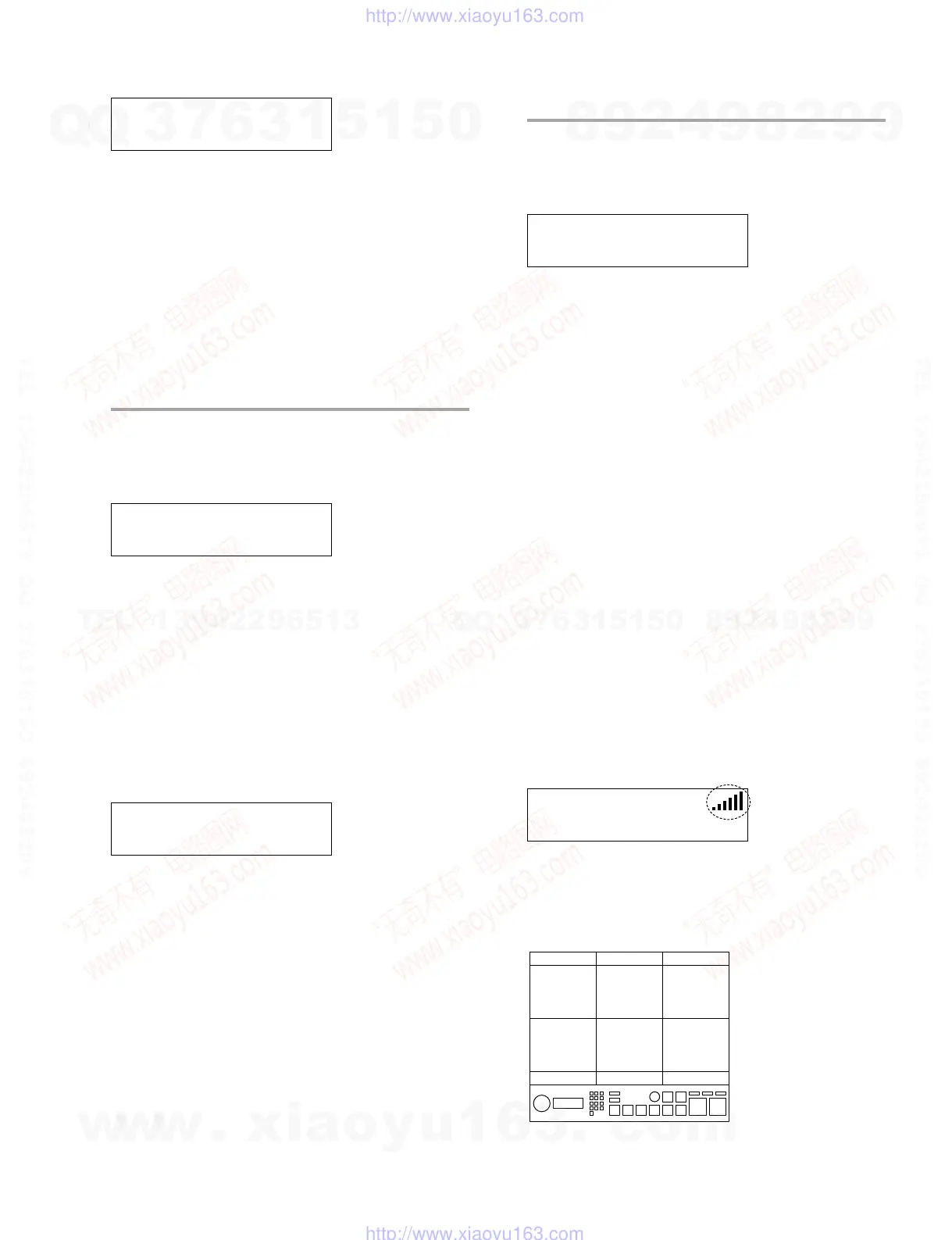
Hit a pad and hit level will be indicated at right upper area of
the following screen. (6 levels)
TRG1
P01:VOICING
Hit pads 4 to 9 with various strength and check that indicated
level changes according to hitting strength. Connect the
headphones or monitor speaker and check that volume changes
according to hitting strength.
DTXM12 (Pad position number)
123
456
7 8 9
10 11 12
36:Trig(S) IN04
NG BadCR:XX
BAD CR XX:
NG due to waveform attenuation value of XX
[MIDI code output for judgment result]
OK: A0 XX 02
NG: A0 XX 03
Refer to test code for XX.
[How to quit test]
Press the [+/INC] button to proceed to next test.
43. FactorySet
[Test Code]
A0 2B 00
[Initial indication]
43:FactorySet
Press [ENTER]
[Test contents]
Executes Factory Set.
[Test method]
Press the [ENTER] button to execute the test.
[Check item]
Check the test result indicated on the LCD.
[Judgment indication]
In case of OK:
43:FactorySet
OK
In case of NG: None
[MIDI code output for judgment result]
None
[How to quit test]
Press the [+/INC] button to proceed to next test.
* If the Factory Set is executed, the user memory data
will be replaced by the initial setting at the time of
shipment.
Take care not to lose important data. Store
necessary setup data to USB memory or the like in
advance.
w
w
w
.
x
i
a
o
y
u
1
6
3
.
c
o
m
Q
Q
3
7
6
3
1
5
1
5
0
9
9
2
8
9
4
2
9
8
T
E
L
1
3
9
4
2
2
9
6
5
1
3
9
9
2
8
9
4
2
9
8
0
5
1
5
1
3
6
7
3
Q
Q
TEL 13942296513 QQ 376315150 892498299
TEL 13942296513 QQ 376315150 892498299
http://www.xiaoyu163.com
http://www.xiaoyu163.com



 To Next Page