DTX-MULTI 12
64
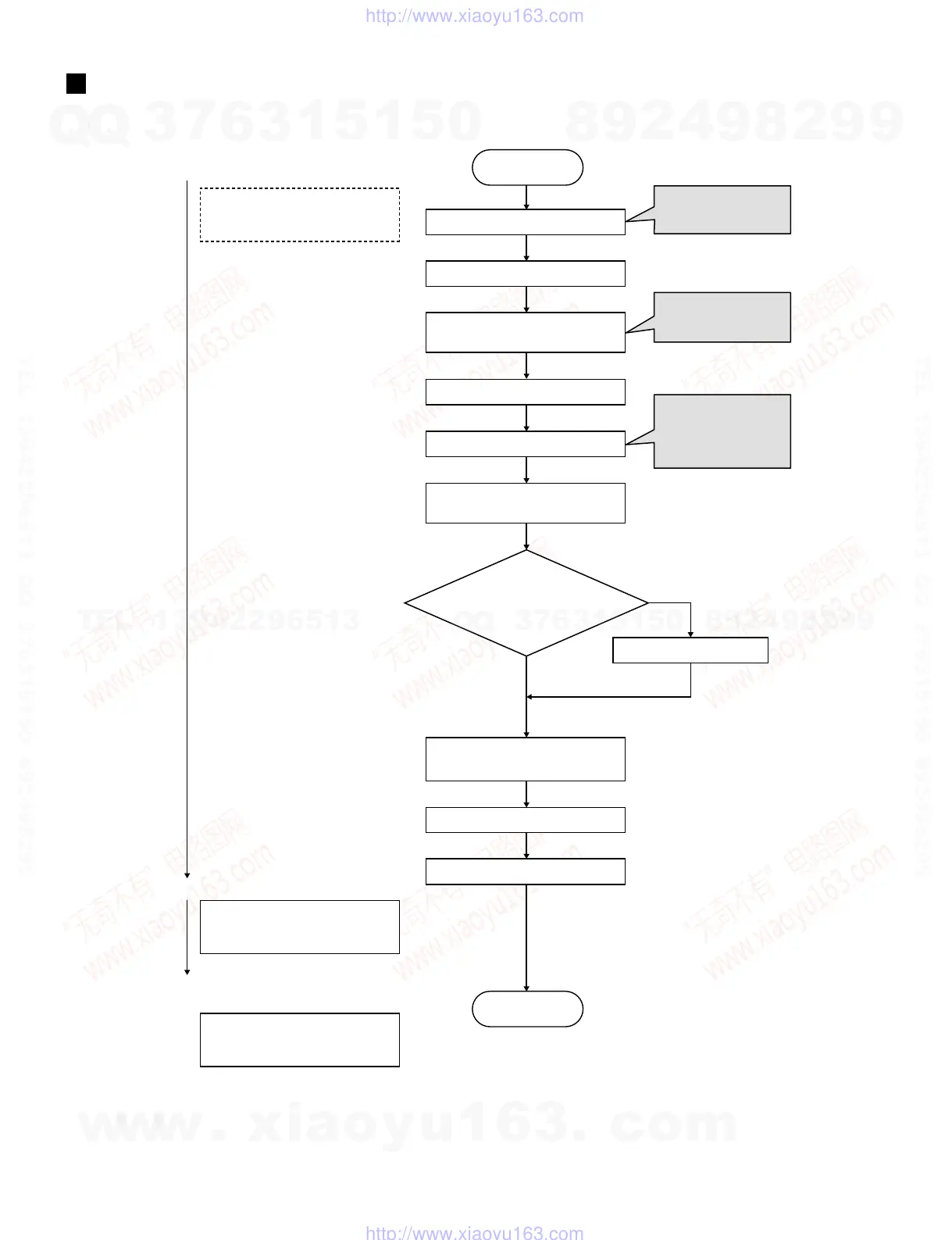
BOOT SEQUENCE
LCD backlight is turned on
without any message
Damaged
Not damaged
Indicating opening screen
Indicates Top screen
(KIT mode appears)
No message appears on the screen
Initializing LCDC
Initializing USB Host
Initialization of devices
(USB Function, MIDI, ...)
Executing Factory Set
Flash ROM Program area
is copied to SDRAM
Normal mode program is started
Initialization of sound generator part
Initializing CPU
Canceling CPU RESET
Turns on power
Boot sequence
CPU RESET signal
(L→H)
<IC5‑6>
Starts accessing to the
SDRAM (CS check)
<IC9‑20>
Canceling analog mute
<DM CN8‑8>
Canceling DAC Mute
<IC14‑5, IC15-5>
9!-!(!
$48-5,4)
+)4
00RESET+IT
Flash ROM parameter area is
copied to SDRAM
Checking for
parameter damage
(judgment is based on if
damaged data exists in
flash ROM)
w
w
w
.
x
i
a
o
y
u
1
6
3
.
c
o
m
Q
Q
3
7
6
3
1
5
1
5
0
9
9
2
8
9
4
2
9
8
T
E
L
1
3
9
4
2
2
9
6
5
1
3
9
9
2
8
9
4
2
9
8
0
5
1
5
1
3
6
7
3
Q
Q
TEL 13942296513 QQ 376315150 892498299
TEL 13942296513 QQ 376315150 892498299
http://www.xiaoyu163.com
http://www.xiaoyu163.com



 To Next Page