DTX-MULTI 12
56
1
Check the version before updating.
q Turn on the power while pressing down the [SHIFT]
button.
w Turn off the power after check the version before
updating in the version checking screen.
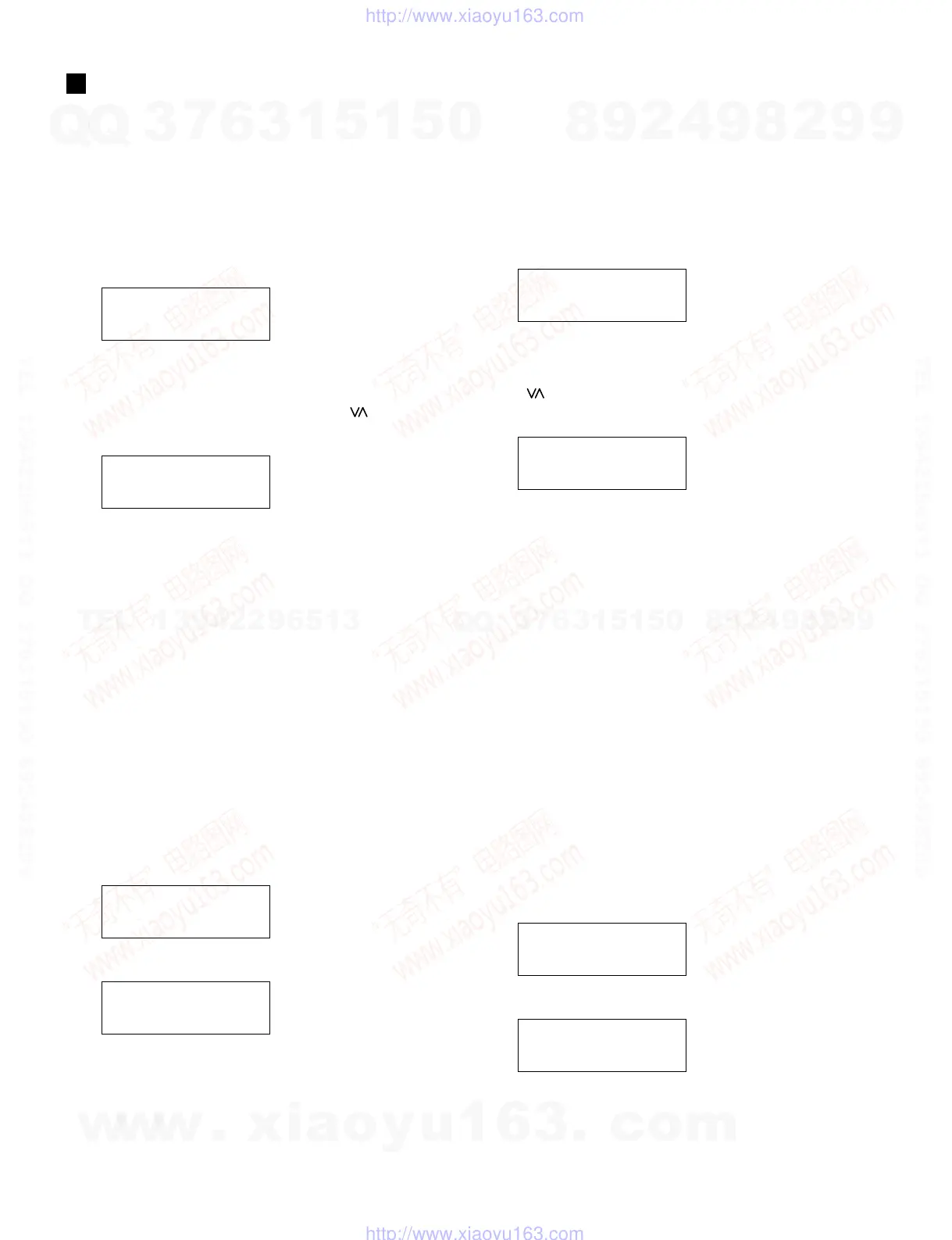
Version checking screen
DTX-MULTI 12
Ver: x.xx
2
Start the updater.
Turn on the power while holding down the [ ] button.
Update start screen
Update MULTI 12.
Press [ENTER]
• “Press [ENTER].” will be shown and the [ENTER]
LED will fl ash.
• The “8H39OS_.PGM” fi le in the root of the USB de-
vice is the only fi le to be updated.
• If the [ENTER] button is pressed without a USB device
connected, the error message “No media.” will be
shown.
• If the [ENTER] button is pressed when there is no
updater fi le in the USB device, the error message “File
not found.” will be shown.
3
Perform updating.
q Press the [ENTER] button in the updater start screen.
w Wait until the updater complete screen is shown.
e Turn off the power when the updater complete screen
is shown.
Update check screen
Checking File.
DON
,
T SHUTDOWN!!
Update erase screen
WAVE Erasing.
DON
,
T SHUTDOWN!!
UPDATING(アップデート)
1
アップデート前のバージョンを確認します。
①[SHIFT] ボタンを押しながら電源 ON します。
②バージョン確認画面にてアップデート前のバー
ジョン確認後、電源を OFF します。
バージョン確認画面
DTX-MULTI 12
Ver: x.xx
2
アップデータを起動します。
[ ] ボタンを押しながら電源 ON します。
updatestart 画面
Update MULTI 12.
Press [ENTER]
・Press[ENTER].と表示され[ENTER]LED が
点滅します。
・アップデートの対象となるファイルは、USB デ
バイスのルートに置かれた8H39OS.PGMファ
イルのみです。
・USB デバイスが接続されていない場合に [EN-
TER] ボタンが押されると、エラーメッセージ
Nomedia.を表示します。
・接続した USB デバイス内に UPDATER ファイル
が存在しない場合に [ENTER] ボタンが押される
と、エラーメッセージFilenotfound.を表示
します。
3
アップデートを実行します。
①updatestart 画面で[ENTER] ボタンを押す。
②updatecomplete 画面が表示 されるまで待ちま
す。
③updatecomplete 画 面が表示されたら、電源を
OFF します。
updatecheck 画面
Checking File.
DON
,
T SHUTDOWN!!
updateerase 画面
WAVE Erasing.
DON
,
T SHUTDOWN!!
w
w
w
.
x
i
a
o
y
u
1
6
3
.
c
o
m
Q
Q
3
7
6
3
1
5
1
5
0
9
9
2
8
9
4
2
9
8
T
E
L
1
3
9
4
2
2
9
6
5
1
3
9
9
2
8
9
4
2
9
8
0
5
1
5
1
3
6
7
3
Q
Q
TEL 13942296513 QQ 376315150 892498299
TEL 13942296513 QQ 376315150 892498299
http://www.xiaoyu163.com
http://www.xiaoyu163.com



 To Next Page