PSR-A5000 Reference Manual 11
1
Styles
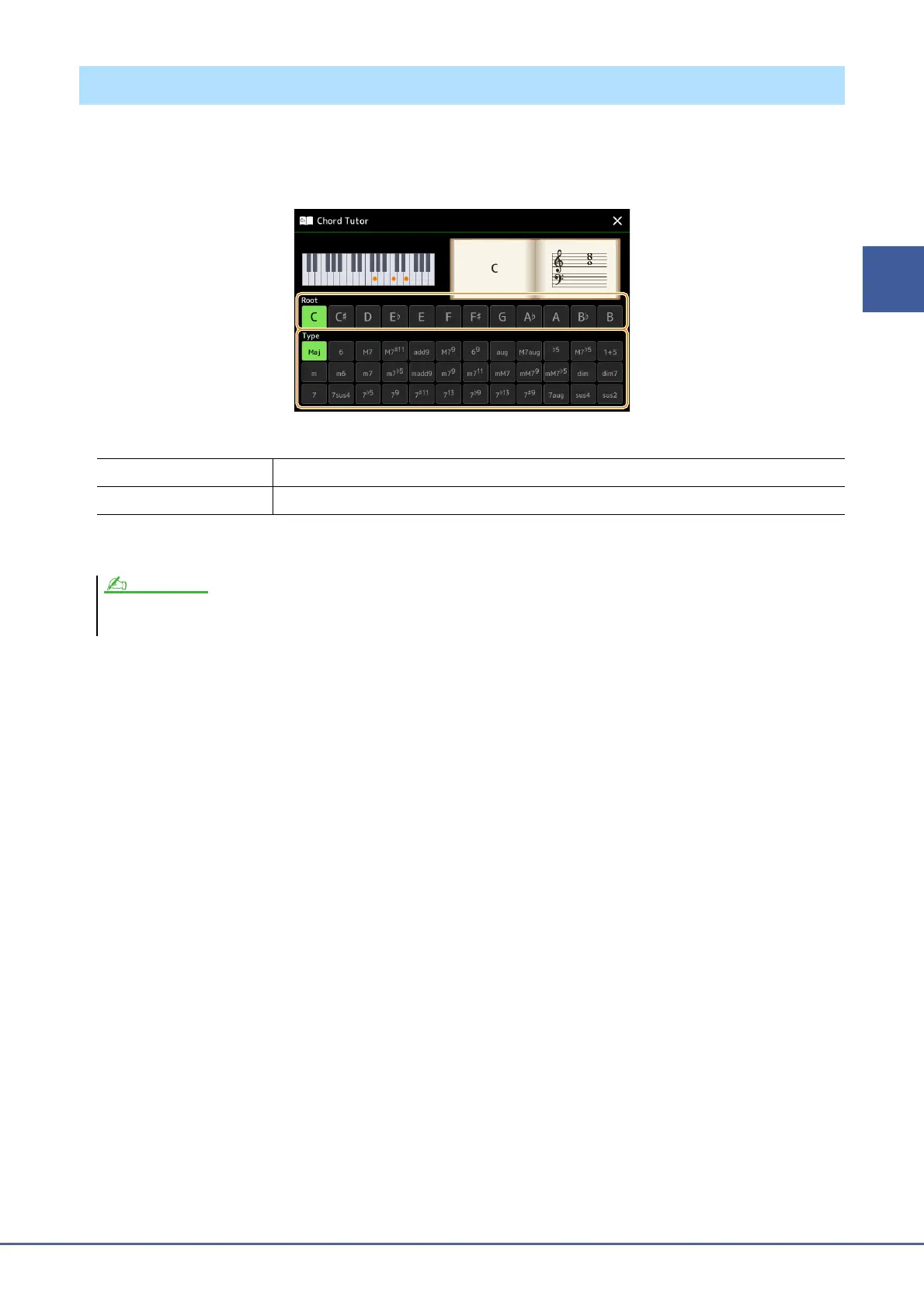
The Chord Tutor function lets you can see which notes to press for specifying the chord. If you know a chord symbol
but don’t know how to play it, use this function.
This function can be used on the display called up via [MENU] [Chord Tutor].
The notes you need to play are shown in the display.
Using the Chord Tutor Function
Root Lets you select the desired chord root.
Type Lets you select the desired chord type.
• Although this function shows how to play a chord only in case of “Fingered,” the indication is useful also when a type other than “Single Finger” is selected.
• Depending on the chord, some notes will be omitted.


 To Next Page
 Loading...