SETUP
Using the HDMI Control function
En 145
6
Make sure that “HDMI Control” is “On”
When “HDMI Control” is set to “Off,” press
iENTER and iCursor B / C to set to “On.”
7
Press iCursor B / C to select “Control
Select” and press iENTER.
8
Use iCursor B / C to select the HDMI OUT
jack connected to the TV and press
iENTER.
9
Press iCursor B / C to select “TV Audio
Input” and press iENTER.
10
Use iCursor B / C to select the input
jack connected in step 2.
11
Press hON SCREEN when you have
finished changing the settings.
If the TV hereafter transmits audio output signals,
this unit will automatically switch to the input
source chosen in step 10.
■
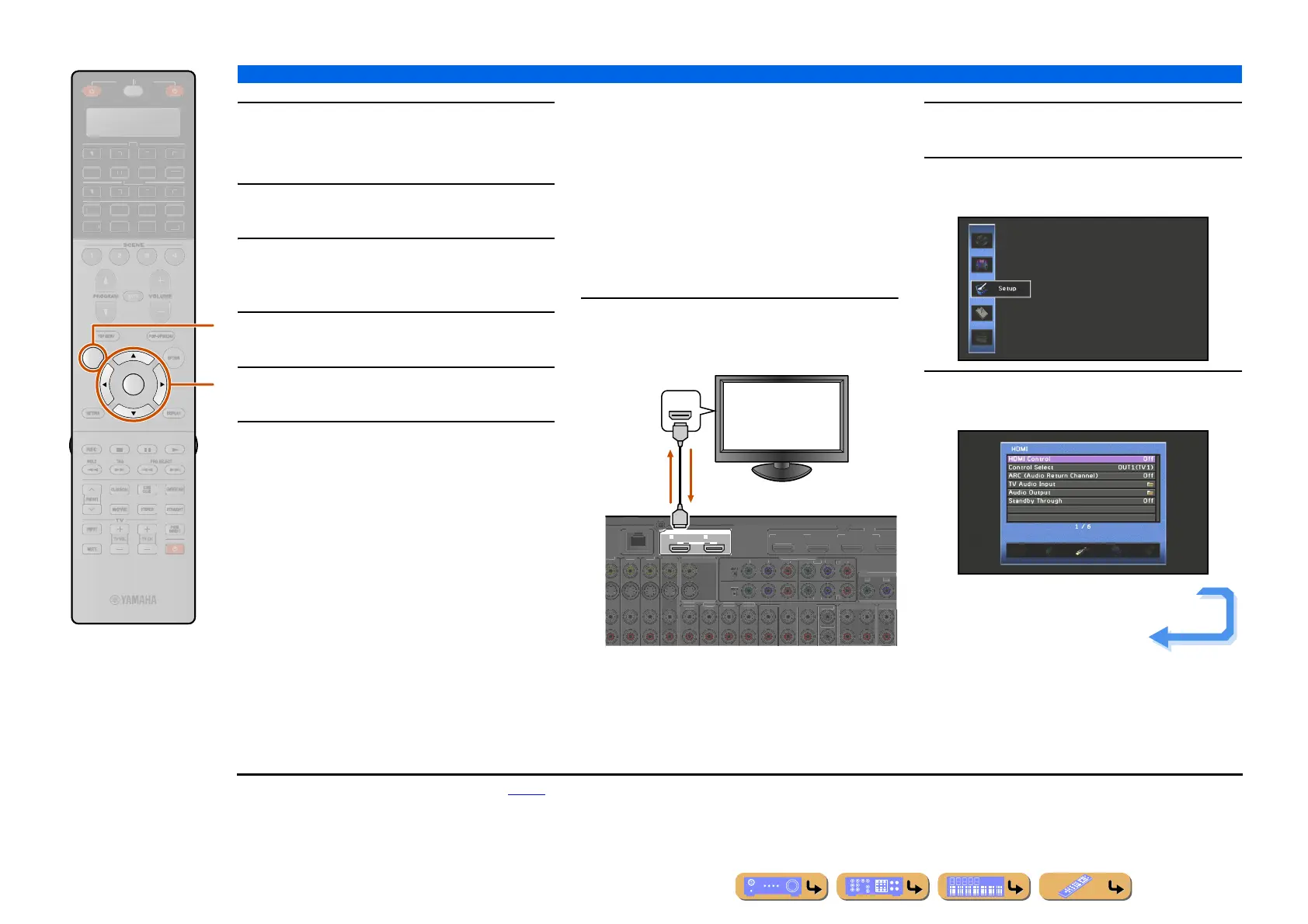
Single HDMI cable input to TV
audio with Audio Return Channel
function
When using a TV that supports HDMI functions and
Audio Return Channel function, audio/video output
from this unit to the TV or audio output from the TV to
this unit can be transmitted through a single HDMI cable
(Audio Return Channel function). Audio signals
transmitted from the TV to this unit can be assigned to
any input source.
1
Connect this unit and the TV with an HDMI
cable.
2
Press hON SCREEN. J1
3
Press iCursor B / C repeatedly to select
“Setup” and press iENTER.
4
Press iCursor D / E repeatedly to select
“HDMI” and press iENTER.
ON SCREEN
ENTER
R
E
ECEIVE
DI
-A
B
LTI
ET
H
N
D
K
IRI
A
h
i
HDMI OUT
12
ARC ARC
SELECTABLE
V 3
DM
ETW
R
2
AV
A
DI
(2 TV)
A
DI
DI
DI
4
ENTE
MULTI CH INPU
MP
NENT VIDE
NIT
R
T
Z
N
Z
NE
AV
UT
B
(1 BD/DVD)
V
N.
UT
Z
NE
U
HDMI
HDMI
HDMI
TV
TV audio
output
Video / Audio
output
Continues to the
next page
J
1 : Refer to the “Setting various functions (Setup menu)” (☞p. 110)
for details on the Setup menu.












 To Next Page