PLAYBACK
Playing back tunes from Bluetooth™ components
En 95
Using Bluetooth™ components
When pairing is complete, perform the following
procedure to achieve a wireless connection between this
unit and the Bluetooth component. When the wireless
connection is complete, Bluetooth components can be
played back.
1
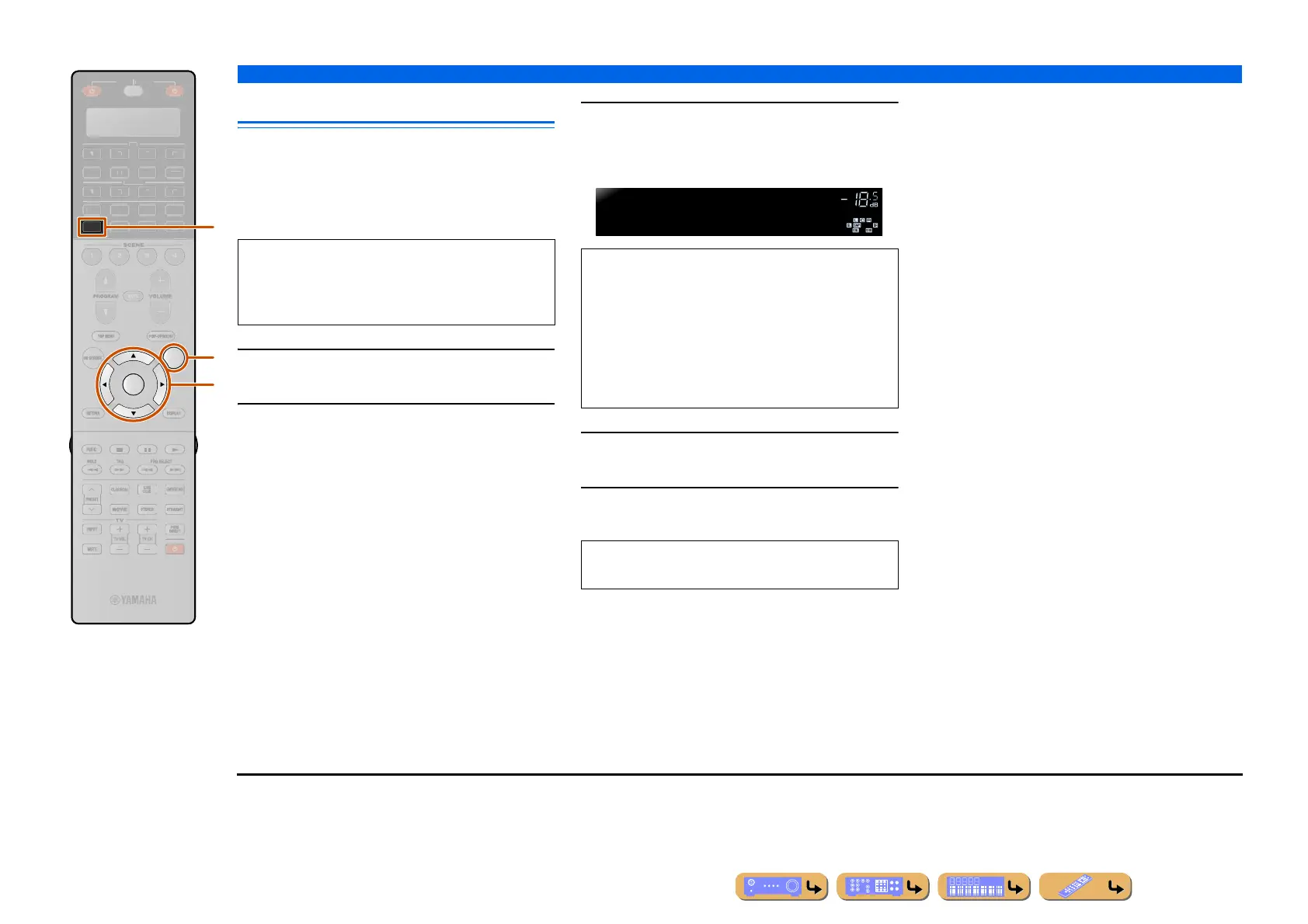
Press dDOCK to switch to the DOCK input.
2
Press pOPTION to display the Option
menu.
3
Use iCursor B / C to select “Connect” and
press iENTER. J1
4
Press pOPTION to exit the Option menu.
5
Operate the Bluetooth component for
playback.
DOCK
OPTION
ENTER
R
E
ECEIVE
DI
-A
B
LTI
ET
H
N
IRI
A
i
p
d
Depending on Bluetooth components, a wireless
connection is established automatically or by
operating the Bluetooth components. In that case, it is
not necessary to carry out the following procedure.
“Not found” is displayed when there is an error
connecting. Check that the following conditions have
been satisfied, and try to establish a wireless
connection again.
• Both this unit and the Bluetooth component are paired.
• The Bluetooth component is switched on.
• The Bluetooth component is within 32 ft. (10 m) of the
Bluetooth Wireless Audio Receiver.
To disconnect a wireless connection, repeat the same
steps, and in step 3, select “Disconnect.”
VOLUME
BTconnected
When wireless connection is complete
J
1 : “Disconnect” is displayed when a Bluetooth component has been
connected.












 To Next Page