PLAYBACK
En 63
Selecting a frequency for reception
(Normal tuning)
1
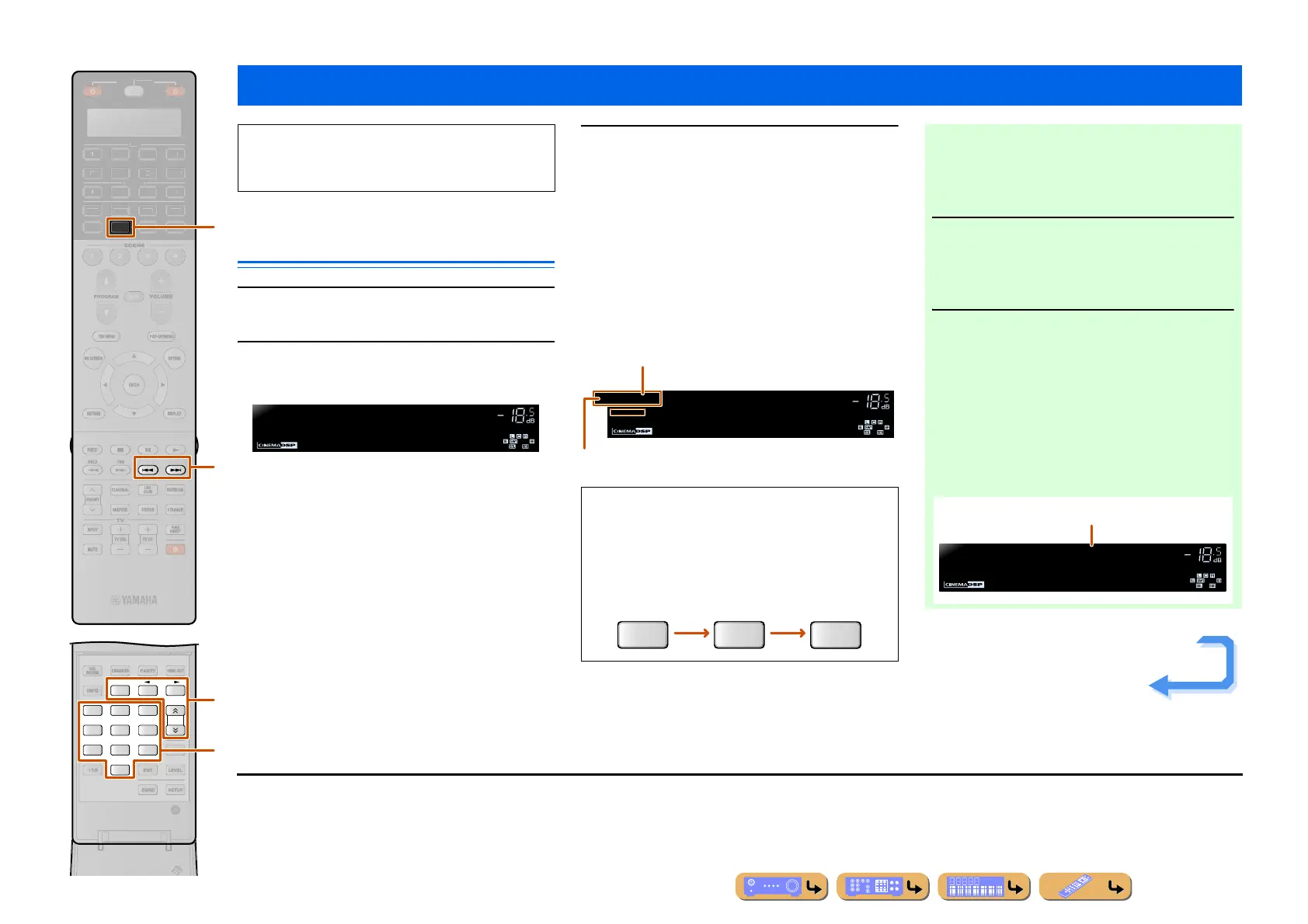
Press dTUNER to switch to the tuner input.
2
Press yFM or yAM to select a band to
receive.
3
Use yTUN./CH H / I to set a frequency to
receive.
yTUN./CH H
Increases the frequency. Press and hold this key for
longer than a second to search automatically for a station
on a higher frequency than the current one. J1
y
TUN./CH I
Decreases the frequency. Press and hold this key for
longer than a second to search automatically for a station
on a lower frequency than the current one. J1
FM/AM tuning
FM
MEMORY
AM
3
TUN./CH
21
6
9
87
0
4
5
TUNER
PRG SELECT
CATEGORY
R
E
RECEIVE
DI
-A
B
M
LT
E
H
N
K
IRI
A ]
d
r
y
v
When using the FM/AM tuner, adjust the direction of
the FM/AM antenna connected to this unit to get the
best reception.
VOLUME
ENHANCER
FM87.5MHz
■ Entering a frequency number
In normal tuning mode, use the vNumeric keys to
enter a frequency. Leave the decimal point out when
entering a number. J2
For example, enter as follows to select a station on
98.5 MHz.
VOLUME
STEREO
TUNED
ENHANCER
STEREO
TUNED
FM98.5MHz
Lights up when a broadcast is received
from a station
Lights up when a stereo broadcast is received
9
8
5
■ Registering stations manually (Manual
Preset)
Select stations manually and register them as presets
individually.
1
Tune in to the station you want to
register, referring to “Selecting a
frequency for reception (Normal
tuning).” J3
2
Use one of the following methods to
register the station you are currently
receiving.
■ Registering to a preset number to which
no station is registered
Press yMEMORY for 3 seconds or longer.
The station will be registered automatically to the
lowest open preset number (or the next number after
the one registered most recently).
VOLUME
STEREO
TUNED
ENHANCER
01:FM98.5MHz
Preset
Memorized
Registered frequencies
Continues to the
next page
J
1 : When searching for a station, release the key once the search has
started.
J
2 : “Wrong Station!” appears on the front panel display when you
enter a frequency that is out of receivable range. Make sure that
the frequency entered is correct.
J
3 : When registering a sub-audio program “HD2” to “HD8” of the
FM HD Radio station, press
rPRG SELECT to select the
desired audio program.












 To Next Page