PLAYBACK
Using the TV display to control this unit
En 57
■
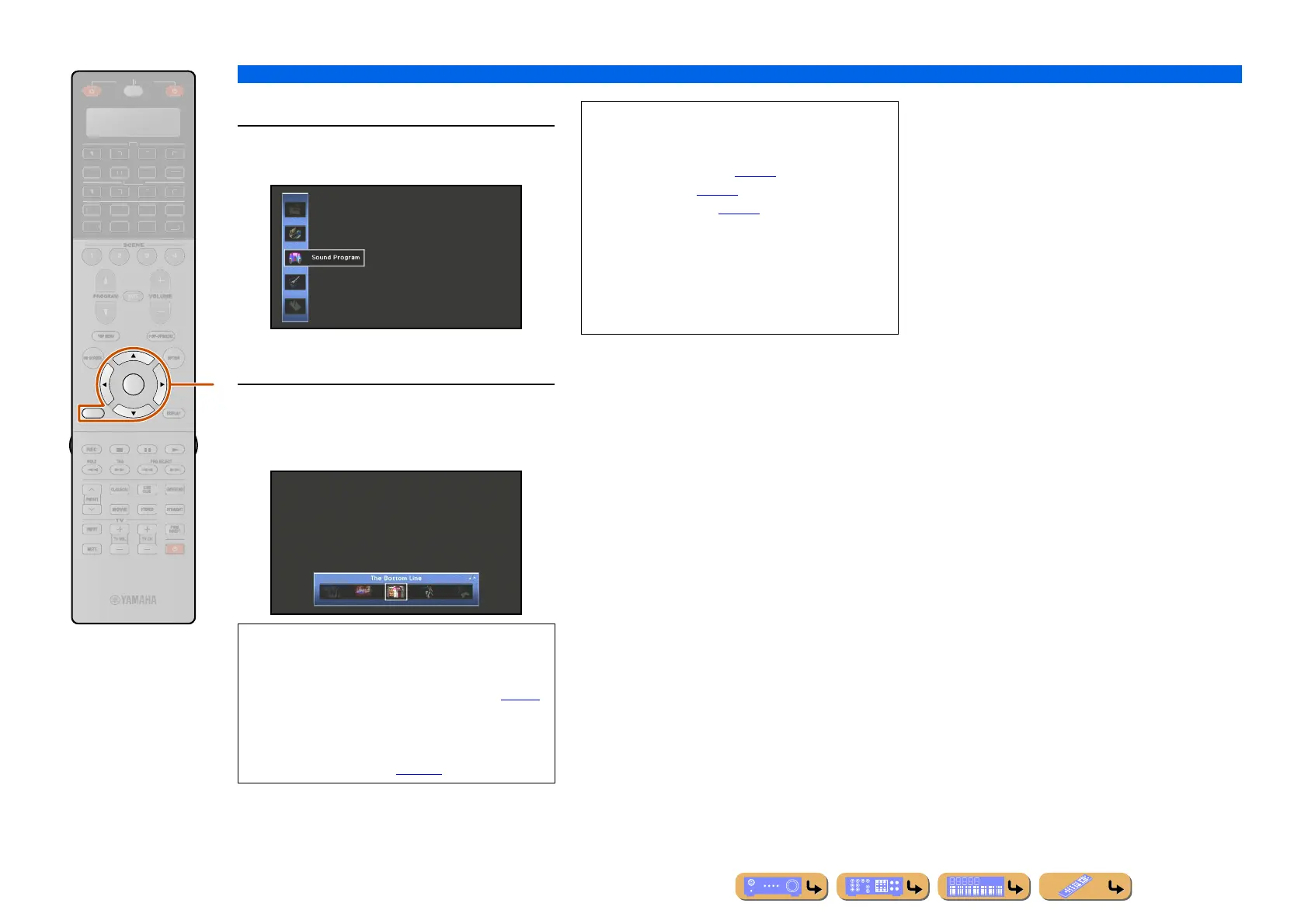
Selecting a sound program
1
Use iCursor B / C to select “Sound
Program” and press iENTER.
Sound program icons are displayed at the bottom of the
TV screen.
2
Use iCursor D / E to select a sound
program and press iENTER.
The sound program is selected.
RETURN
ENTER
R
E
ECEIVE
DI
-A
B
LTI
ET
H
N
D
K
IRI
A
i
• Pressing iRETURN displays the previous menu
screen. Press
iRETURN repeatedly to close the ON
SCREEN menu.
• Refer to “Enjoying favorite sound field effect” (☞
p. 51)
for various sound programs.
• You can configure the detailed settings for each sound
program. Refer to “Setting sound program parameters
(Sound Program menu)” (☞
p. 105) for details.
NOTES
Menus can be operated and the status of this unit
confirmed from the following three main displays.
• ON SCREEN menu (☞
p. 98)
•Option menu (☞
p. 58)
• Content window (☞
p. 62)
These menus and status features can be used to
configure more various functions in addition to
selecting “Input,” “Scene” and “Sound Program.”
Refer to each references for details on menus and
status.












 To Next Page