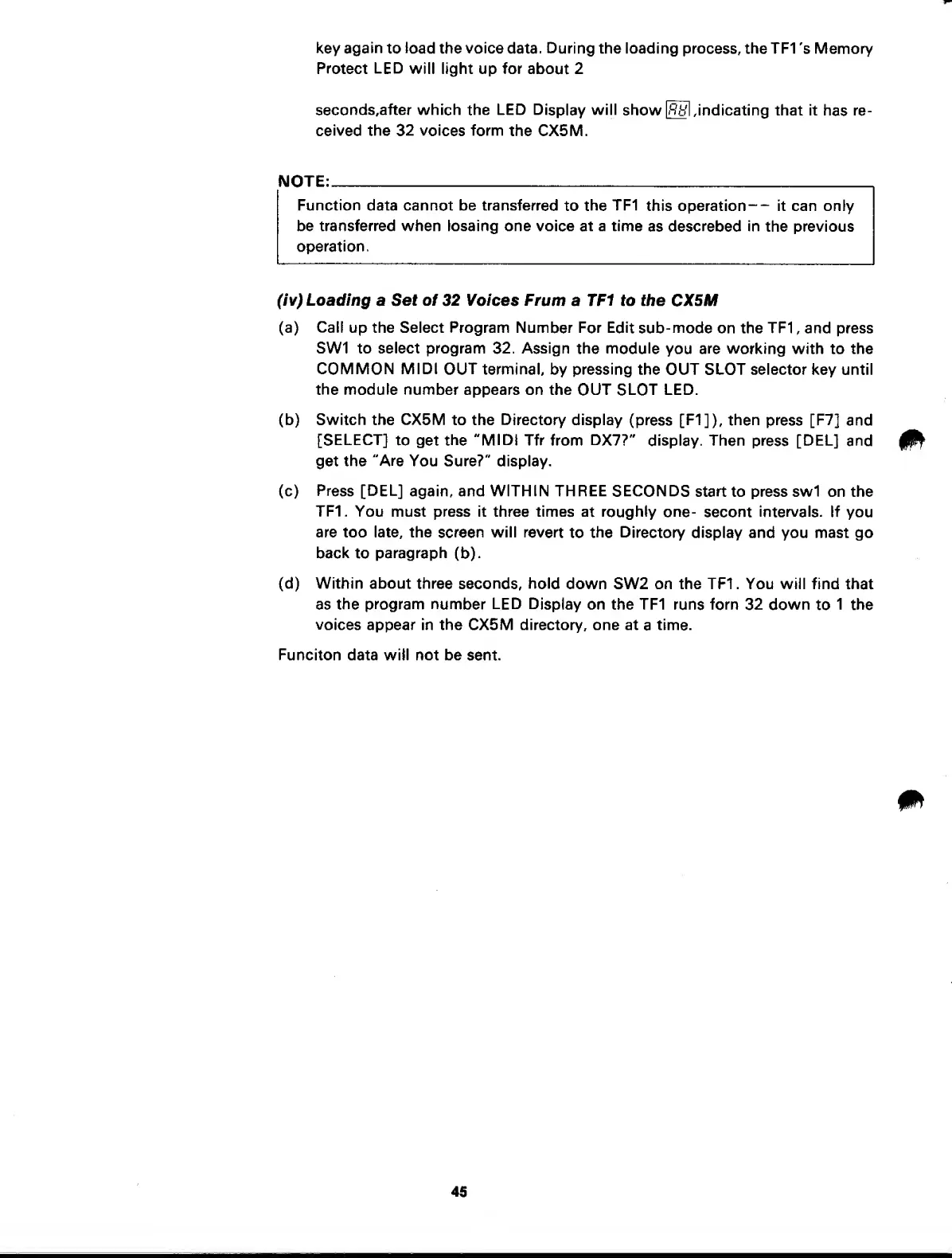
key
again
to
load
the voice data. During the loading process, the TF1
's Memory
Protect
LED
will light up for about 2
seconds,after which the LED
Display
will
show indicating that it
has re-
ceived the 32 voices
form
the CX5M.
NOTE:
Function
data cannot be transferred
to
the
TF1
this operation
—
it can only
be transferred when losaing one voice
at
a time
as
descrebed in
the previous
operation.
(iv) Loading
a
Set of 32 Voices Frum
a TF1 to the CX5M
(a)
Call
up the Select Program Number For
Edit sub-mode
on the TF1 , and press
SW1 to select program
32.
Assign
the module
you
are
working with to the
COMMON MIDI
OUT
terminal, by pressing the OUT SLOT selector key until
the module
number appears on the OUT
SLOT
LED.
(b)
Switch the CX5M
to the
Directory
display
(press
[F1]),
then press
[F7] and
[SELECT]
to get
the "MIDI
Tfr from
DX7?"
display. Then
press
[DEL]
and
get the
"Are
You Sure?" display.
(c)
Press
[DEL]
again, and WITHIN THREE SECONDS
start
to press swi on the
TF1
.
You must press it three times
at
roughly
one-
secont
intervals.
If you
are too late, the
screen
will
revert
to
the Directory
display and you mast go
back
to
paragraph
(b).
(d) Within about
three seconds, hold
down SW2 on the TF1 . You will find that
as the
program number
LED
Display
on the TF1
runs
forn
32 down
to
1
the
voices
appear in the CX5M directory, one at
a
time.
Funciton data wiil not be
sent.
45



 To Next Page