Yamatake Corporation Operation of the Transmitter
ST3000 Smart Transmitter Series 900 Electronic Differential Pressure/Pressure Transmitter 5-49
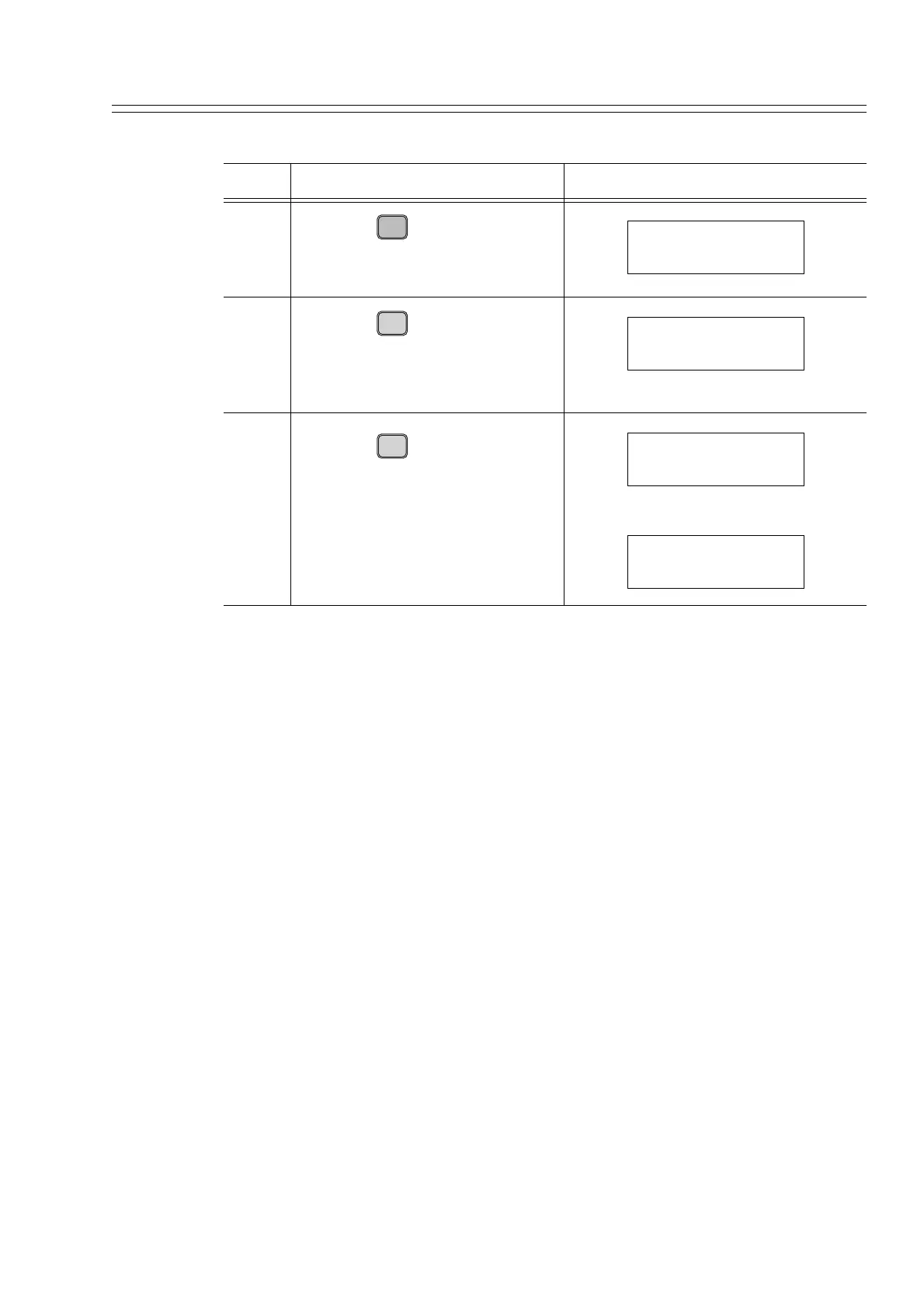
Procedure for setting URV (input differential pressure at 100% output)
Step Description SFC screen
1
Press the key.
The current set value for URV
will be displayed.
2
Press the key.
The SFC asks whether or not to
set the URV based on the current
pressure.
3
Press the key.
The data will be loaded to the
memory of the transmitter and the
SFC and the new LRV value will
be displayed.
URV
F
100%
URV FIT-1234
50 mmH
2O
G
SET
URV FIT-1234
SET URV?
ENTER
( Yes )
NON-VOL
URV FIT-1234
WORKING...
URV FIT-1234
50 mmH
2O



 To Next Page