Operation of the Transmitter Yamatake Corporation
5-4 ST3000 Smart Transmitter Series 900 Electronic Differential Pressure/Pressure Transmitter
5-2-3 :Checking Output Format
Procedure
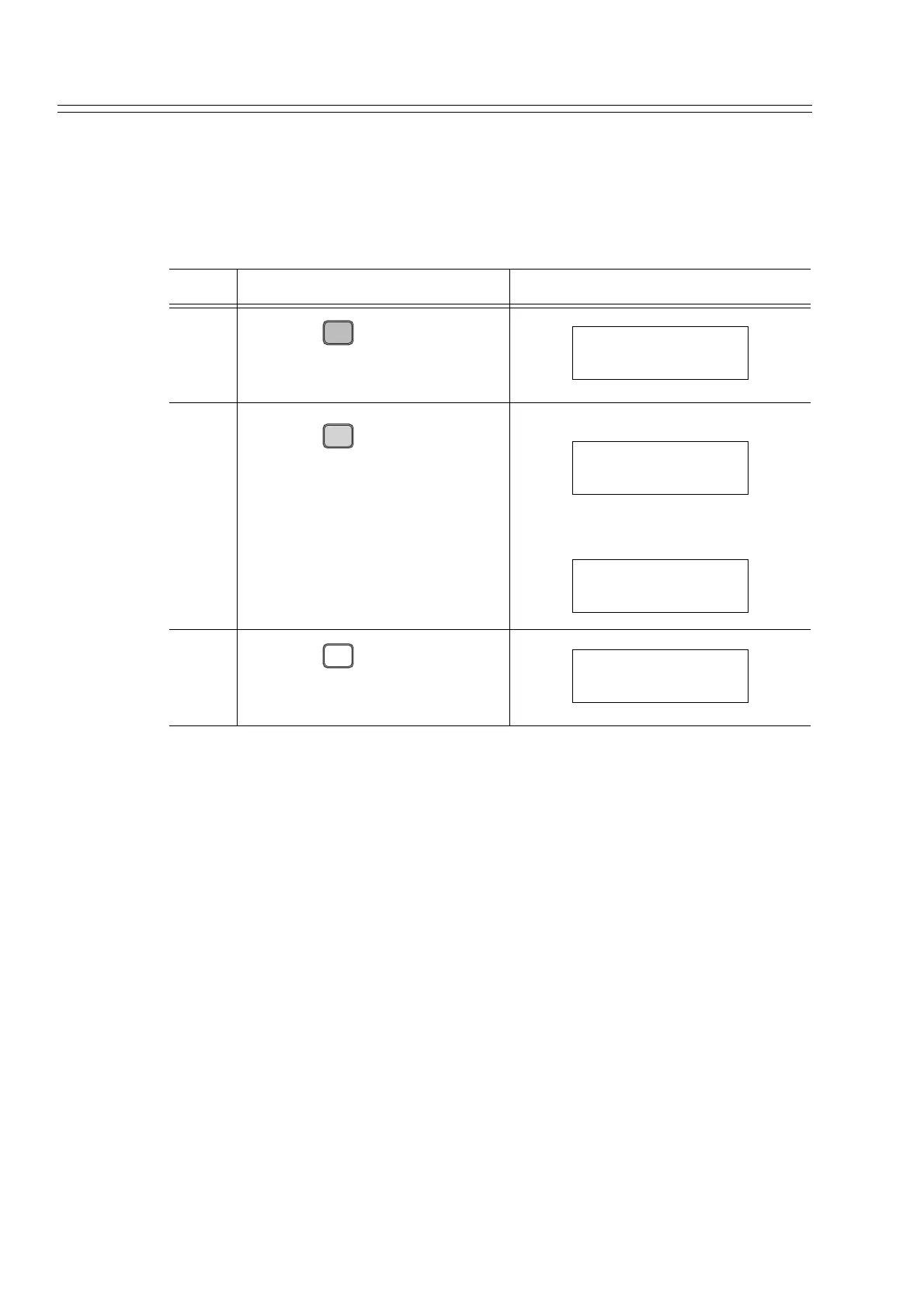
Check the output format (linear/square root) of the transmitter, using this procedure.
To change the output format, refer to "6-7-3 : Display or Change Output Format".
Step Description SFC screen
1
Press the key.
2
Press the key.
Square root output
Linear output
3
Press the key twice.
B
CONF
DSTJ CONFIG
CONFORM?
ENTER
( Yes )
NON-VOL
CONFORM
SQUARE ROOT
CONFORM
LINEAR
CLR
( No )
DSTJ FIT-1234
READY...



 To Next Page