Yamatake Corporation Operation Using SFC
ST3000 Smart Transmitter Series 900 Electronic Differential Pressure/Pressure Transmitter 6-37
Dropout format (linear or zero) setting procedure
How to select linear:
Flow rate mode (DEFAULT or EXPAND) setting procedure
6
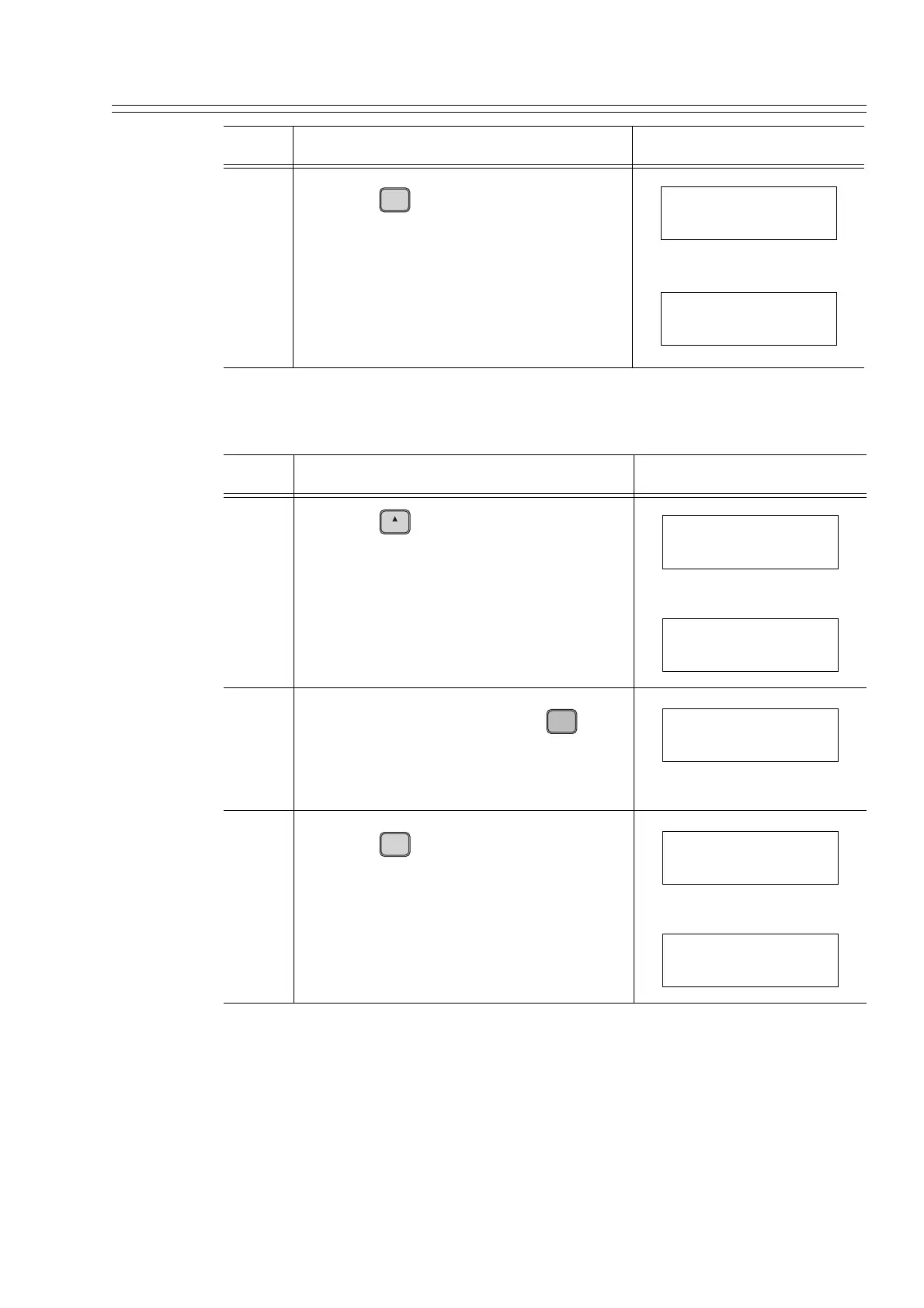
Press the key.
Sets the low flow cutoff value (15%).
Step Description SFC screen
7
Press the key.
Displays the currently-selected dropout
format.
Or
8
To change the format, press the key
to display the setting screen.
If no change required to the format, go to
step 10.
9
Press the key.
Sets the dropout format (linear).
Step Description SFC screen
ENTER
( Yes )
NON-VOL
CUT OFF
ENTERED IN SFC
CUT OFF
15 %
H
NEXT
CUT OFF
DROPOUT = LIN
CUT OFF
DROPOUT = ZERO
MENU
I
ITEM
DE CONF.
CUT OFF
DROPOUT = LIN
ENTER
( Yes )
NON-VOL
CUT OFF
ENTERED IN SFC
CUT OFF
DROPOUT = LIN



 To Next Page