EasyManua.ls Logo

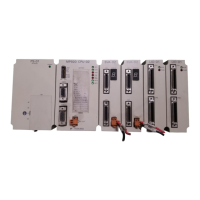
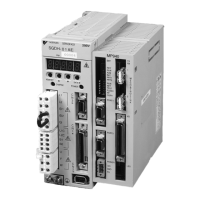
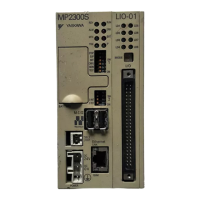
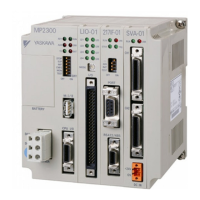
YASKAWA MP900 Series - User Manual

YASKAWA MP900 Series
97 pages
Print Icon
To Next Page IconTo Next Page
Loading...
www.dadehpardazan.ir 88594014-15
YASKA WA
MANUAL NO. SIEZ-C887-5.2
YASKAWA
USER’S MANUAL
Machine Controller MP900 Series
260IF DeviceNet System

Table of Contents

Questions and Answers

  • W
    williamsjeffreySep 14, 2025
    What causes no DeviceNet communication in YASKAWA Controller?
    • A
      Abigail KellySep 14, 2025
      If your YASKAWA Controller is experiencing no DeviceNet communications, possible causes include: * Communications power supply error. * DeviceNet network error. To address this: 1. Check the wiring and connections for DeviceNet cables and connectors. 2. Check the power supply voltage and connection for communications power supply. 3. Check the communications power supply voltage for each DeviceNet connector on the 260IF Module (11 to 24 V). 4. Check the terminator (121 ?) and connection status.
  • C
    Cheyenne CoxNov 16, 2025
    Why is my YASKAWA MP900 Controller showing no DeviceNet communications?
    • A
      Ashley JimenezNov 17, 2025
      There are several potential reasons why your YASKAWA Controller might not be communicating on the DeviceNet network: * There may be no power to the 260IF Module, so check the rack or system bus cable connection to the 260IF Module. * It could be a hardware malfunction, in which case replacing the 260IF Module is recommended. * A duplicate MAC ID can cause this issue. Change the MAC ID address for the 260IF Module and cycle the power. Also, change the MAC ID addresses for other DeviceNet devices and cycle the power to the 260IF Module. * The problem might be a bus-off condition. To resolve this: 1. Check the wiring and connections for DeviceNet cables and connectors. 2. Check the power supply voltage and connection for communications power supply. 3. Check the commun...

YASKAWA MP900 Series Specifications

General IconGeneral
SeriesMP900
Power Supply24 VDC
TypeController
Communication InterfaceEthernet/IP, Modbus TCP, MECHATROLINK-III, EtherCAT (varies by model and options)
Communication ProtocolsEtherCAT, EtherNet/IP, PROFINET, MECHATROLINK-III
Programming LanguageIEC 61131-3 compliant languages (LD, ST, FBD, etc.)
Operating Temperature0°C to 55°C
Storage Temperature-20°C to 70°C
SafetySTO (Safe Torque Off)
Humidity10% to 90% (non-condensing)

Related product manuals