Page – 136/139 AFFZP0BB – ACE3 – User Manual
12.2.8 Steer acquisition
From MAIN MENU go into the Adjustment menu.
The procedure to follow is the same described in previous paragraph.
12.2.9 TESTER
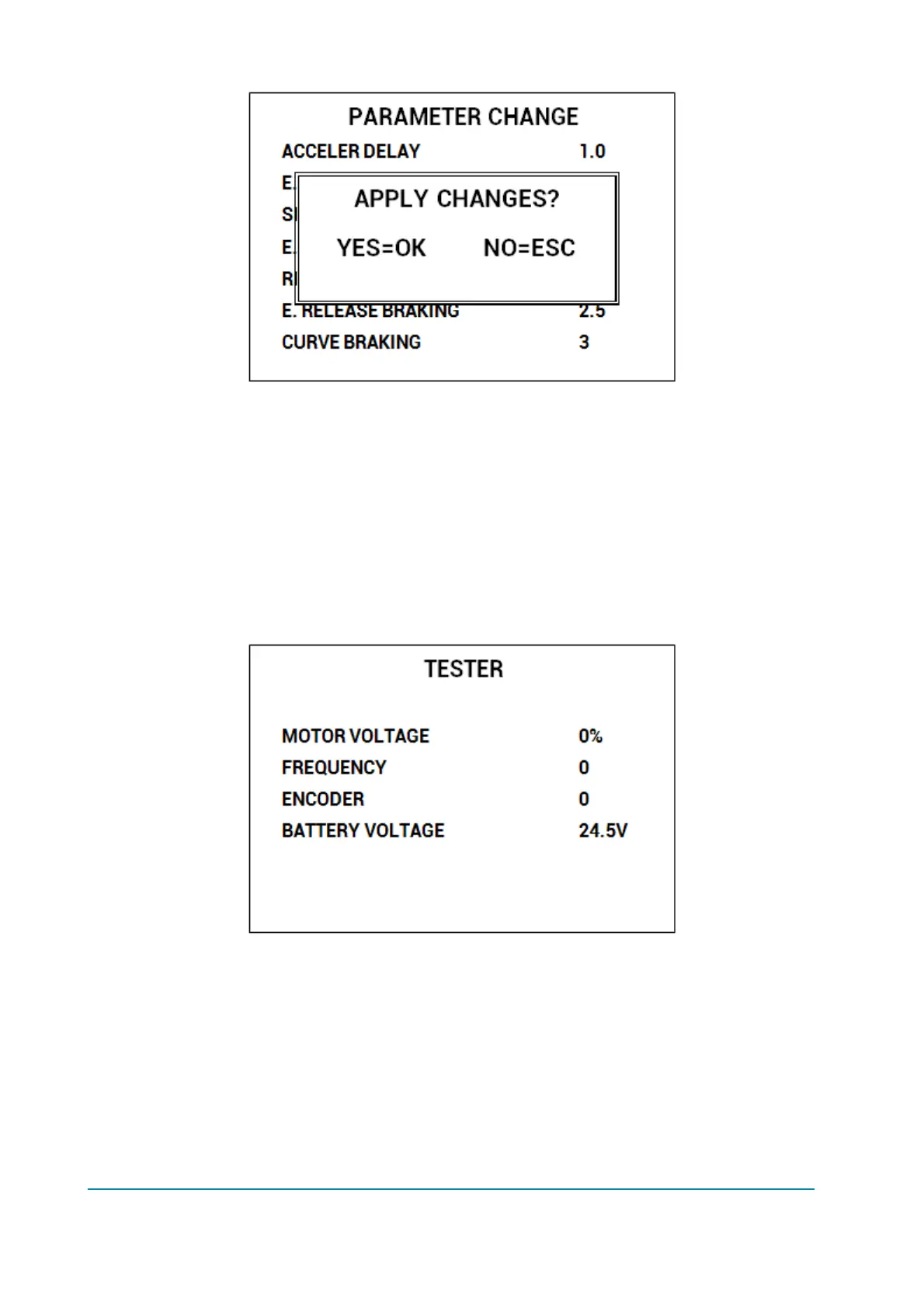
Compared to standard console Ultra, the TESTER menu has been deeply modified.
Now it shows four variables at once: use UP/DOWN keys to scroll the list.
12.2.10 Alarms
ALARMS menu has changed from Console Ultra. Display shows all controller
alarms at once.



 To Next Page