Page – 74/75 AFMNA0AA – EPS-BLI HYG – User Manual
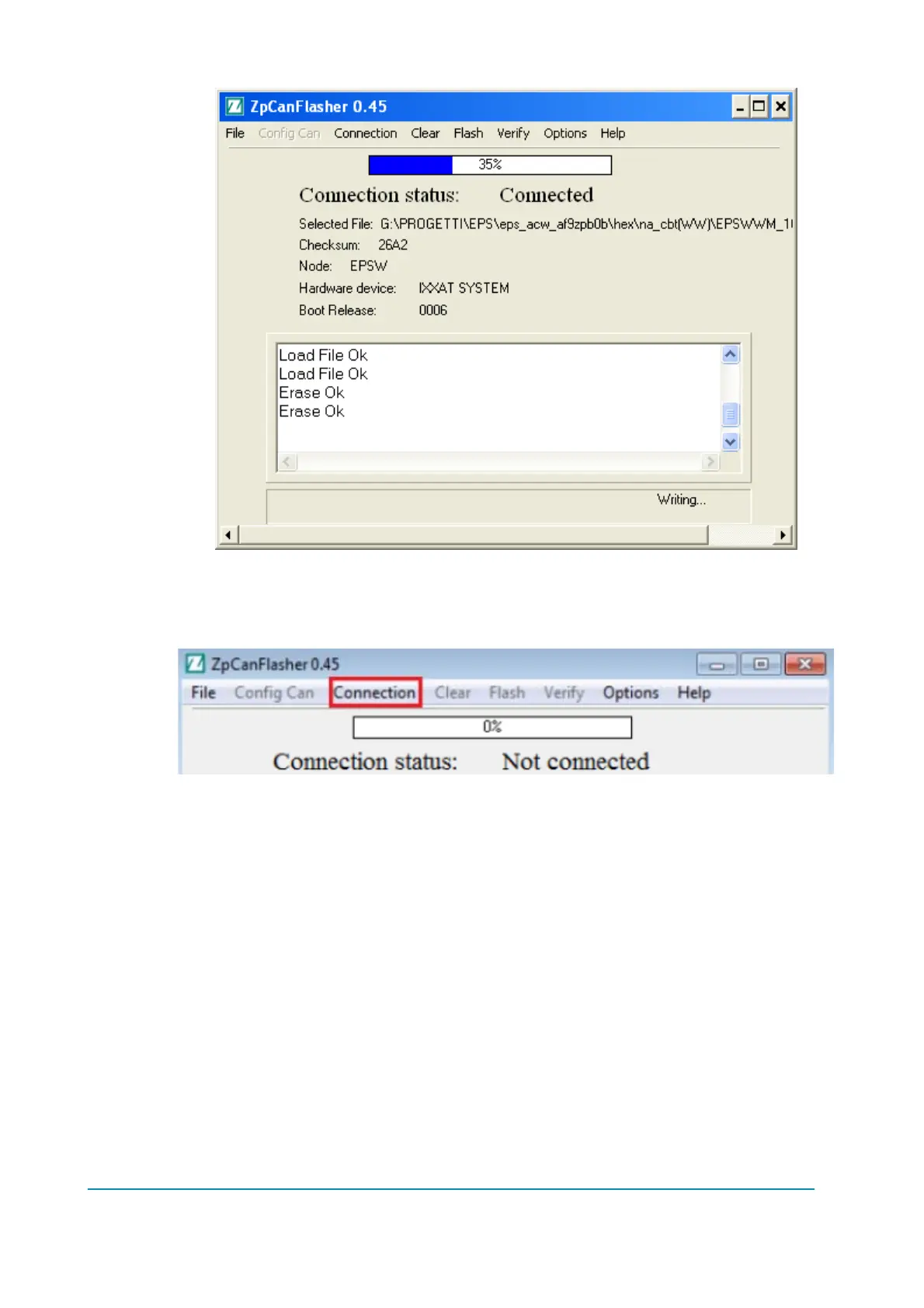
Now in order to stop the connection, select from the ‘Connection’ sub-menu ‘Stop
Connection’. The Connection status will change again from “Connected” to “Not
Connected”.
Switch off the controller. The operation is finished.
Remember that this operations needs to be repeated twice. Once for master and once
for slave microcontroller.



 To Next Page