AFMNA0AA – EPS-BLI HYG – User Manual Page – 73/75
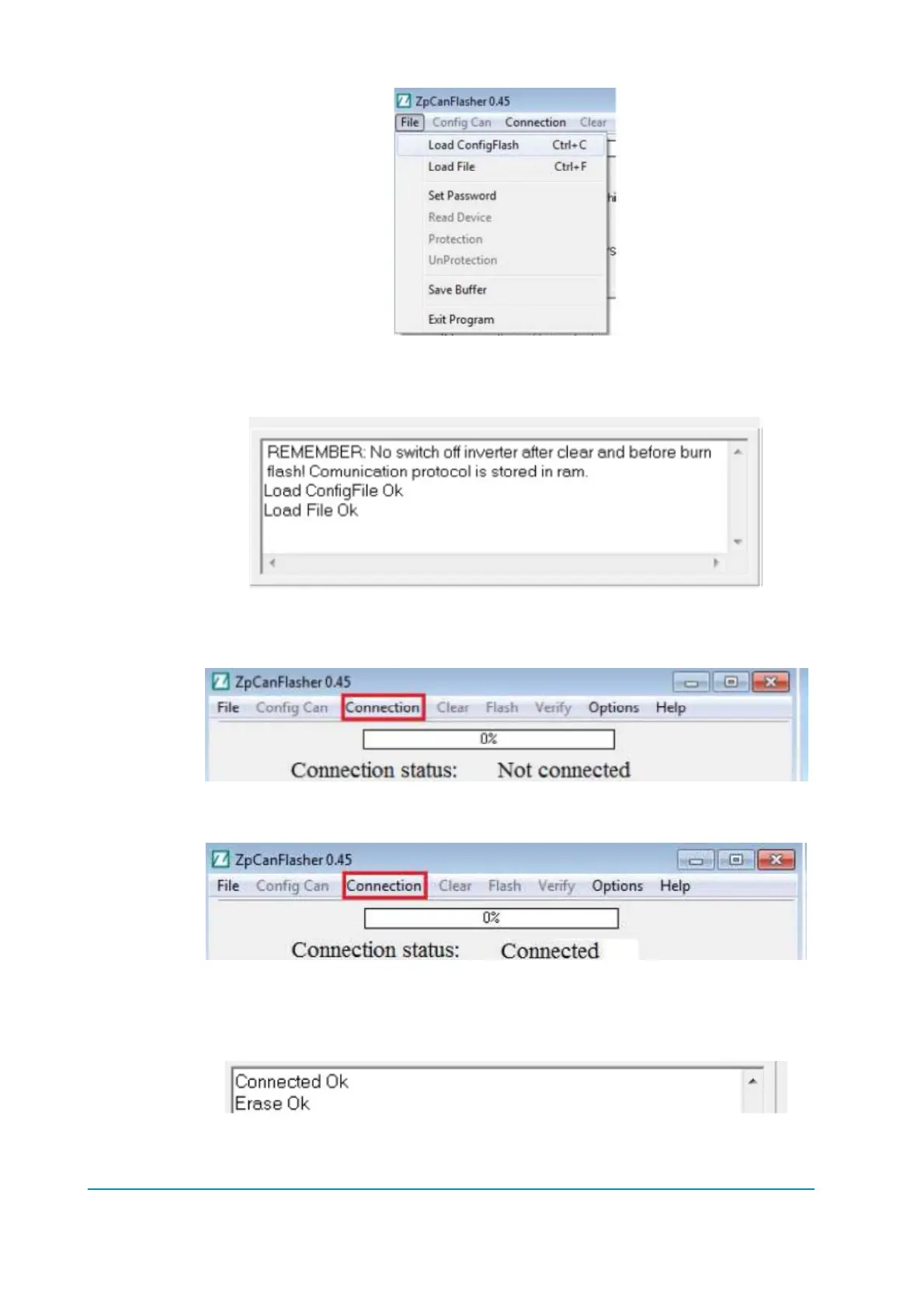
Choose the correct file (....h86) from the proper location. The log box, as usual, reports
that the operation has completed well.
Now the connection must be started, select from the main window ‘Connection’, then
‘Start Connection’.
The status changes from ‘Not connected’ to ‘Connected’.
At this point, all is ready to download the software but first the memory has to be
erased: click ‘Clear’ from the main menu and wait for the confirmation to appear in the
log window:
Now select Flash to download the software onto the device and wait.



 To Next Page