OPERATION
ZEISS Light Manager on the Axio Observer 5, 5 materials and ... Axio Observer
112 431004-7244-001 12/2016
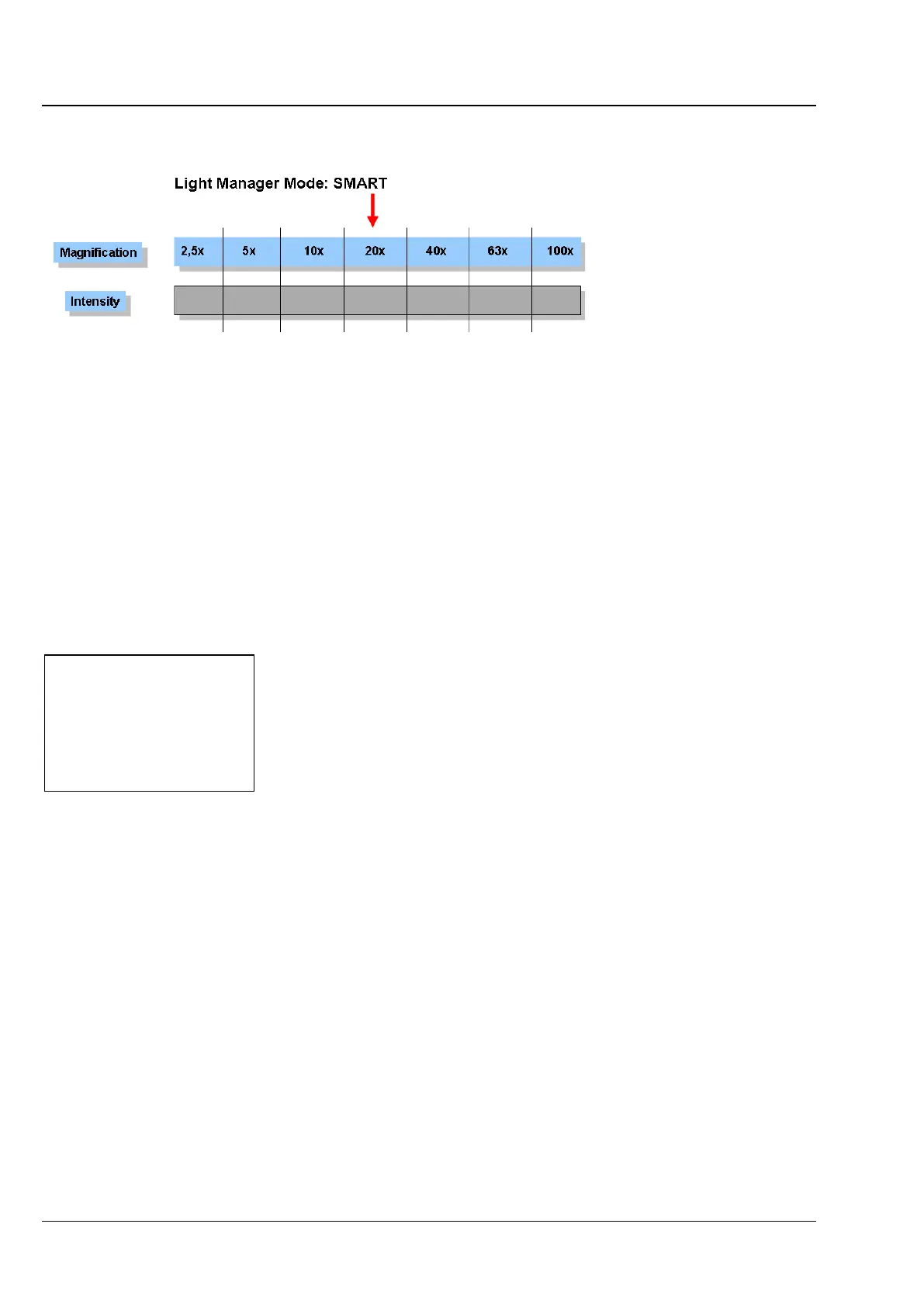
5.9.3 Light Manager mode: SMART
Fig. 89 Illumination intensity when looking into the eyepieces, if only the objective is to be changed
(assuming 20x). Settings for one objective have been saved previously.
In SMART mode, the Light Manager automatically calculates the optimum brightness for all objectives
configured using the LCD or TFT display (or MTB 2011) for a given contrast technique.
For a given contrast technique: when the illumination intensity is changed for one objective, the correct
illumination intensity will be calculated for all other objectives based on the magnification. This will then
be adjusted when the objective is changed.
The Optovar turret, if used, will also be considered in the brightness calculation.
As in CLASSIC mode, the illumination values can be permanently saved by pressing the LM-Set button on
the right side of the stand. Permanently saved settings can be changed temporarily during a session.
5.9.4 Selecting the Light Manager mode
on 5, 5 materials stand
The light manager mode is selected on the 5,
5 materials stand using the LCD display.
• Select configuration mode by pressing and
holding the LM-Set button for > 2 s. Two beeps
indicates that the system has switched to
configuration mode.
• Select the Set Light Manager menu, to set the
Light Manager mode by pressing the LM-Set
button briefly (< 1 s, no beep).
The current menu is displayed on the first line of the LCD display (Fig. 90).
The third line, marked with an arrow (>), shows the current setting, the fourth line the next selectable
setting.
• Rotate the illumination intensity control wheel until the required mode is displayed on the line marked
with an arrow.
• Exit configuration mode by pressing and holding the LM-Set button for > 2 s. Two beeps indicates
that the system is exiting configuration mode.
Set light manager
>Off
Classic
Fig. 90 Selecting the Light Manager mode








 To Next Page