OPERATION
Axio Observer Image orientation for camera outputs for the… ZEISS
12/2016 431004-7244-001 169
5.13 Image orientation of camera outputs for documentation
Depending on the configuration, Axio Observer microscopes are fitted with up to five documentation
ports:
− Frontport for connecting an SLR, video or digital camera (e.g. ZEISS Axiocam) via a special video or
camera adapter.
− Sideport (right or left) for connecting record-keeping equipment via a 60N mm port.
− Baseport (bottom) for connecting record-keeping equipment via a 60N mm port.
− Binocular phototube with 60N port.
The following table gives a detailed overview of image orientation at the Axio Observer materials camera
outputs.
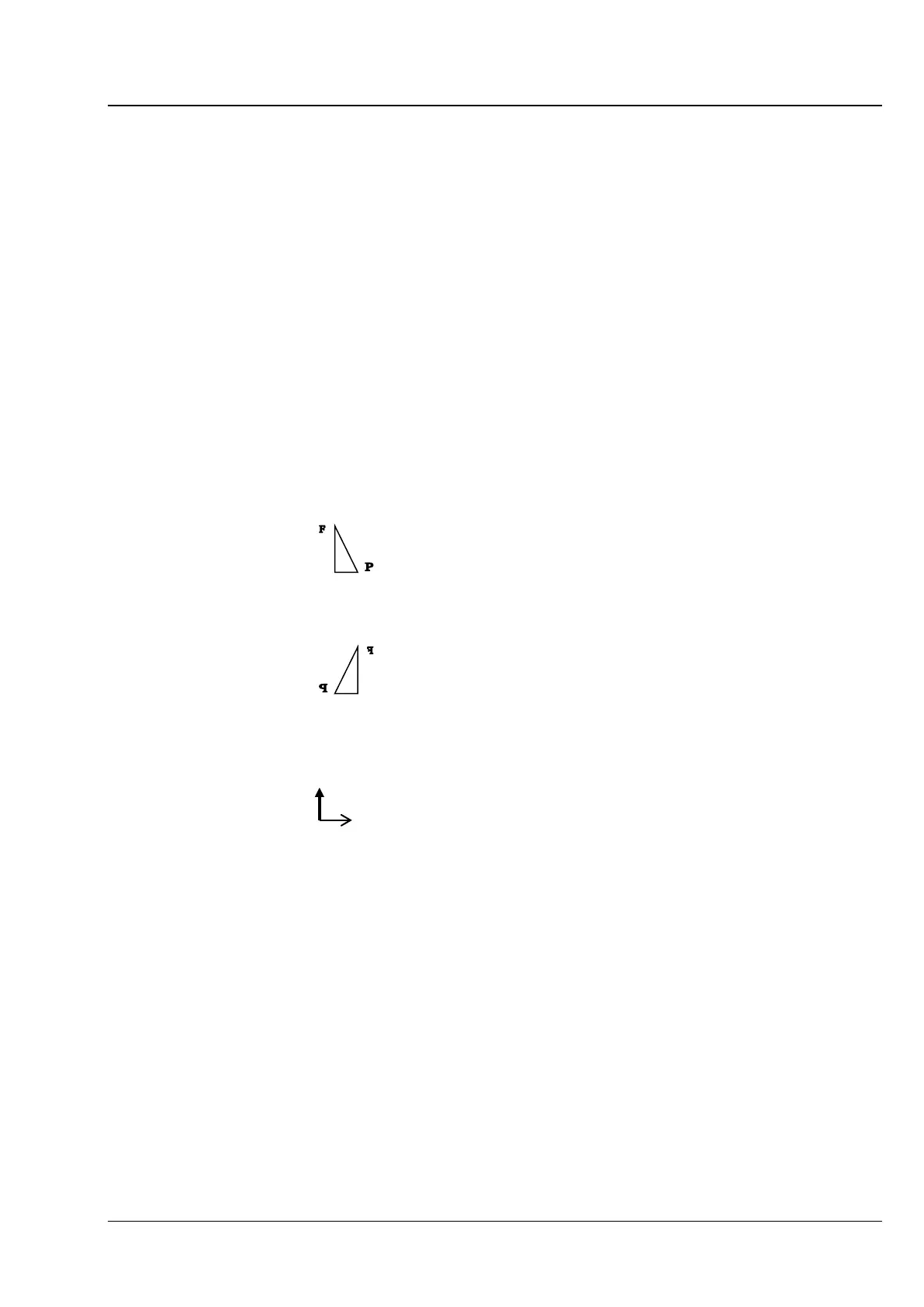
The descriptions are based on an object, such as a stage micrometer, with readable figures or letters to
illustrate the orientation:
Original object: Viewed without microscope
The object is placed on the microscope stage with the readable side, as shown above, towards the
objective and then appears, as viewed from above by the microscope user, as follows:
This view is the reference view for the following
description.
Also viewed from above, a movement of the specimen stage in the Y direction backwards (thick arrow)
and in the X direction to the right (thin arrow) looks like this:
For a given viewing angle for a particular stand component, the table provides the following information:
the intermediate image of the object / monitor image, as captured by the camera, and the direction of
object movement when the stage is moved.








 To Next Page