OPERATION
ZEISS TFT display touchscreen on the Axio Observer 7, 7 materials Axio Observer
124 431004-7244-001 12/2016
5.11.5.6 Light path
Below the Light Path tab, the light path of the
microscope is displayed schematically.
The following controls are available:
Active beam splitter: pressing this
button switches through the available
splitting ratios.
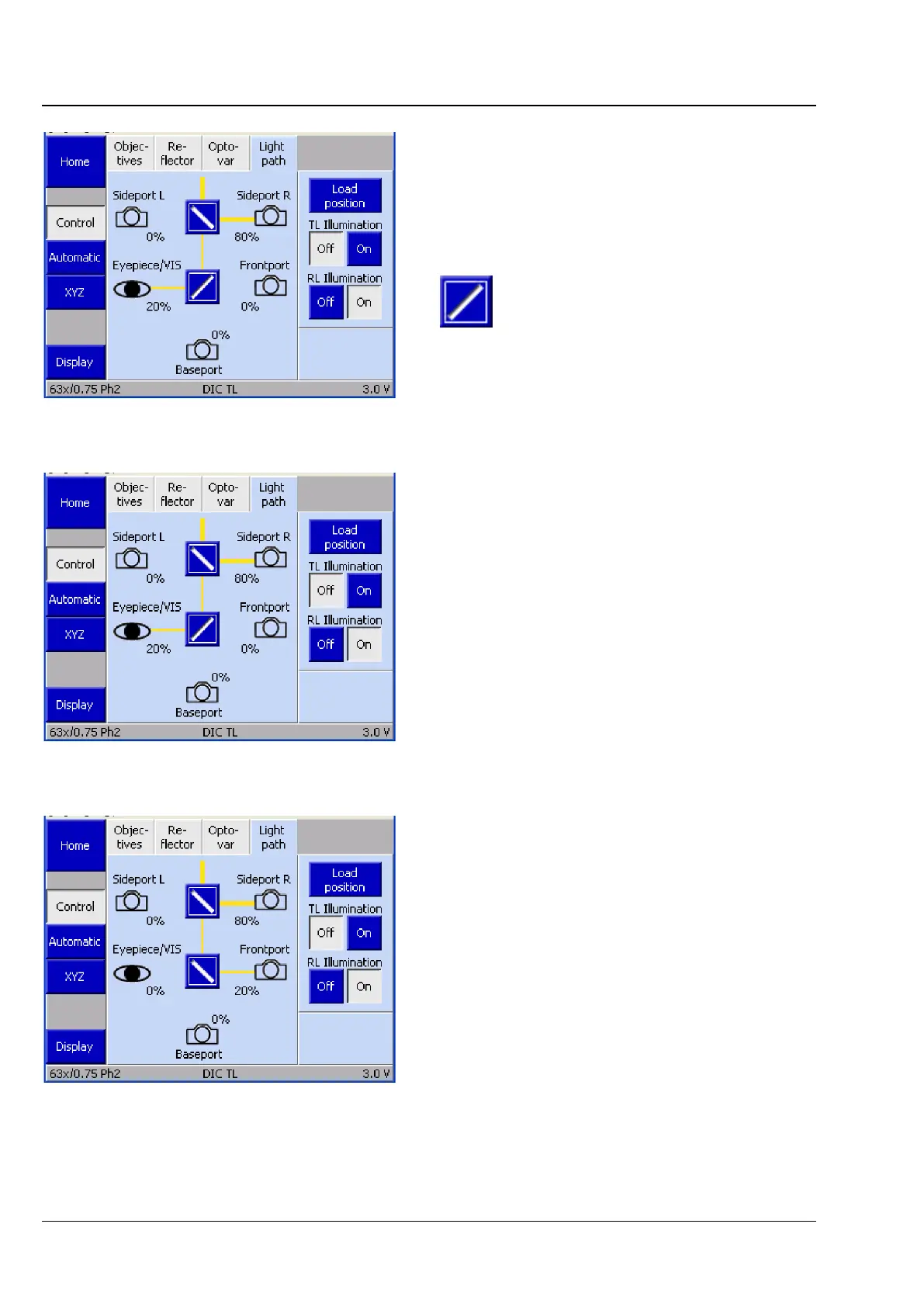
The diagram shown, or similar, is displayed in the
operating section to represent the light path. The
configuration is determined during initialization of
the microscope.
Two mirrors (sideport, frontport/baseport) are
active.
The active light paths are shown in yellow. The
width of the active light paths is a function of the
amount of light transmitted.
Pressing one of the icons (e.g. Eyepiece/VIS) will
cause the maximum possible amount of light to be
transmitted to this item.
Fig. 105 Microscope -> Control -> Light path
page
Fig. 106 Light path, two active mirrors, light
paths in yellow
Fig. 107 Light path, eyepiece/VIS active








 To Next Page