SETUP MENU
AUTO FINE TUNE
Purpose
Lets your TV compensate for variations in broadcast and
cablc-TV frequencies.
AUTO CH. SEARCH
CH. ADD/DEL
TUNING BAND
-- > AUTO FINE TUNE
CLOCK SET
CAPTIONS
... J
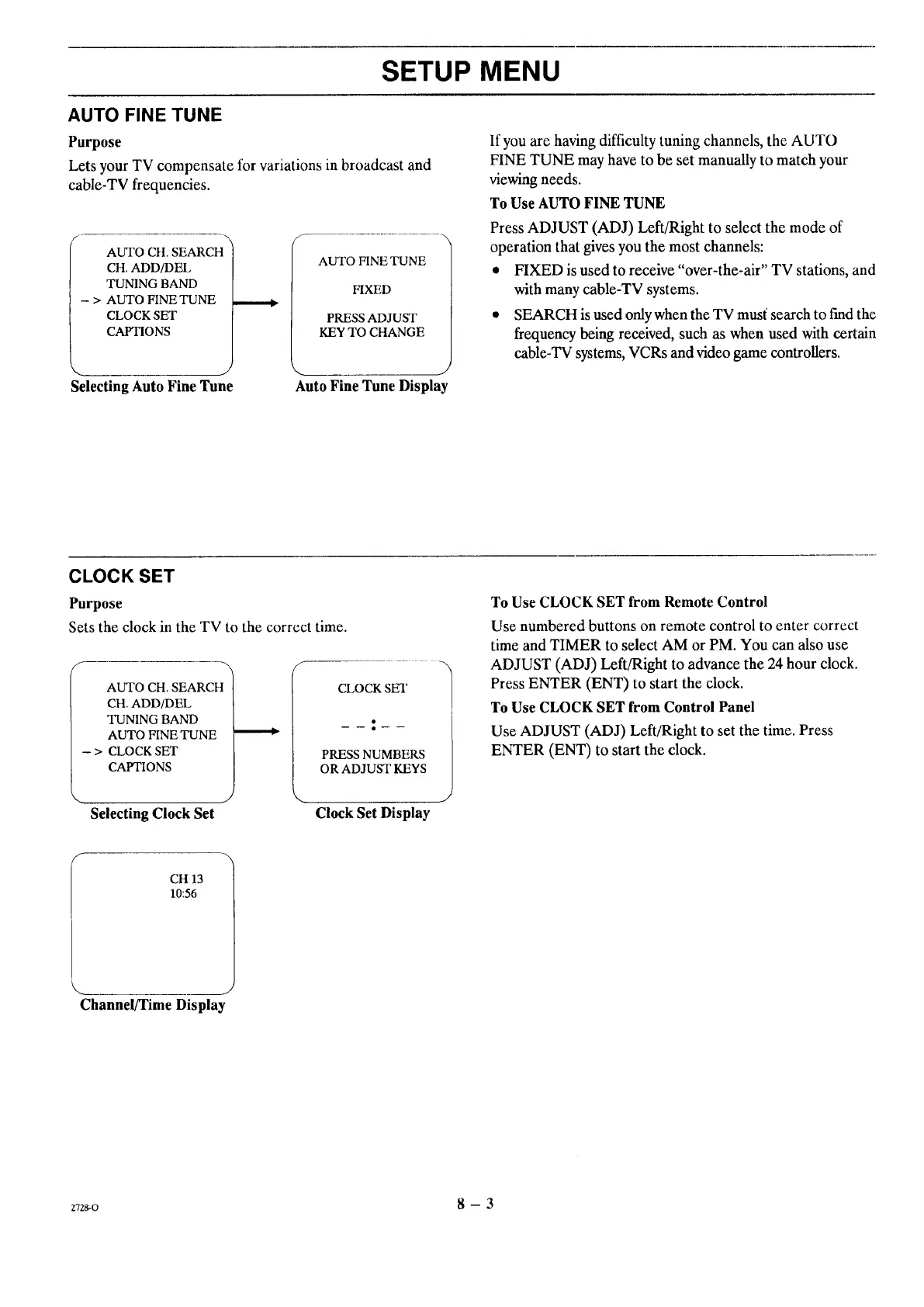
Selecting Auto Fine Tune
AUTO FINE TUNE
FIXED
PRESS ADJUST
KEY TO CHANGE
J
Auto Fine Tune Display
If you arc having difficulty tuning channels, the AUTO
FINE TUNE may have to be set manually to match your
viewing needs.
To Use AUTO FINE TUNE
Press ADJUST (ADJ) Left/Right to select the mode of
operation that gives you the most channels:
• FIXED is used to receive "over-the-air" TV stations, and
with many cable-TV systems.
• SEARCH is used only when the TV must' search to fred the
frequency being received, such as when used with certain
cable-TV systems, VCRs and video game controllers.
CLOCK SET
Purpose
Sets the clock in the TV to the correct time.
AUTO CH. SEARCH
CH. ADD/DEL
TUNING BAND
AUTO FINE TUNE
- > CLOCK SET
CAPTIONS
CLOCK SET
PRESS NUMBERS
OR ADJUST KEYS
Selecting Clock Set
".. j
Clock Set Display
To Use CLOCK SET from Remote Control
Use numbered buttons on remote control to enter correct
time and TIMER to select AM or PM. You can also use
ADJUST (ADJ) Left/Right to advance the 24 hour clock.
Press ENTER (ENT) to start the clock.
To Use CLOCK SET from Control Panel
Use ADJUST (ADJ) Left/Right to set the time. Press
ENTER (ENT) to start the clock.
CH 13
10:56
Channel/Time Display
zvzgo 8 - 3




 To Next Page