FIND MY PHONE
1. Keep the watch connected to the phone.
2. Swipe down on the watch face to the control center and tap the phone vibration icon. Then,
the phone vibrates and rings.
3. In the app list, select Widgets and tap Find Mobile. Then, the phone vibrates and rings.
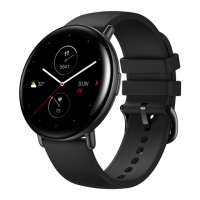
FIND WATCH
Keep the watch connected to the phone. Open the Zepp app and choose Profile > My Device >
Zepp E > Find Watch. Then, the watch vibrates.


 To Next Page