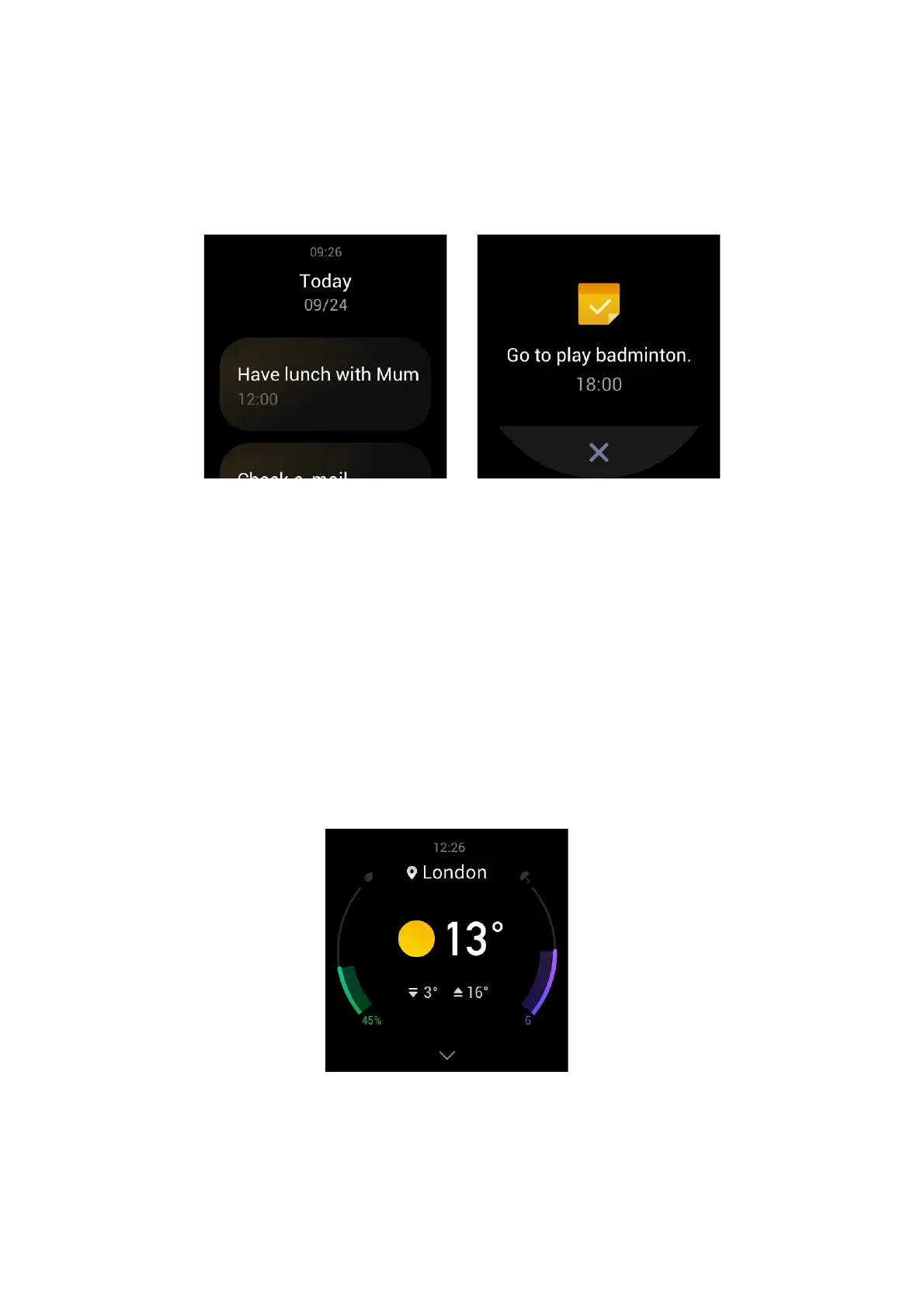
SCHEDULE
After you create a schedule, the watch vibrates to remind you of your schedule on the set day.
Keep the watch connected to the phone. Open the Zepp app and choose Profile > My Device >
Zepp E > Schedule to create or edit a schedule.
After you wake the watch, press the side button on the watch face to go to the app list, then tap
Schedule to view all set schedules. Select a schedule to edit the date and time of the schedule
reminder.
WEATHER
You can check today's weather, wind, humidity, UV intensity, and other information at any time,
as well as the weather information for the current location over the next 7 days.
Weather information can be synchronized only through the mobile phone network, so you need
to connect the watch to the phone for real-time weather information updates.
You can set a city and a temperature unit (Celsius or Fahrenheit) in the Zepp app.


 To Next Page