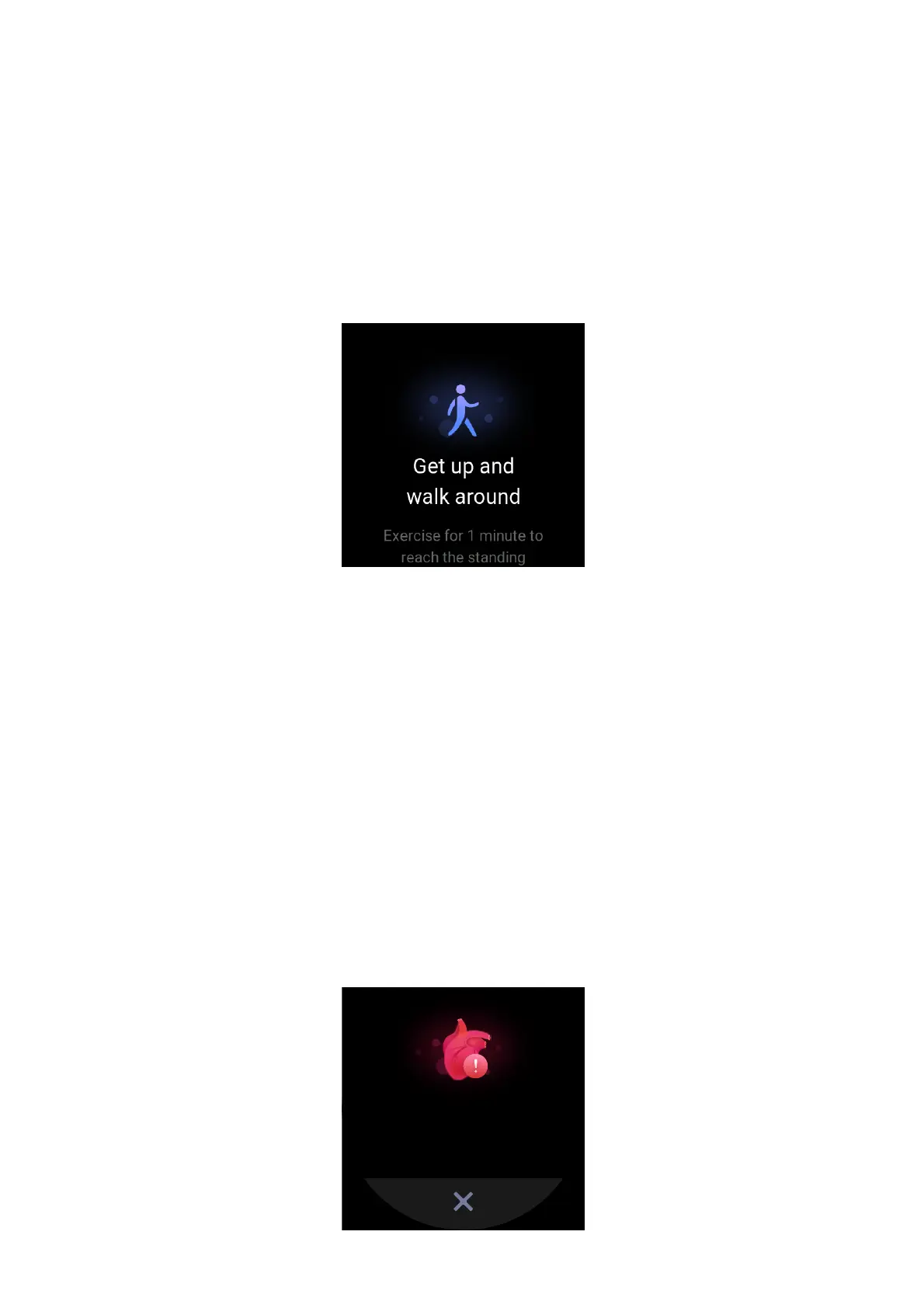
IDLE ALERT
While you are wearing the watch in the wakeup state, it monitors your activity status and
prompts you to exercise every hour.
If you have not exercised for more than 1 minute after 50 minutes of the current hour have
elapsed, the watch vibrates to prompt you to exercise. After receiving an idle alert, you can
exercise before the next hour arrives to complete the standing band of the current hour.Enable
the idle alert feature as follows: Keep the watch connected to the phone. Open the Zepp app and
choose Profile > My Device > Zepp E > Idle Alert and enable this feature.
HEART RATE
Heart rate is an important health indicator.
More frequent heart rate measurement helps you detect more heart rate changes and helps you
create a healthy lifestyle.
HEART RATE ALERT
You can enable the heart rate alert feature when you set the detection interval as within 10
minutes.
The watch vibrates when the measured heart rate is greater than the set value and no activity has
been detected from you for the past 10 minutes.


 To Next Page