FEATURE SHORTCUTS
QUICK ACCESS APP
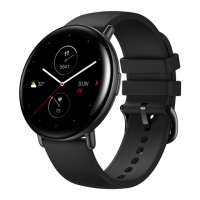
The watch face displays quick access apps on the left and right. You can also add frequently used
apps and features, such as workouts, to the short access apps.
Change the quick access apps as follows:
1. After you wake the watch, press the side button on the watch face to go to the app list, and
then choose Settings > Quick Access App. Swipe up and down on the screen to view the apps
that can be added to the quick access apps.
2. When apps in the Current Apps section reach the maximum number, no more apps can be
added to the quick access apps. When this happens, remove some apps from Current Apps.
LONG PRESS THE SIDE BUTTON
On the watch face, press and hold the side button for 1 second to quickly open an app. The
workout app is opened by default. You can go to the Settings screen to set a frequently used app
as the app to be opened by default."


 To Next Page