SLEEP
Sleep quality is closely related to health.
When you wear the watch during sleep, it automatically records your sleep quality. You can
synchronize records to the app to view your sleep duration, sleep stages, and sleep score, as well
as receive suggestions to improve sleep.
SLEEP ASSISTANT
Keep the watch connected to the phone. Open the Zepp app, choose Profile > My Device > Zepp E
> Health monitoring, and turn on Sleep Assistant. This allows you to obtain more accurate
information about your sleep quality (during the REM sleep stage).
SpO₂
SpO₂ is an important physiological parameter of the respiratory cycle.
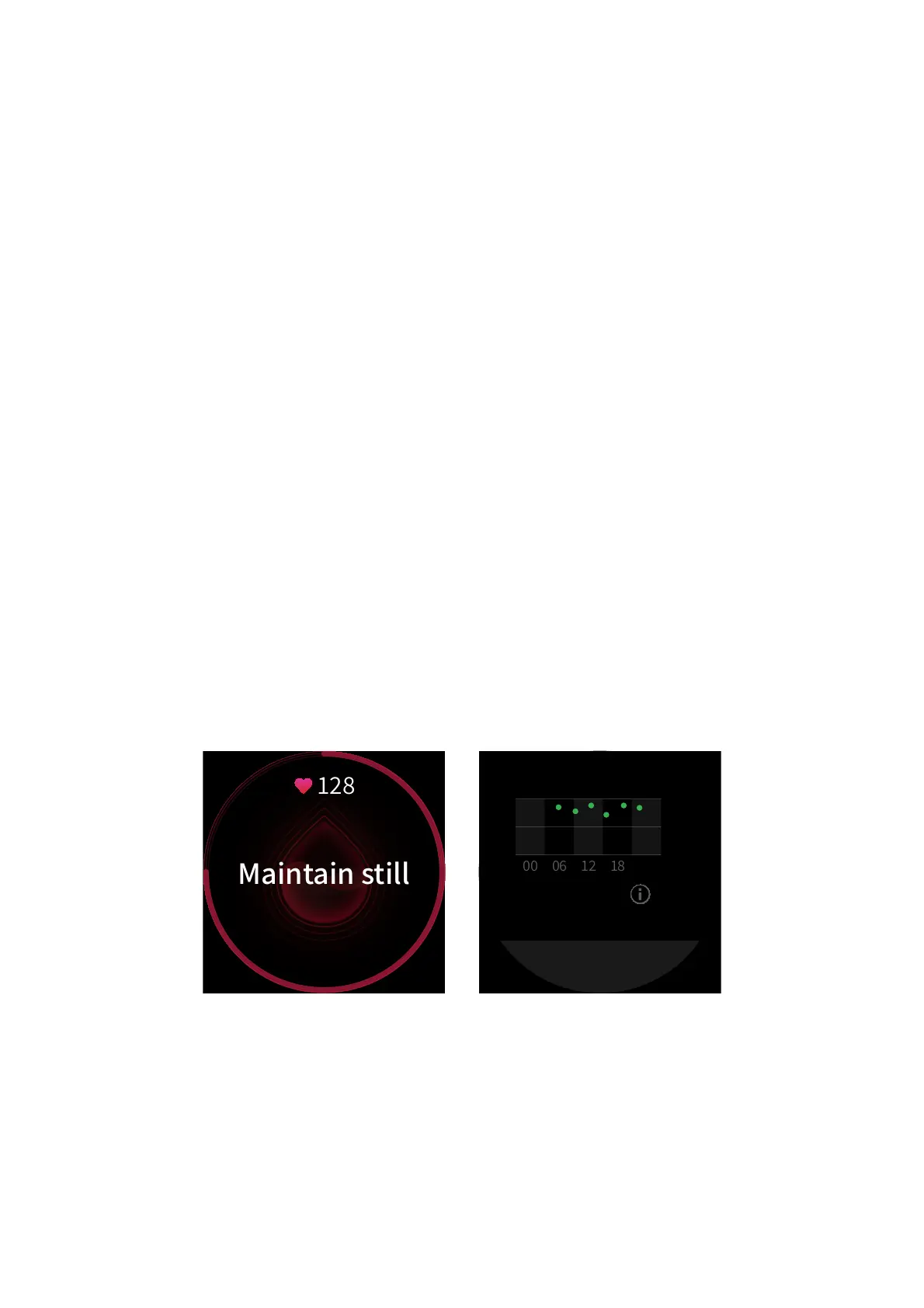
1. After you wake the watch, press the side button on the watch face to go to the app list, and
select the SpO₂ app to start manual SpO₂ measurement.
2. When climbing, you can set the workout app to run in the background and start the SpO₂ app
for measurement.
3. Once measurement is complete, the watch displays the measurement result. You can also
view the all-day measurement results.
SpO₂ Measurement Precautions
1. Wear the watch a distance of one finger away from the carpal (ulnar).
2. Wear the watch at an appropriate tightness.


 To Next Page