CONNECTION AND PAIRING
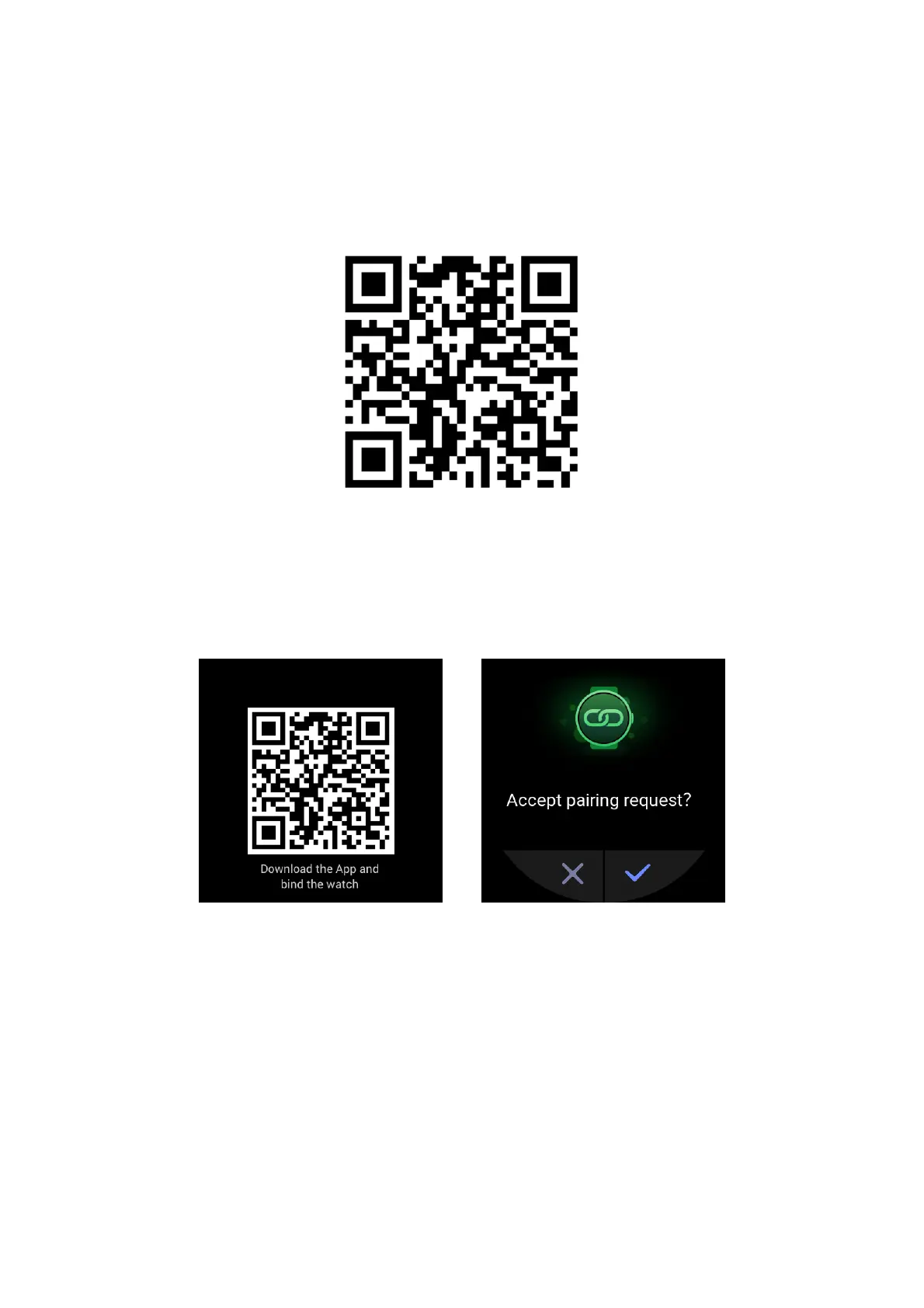
Scan the following QR code with a mobile phone to download and install the Zepp app. To
improve your experience, update the app to the latest version as prompted.
Note: The mobile phone's system must be Android 5.0 (or later) or iOS 10.0 (or later).
Initial pairing:
When you turn on the watch for the first time, the screen displays the QR code used for binding.
Log in to the Zepp app on your phone and scan the QR code displayed on the watch screen as
prompted.
Pairing the watch with a new phone:
1. Open the Zepp app on the old phone and synchronize data to the watch.
2. On the old phone, choose Profile > My Device > Zepp E, swipe down to the bottom, and tap
Unpair to unbind the watch.
3. Reset and reboot the watch. Then, pair the watch with the new phone in the same manner as
the initial pairing process.


 To Next Page