WATCH APPS
The watch provides a series of apps that can be used independently, such as workout, heart rate,
and weather.
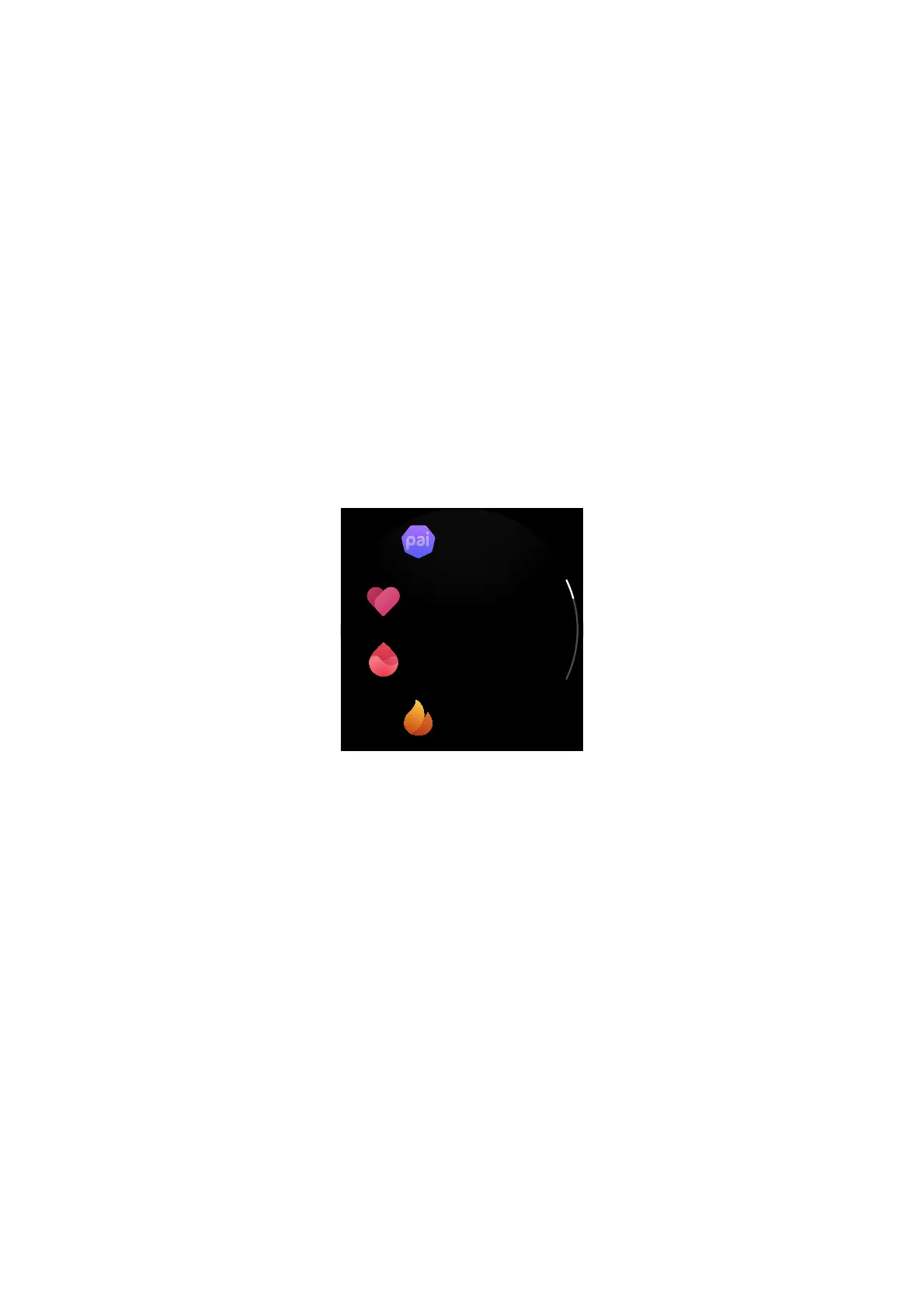
You can open an app using either of the following two methods:
1. After you wake the watch, press the side button on the watch face to go to the app list, swipe
up and down on the screen to browse the app list, and then tap the desired app.
2. Add frequently used apps to the quick access apps to access them more conveniently. For
more information, see the "Quick Access Apps" section.
APP LIST
Keep the watch connected to the phone. Open the Zepp app and choose Profile > My Device >
Zepp E > Watch display settings to set the apps that can be viewed on the watch.


 To Next Page