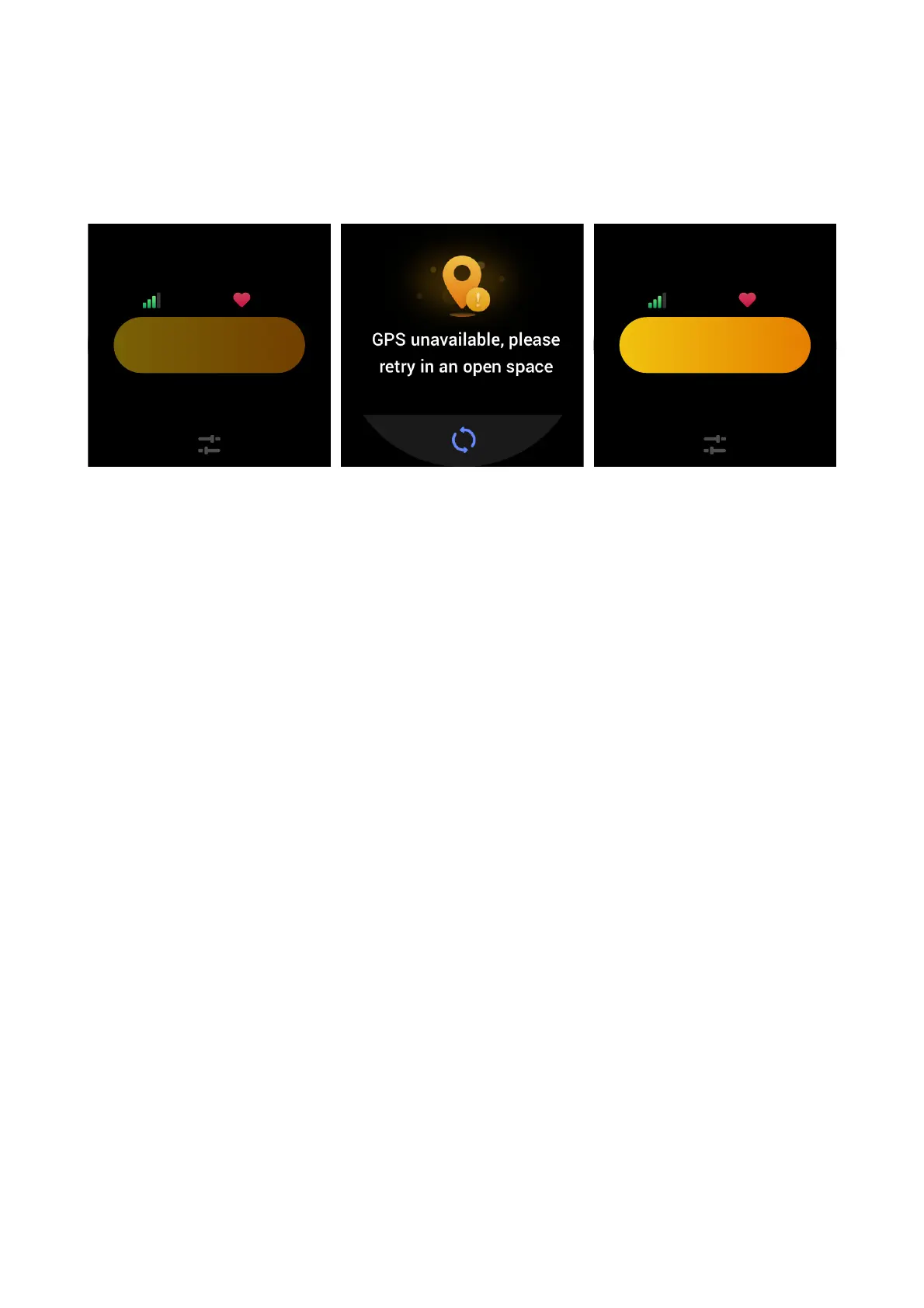
OUTDOOR WORKOUTS USING THE PHONE'S GPS
We recommend that you use your phone's GPS during outdoor workouts to record more accurate
data. To do this, you need to keep the watch connected to the phone throughout the entire
workout.
Apply the phone's GPS to the watch as follows:
1. Go to the phone's system permissions screen and authorize the Zepp app to read GPS data.
2. Keep the phone's GPS and Bluetooth on throughout your workout. For the Android system,
keep the Zepp app running in the background.
3. If the watch is connected to the phone's GPS during your workout, it automatically starts
positioning and searching. Otherwise, connect the watch to the phone's GPS as prompted.
4. Use GPS positioning in open outdoor areas, and wait until the positioning is successful before
you start your workout.
WORKOUT REMINDERS AND SETTINGS
On the workout preparation screen, tap the workout setting icon to set the current workout
mode. The settings vary depending on different workout modes.
Workout goals:
You can set a goal reached reminder for the expected distance, duration, and calories.
Workout reminders:
You can set reminders for distance, safe heart rate, heart rate zone, and pace.
Auto pause:
The watch automatically detects your workout status. When you stop your workout, it
automatically stops recording workout data. When you start your workout again, it resumes
workout recording.


 To Next Page