Real-time graph:
You can set the real-time graph to display your heart rate, pace, speed, and pull speed rate during
workout.
Swimming lane length:
During pool swimming, set the swimming lane length to record your swimming distance.
WORKOUT CONTROL
Keep the workout app running in the background as follows:
1. If you want to use other features during your workout, press the side button to return to the
watch face and select the desired feature. This leaves the workout app running in the
background.
2. While running in the background, the workout app still records your workout data and gives
reminders based on workout settings.
3. When you open the workout app again, it automatically enters the current workout mode.
Control the phone's music player during your workout as follows:
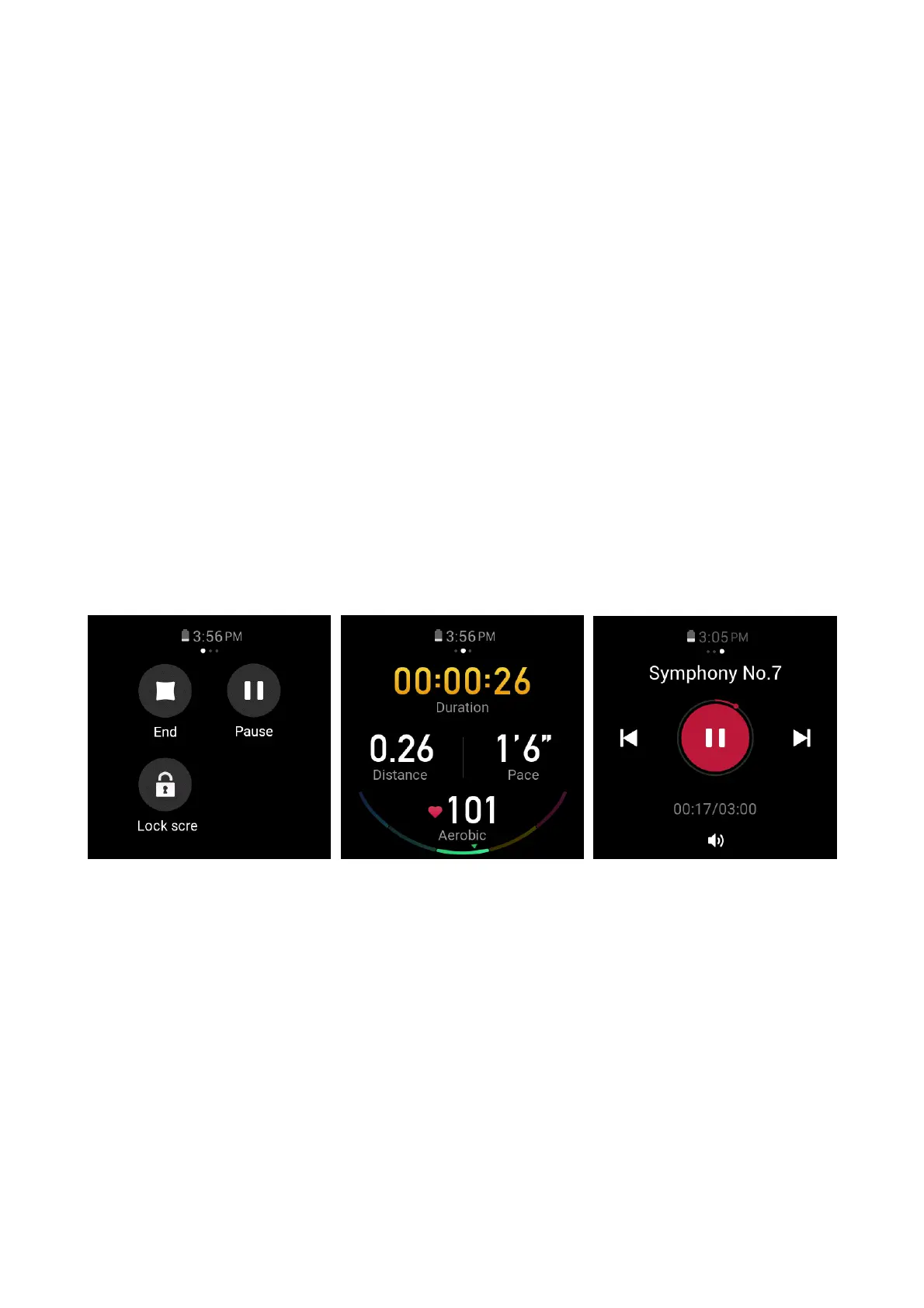
During your workout, swipe left on the data screen to quickly access the phone's music player.
For more information, see the "Controlling the Phone's Music Player" section in the FAQ manual.
Check data during the workout as follows:
During your workout, swipe up and down on the data screen to view different data records.
Control a workout in progress as follows:
During your workout, swipe right on the data screen to suspend, continue, or end workout, or
lock the screen.


 To Next Page