AUTOMATIC HEART RATE DETECTION
1. Keep the watch connected to the phone. Open the Zepp app and choose Profile > My Device
> Zepp E > Health monitoring to enable automatic heart rate detection and set the detection
frequency. Then, the watch periodically measures your heart rate at the set frequency
throughout the day and records heart rate changes.
2. You can enable activity detection as your heart rate changes more frequently when you are
exercising. This allows the watch to automatically increase the detection frequency when it
detects that you are exercising to record more changes in your heart rate.
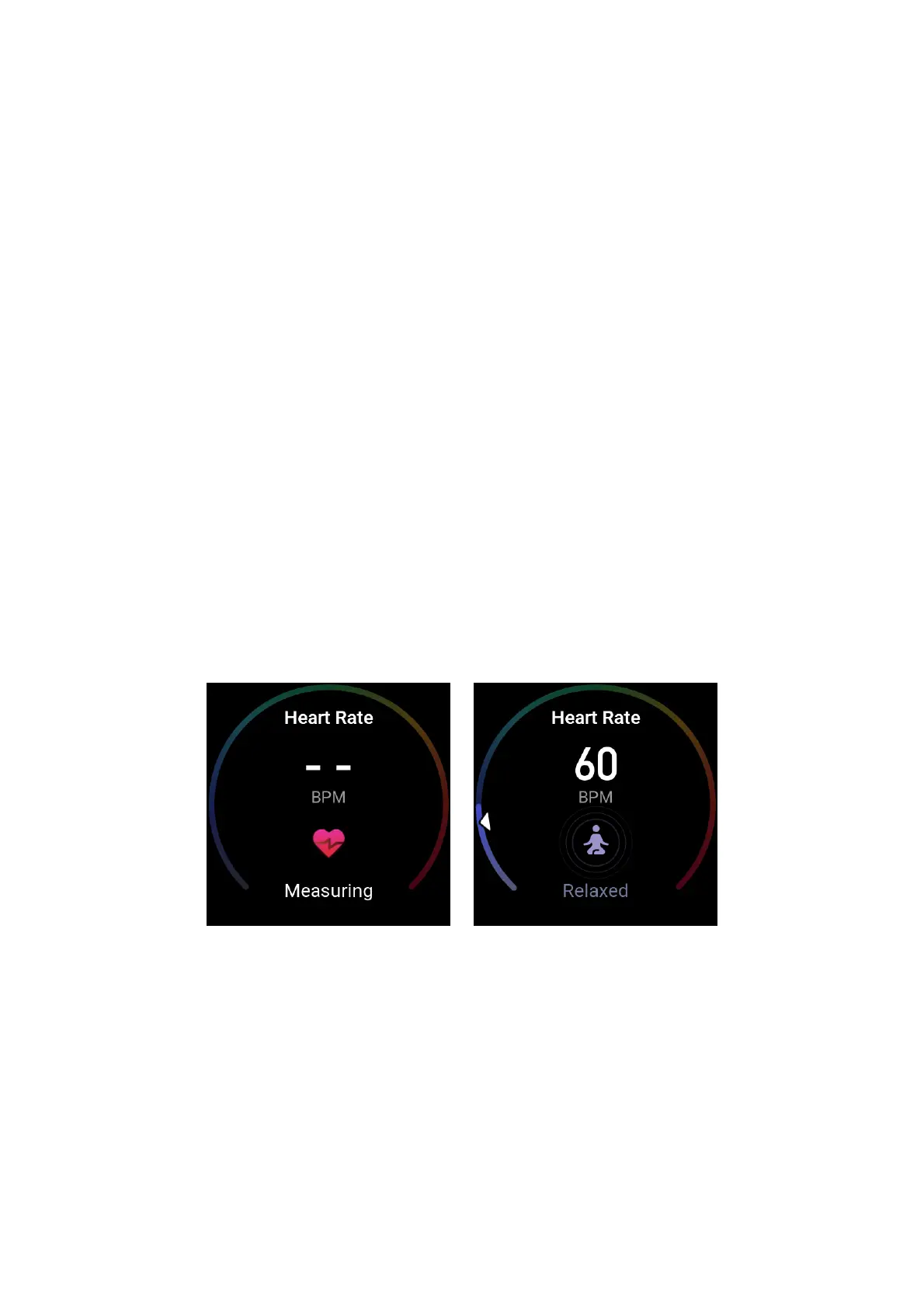
3. Open the heart rate app of the watch to view your heart rate curve and heart rate zone
distribution on the current day.
MANUAL MEASUREMENT
1. If automatic heart rate detection is not enabled, after you wake the watch, press the side
button on the watch face to go to the app list, and swipe up and down on the screen to select
the heart rate app to enable manual heart rate measurement.
2. Add the heart rate app to the quick access apps to more conveniently measure your heart
rate.
3. The watch only provides the heart rate that is measured at the present time. To view
historical records, synchronize data to the app.
HEART RATE MEASUREMENT PRECAUTIONS
To ensure the accuracy of heart rate measurement, wear the watch correctly, and ensure that the
portion in contact with your skin is clean and free of sunscreen smear.


 To Next Page