FEATURES AVAILABLE WHEN CONNECTED TO A MOBILE
PHONE
RECEPTION OF NOTIFICATIONS FROM THE PHONE
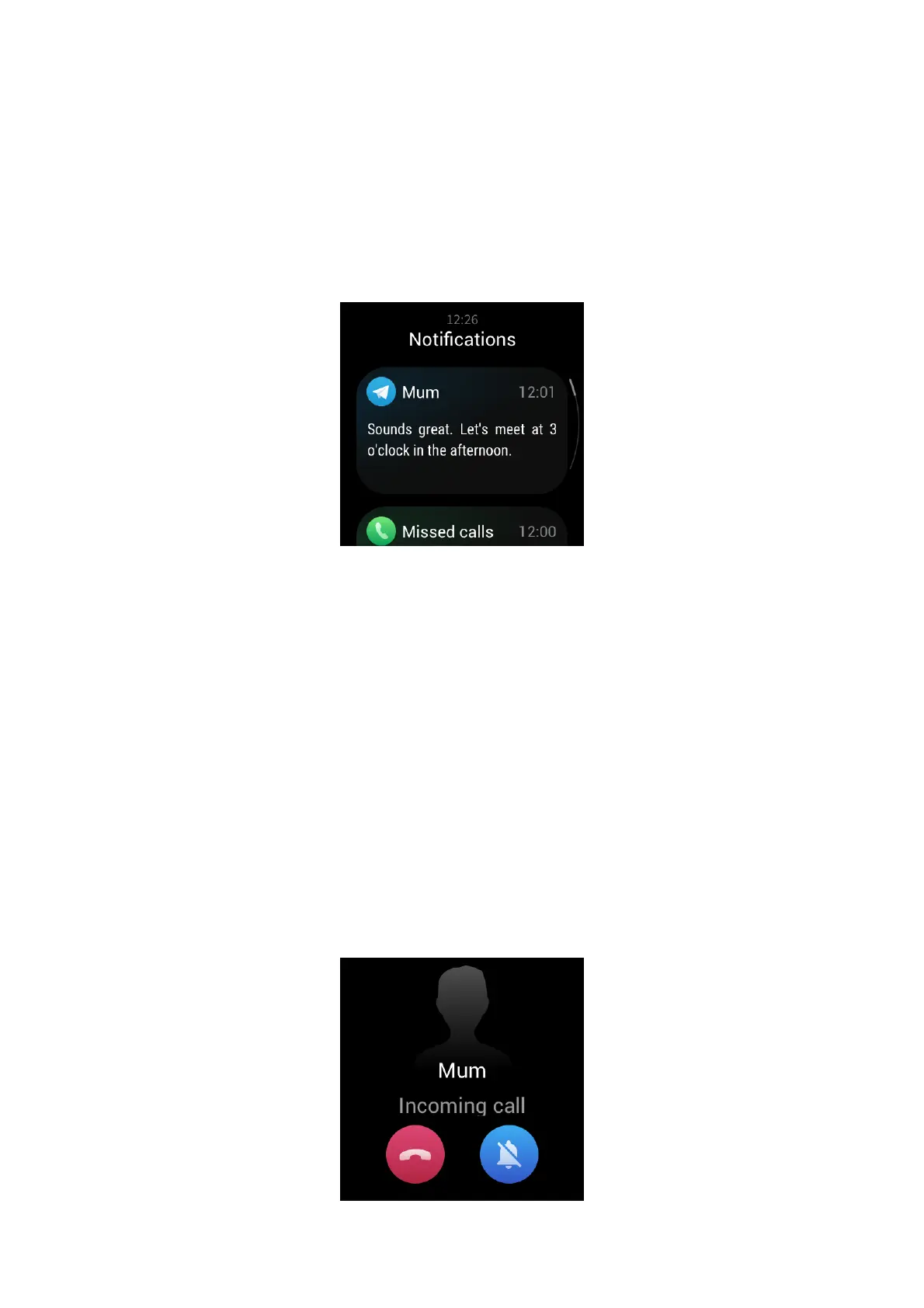
After you connect the watch to the phone, the watch can receive notifications from the phone.
Swipe up on the watch face to go to the notification center, where you can view the latest 20
notifications.
How to configure:
Keep the watch connected to the phone. Open the Zepp app, choose Profile > My Device > Zepp E
> App alerts, and then select the apps for which you want to receive notifications.
Note:
To use this feature in the Android system, add the Zepp app to the phone's background whitelist
or auto-start list to keep the Zepp app always running in the background. If the background
process is cleared by the phone, the watch is disconnected from the Zepp app, making it unable
to receive app notifications.
RECEIVING INCOMING CALL ALERTS FROM THE PHONE
After you connect the watch to the phone, you can use the watch to receive incoming call alerts
from the phone, and choose to answer the calls on the phone or ignore the calls on the watch.


 To Next Page