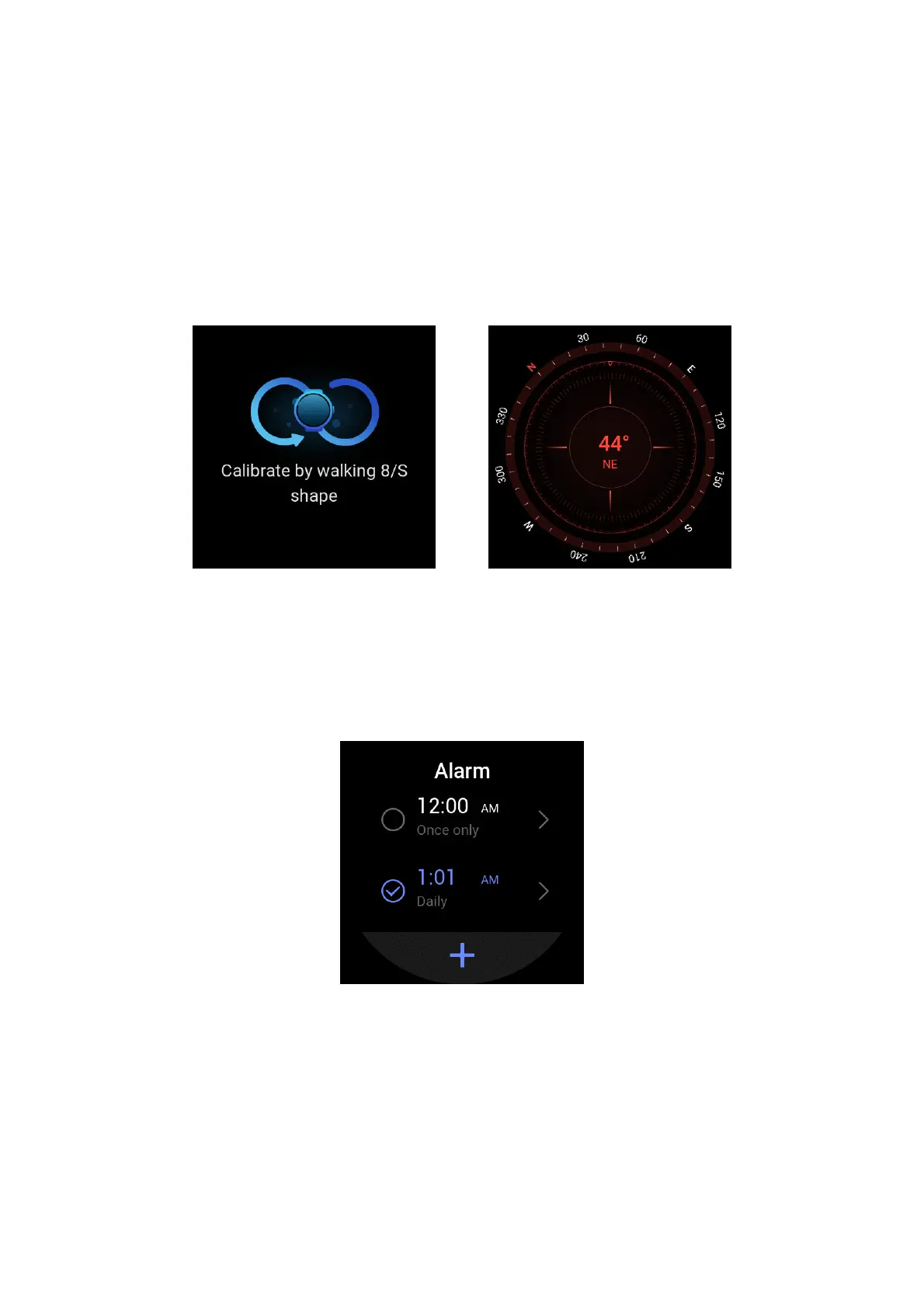
COMPASS
Before use, you need to calibrate the compass against interference by drawing the number 8 in
the air with the watch. The app will display the calibration alert. After calibration is complete, the
orientation and angle pointed directly above the watch are displayed.
To avoid interference and improve accuracy, keep the watch away from any magnetic field and
keep it level when you use the compass.
ALARM
You can add alarms in the Zepp app and on the watch, set repeated alarms, and turn on/off
alarms. Tap and hold an alarm to delete it.
The watch vibrates at the set time. You can choose to turn off the alarm or enter the nap mode,
which will send you an alarm 10 minutes later. You can use the nap mode for up to five
consecutive times.
If no operation is performed after the watch has vibrated for 30 seconds, it automatically enters
the nap mode.


 To Next Page