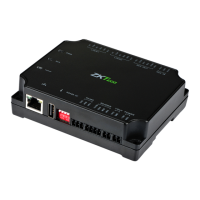
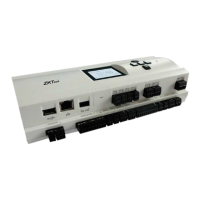
C2-260/inBio2-260 Access Control Panel
User Manual
Page | 24 Copyright©2020 ZKTECO CO., LTD. All rights reserved.
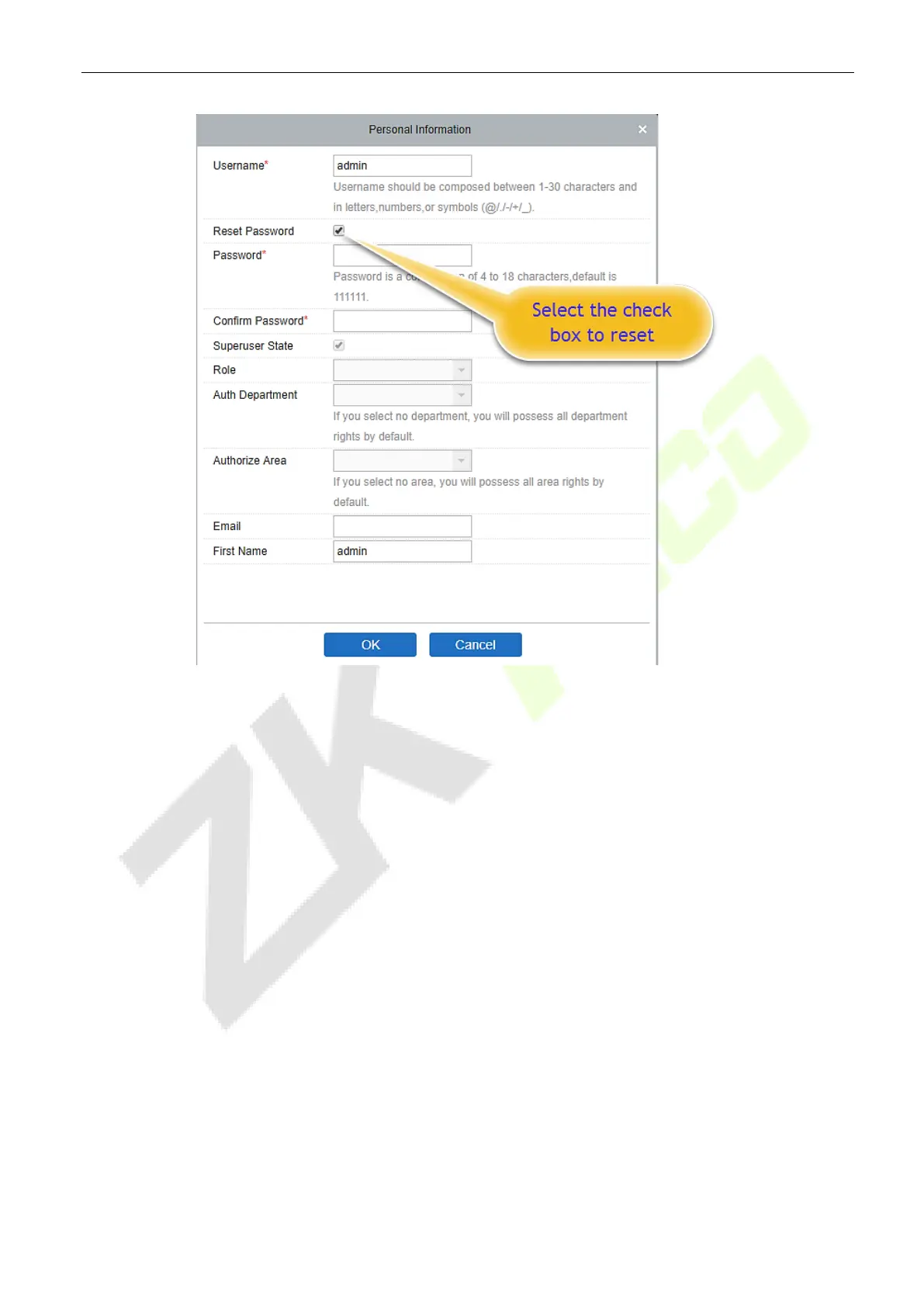
Select the Reset Password checkbox to modify the password.
Note: Both the Superuser and the new user are created by the Superuser (the default password for the
new users is 111111). The username is not case-insensitive, but the password is case-sensitive.
Device 5.4
The Device Settings adds an access device and then sets the communication parameters of the connected
devices, including system settings and device settings. When the communication is successful, you can
view here the information of the connected devices, and perform remote monitoring, uploading and
downloading, etc.


 To Next Page
 Loading...