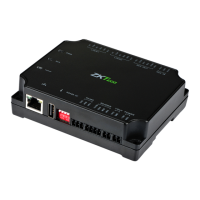
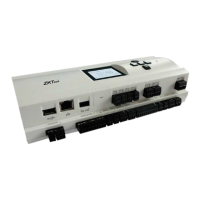
C2-260/inBio2-260 Access Control Panel
User Manual
Page | 40 Copyright©2020 ZKTECO CO., LTD. All rights reserved.
Fields are as follows:
Level Settings: Click Add, then set the passage rules of particular positions in different time zone.
Superuser: In the access controller operation, a superuser is not restricted by the regulations on time
zones and has extremely high door-opening priority.
Device Operation Role: It will define the authority level in the device of the user.
Disabled: Temporarily disables the personnel’s access level.
Set Valid Time: Doors can be set to open only within specific periods. If the checkbox is not selected, the
door is always open.
Note: The system will automatically search for the relevant numbers in the departure library during
verification.
The Personnel Information List, by default, is displayed as a table. If Graphic Display is selected, photos
and numbers will be shown. Place the cursor on a photo to view the details about the personnel.
Notes:



 To Next Page
 Loading...