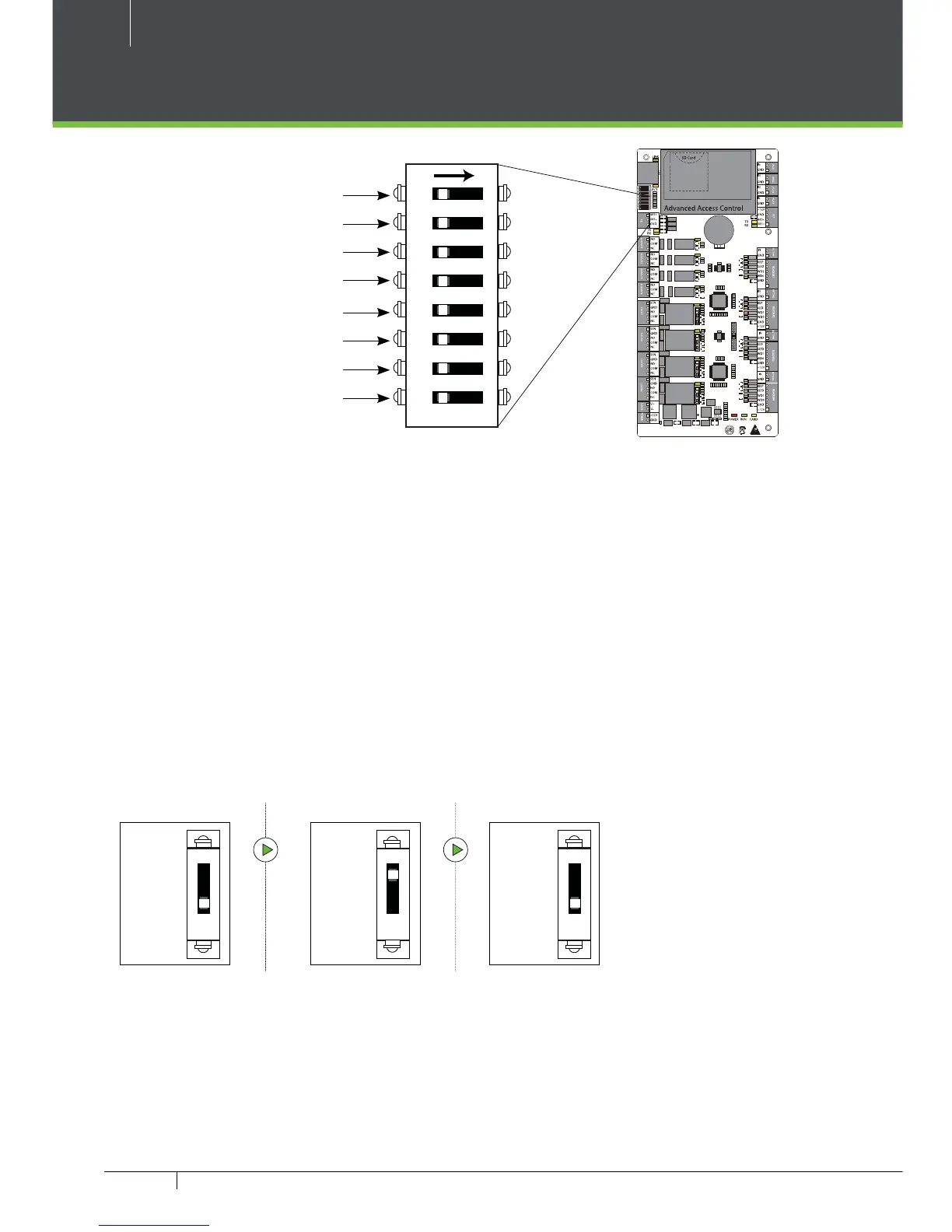
1
2
4
8
16
32
Restore Factory Setting
RS485 Terminal Resistance
Restore factory setting
1. If you forget the IP address of the C3 panel or the device does not work normally,
you can use the number 7 DIP switch to restore C3-400 Pro to factory default set-
tings. The parameters which gets reset are device IP address,
communication password, gateway, and subnet mask.
2. The switch is OFF by default. When it is moved up and down for three times
within 10 seconds and nally returned to OFF position, the factory settings will be
restored after the access control panel is restarted.
OFF OFF
ON
To reset factory settings
Turn #7 switch ON and OFF
Repeat process 3 times
Figure 29
Figure 30



 To Next Page