23
C3 Pro Series Access Control Panels and ZKBioSecurity 3.0 Quick Start Guide
Troubleshooting
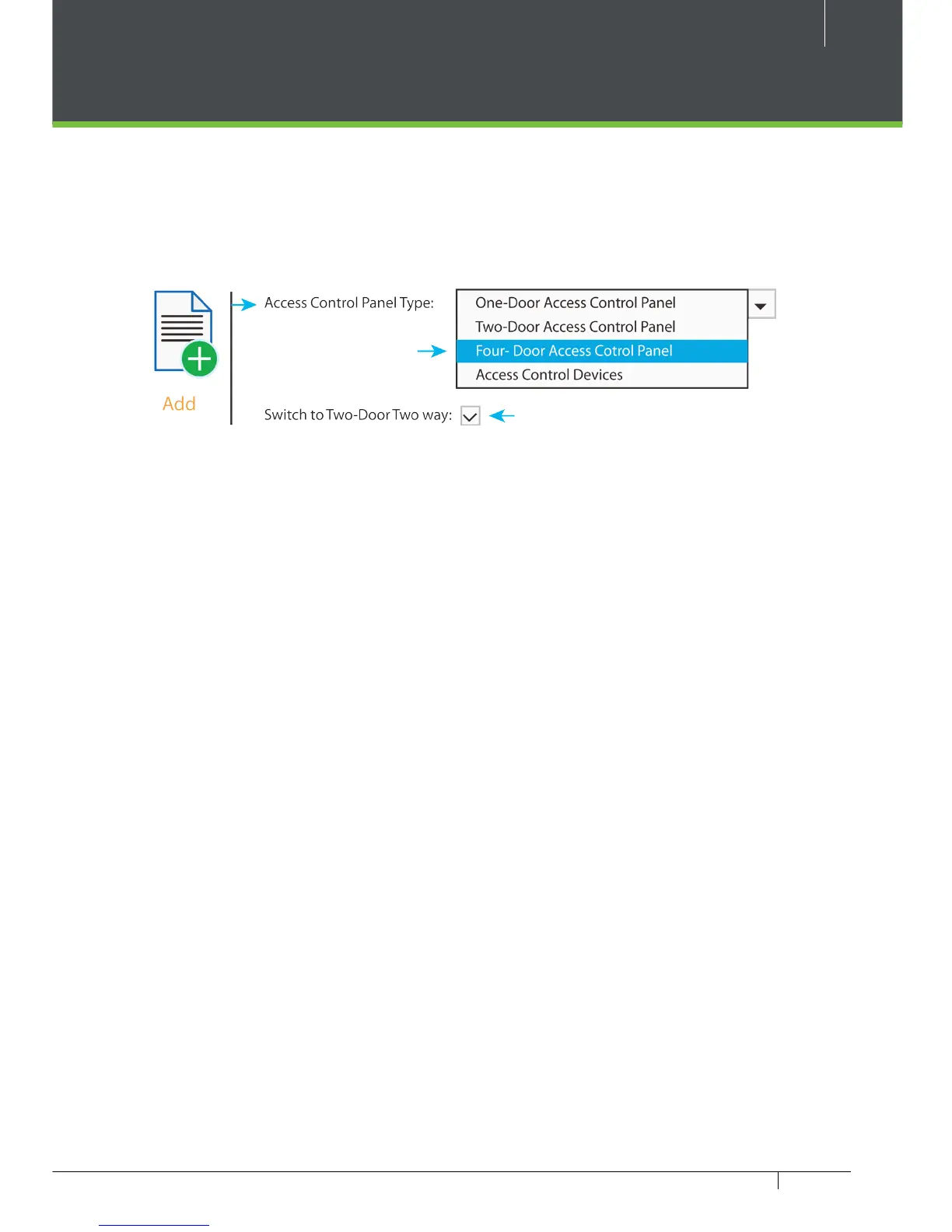
1. How to switch four door one way to two door two way?
› Connect four readers from reader 1 to reader 4.
› Connect two door locks, one connected to LOCK1, another connected to LOCK3.
› In the software congure reader 1-Indoor, and reader 2-Outdoor.
2. Can we integrate IP Camera and NVR?
› Currently ZKBiosecurity software supports ZKTeco’ s IP Cameras and NVR
› You can associate a camera to the door and setup a linkage for the same.
3. What does it mean when I get a “Wiegand Format Error”?
› Your WD0 and WD1 wiring is reversed.
4. How do I connect a third party reader or a stand-alone reader to a
C3 Pro panel?
› Connect the wiegand output to the WD0 and WD1 of the stand-alone readers on the
panel’s reader port.
Note: The board can only supply 12 V DC, 300mA power so an external power supply may be
required.
5. What is the SD card slot used for?
› SD card, stores transactions from the panel and creates a back up in additional to
internal memory.
6. What kind of wire is recommended for the panel?
› 16 or 18 AWG twisted shielded wire is recommended.
7. What is the default IP of the panel?
› 192.168.1.201
8. How long is the device under warranty?
› 2 Years from original purchase date, replacement/repair of hardware under ZK standard
warranty requires an evaluation of the failed system by a ZK Technical Support specialist,
and the issuance of a Technical Support RMA number.
Figure 34



 To Next Page