G4 User Manual
10.1.2 Comm Connection Settings
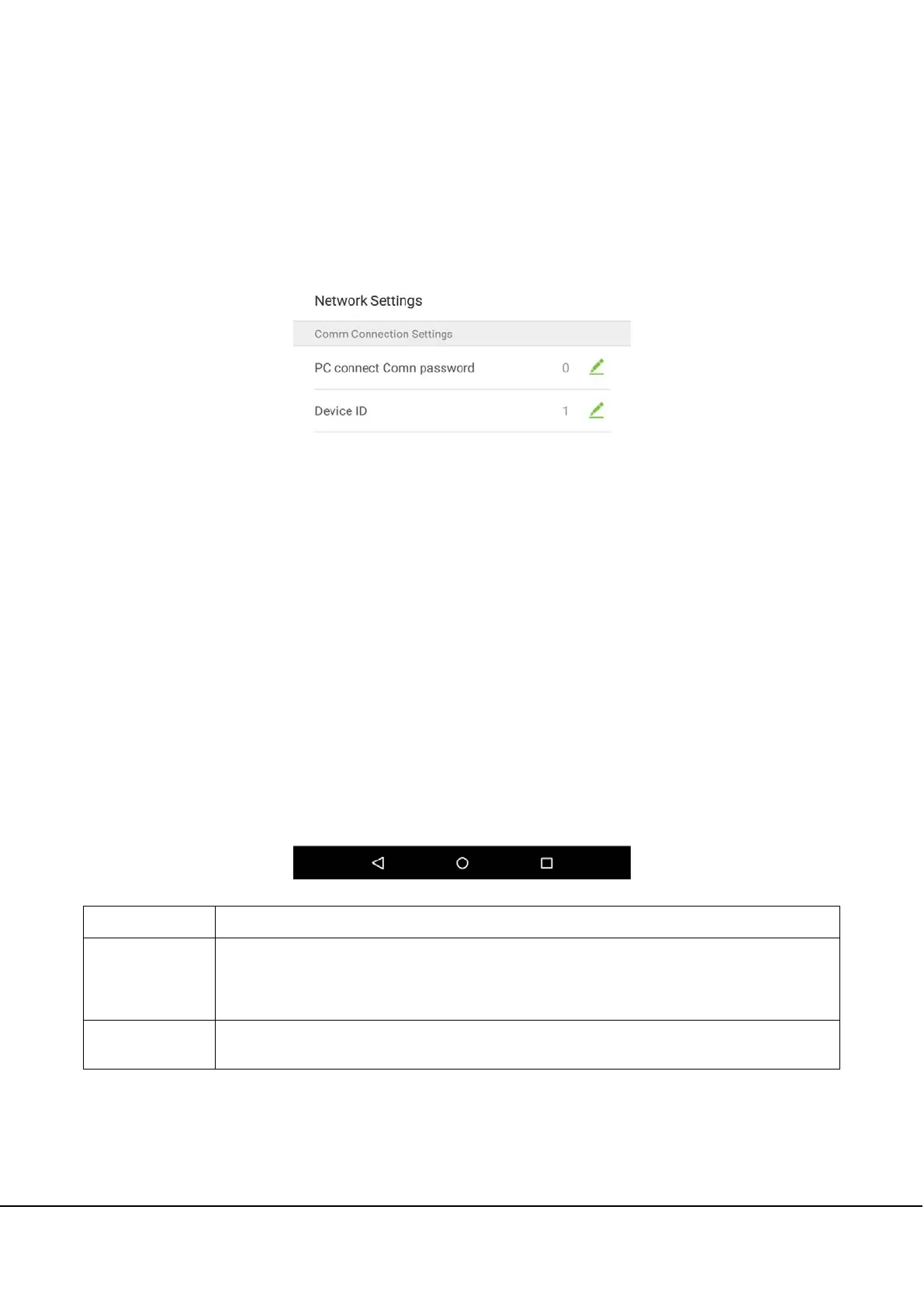
To develop the security and confidentiality of the attendance data, you need to set a connection password. Before
successful connection between the PC software and the device, the connection password must be input correctly.
On the “Network Settings” interface, tap on [Comm Connection Settings]:
Menu Options
Function Description
PC Connection
Password
It is used to gain the connection permission when using offline SDK or PULL SDK connection.
If the password is not correct, the communication connection cannot be built. The value
ranges from 0 to 999999. When the value is 0, there’s no code status.
Device ID
The ID ranges from 1 to 255. If the system is using the RS232/RS485 communication method,
please input the device ID during software communication.



 To Next Page