G4 User Manual
10.10 Advanced Settings
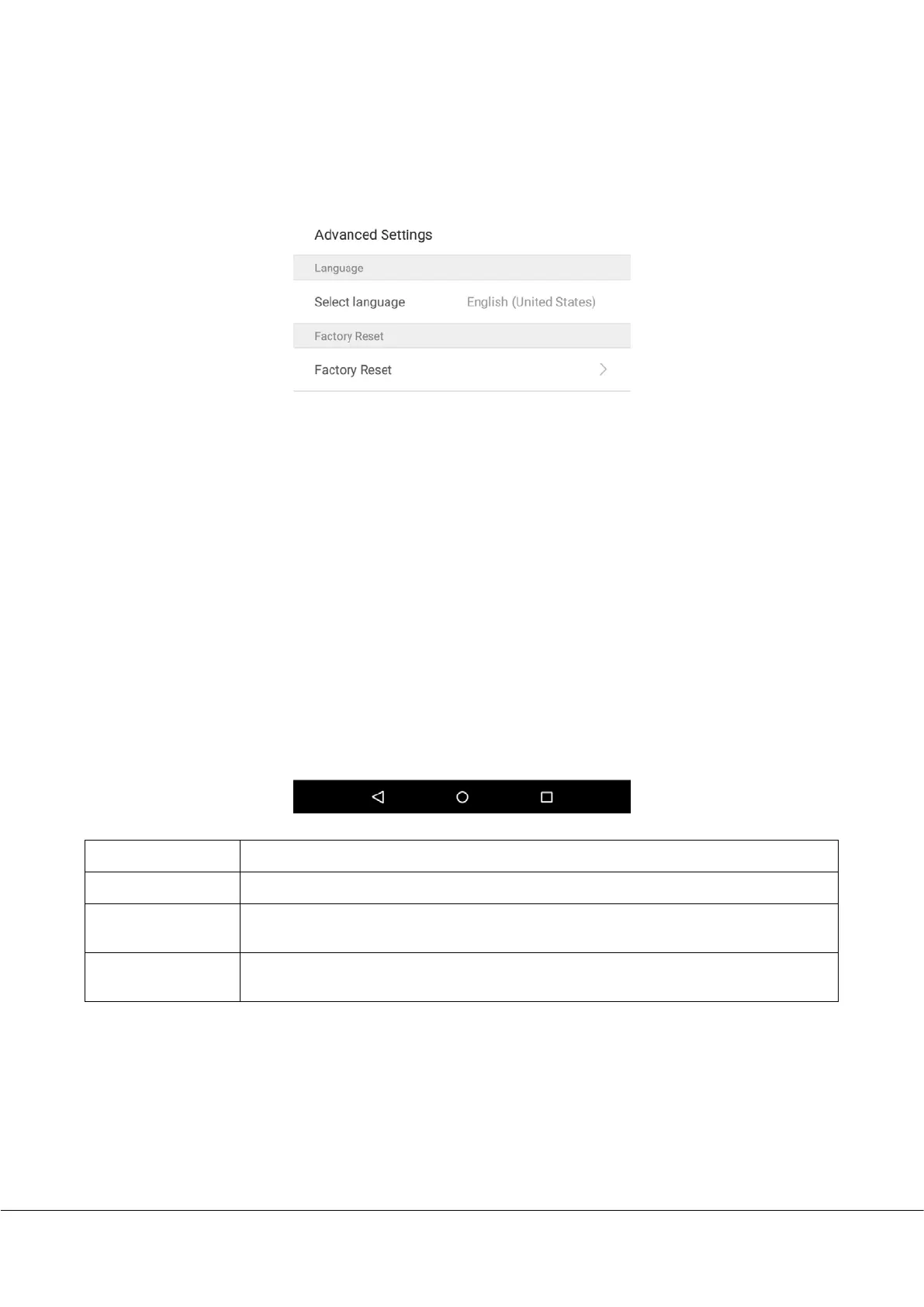
On the system settings list, tap on [Advanced Settings] to enter the “Advanced Settings” interface:
Menu Options
Function Description
Select Language
Select Simplified Chinese.
Restore Factory
Restores the settings of the device, including communication settings, system settings, to
the factory settings.
Upgrade USB
Adjust volume. Volume can only be adjusted if audio prompts are enabled. The effective
range is 0-15.



 To Next Page