G4 User Manual
9. Alarm Management
Employees can set an alarm time according to their needs. Once an alarm has been set, the device will automatically
begin playing a preselected ringtone when the designated time is reached. It will stop ringing after the alarm time
has elapsed.
9.1 Add Alarms
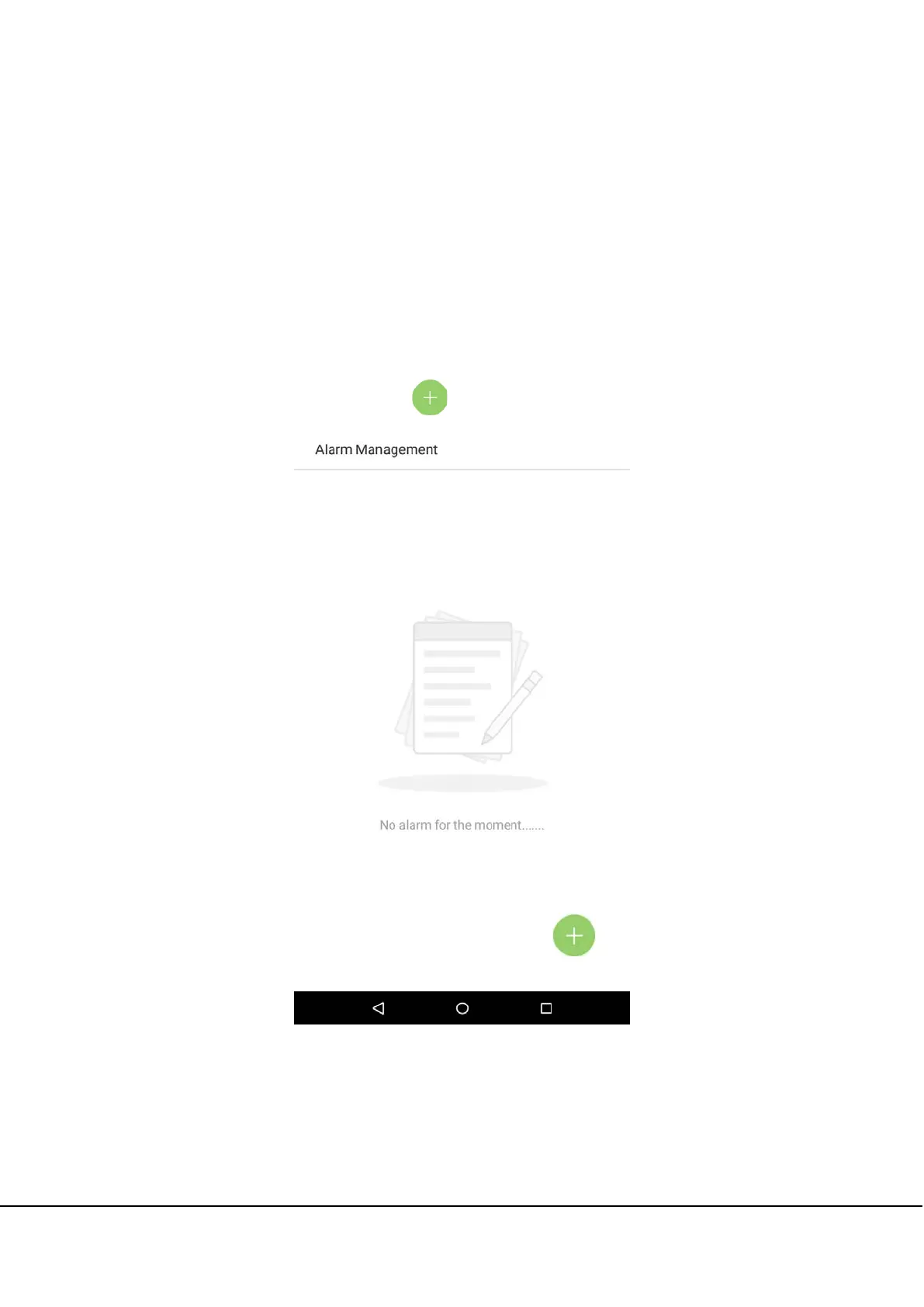
In the main menu, tap on [Alarm Management]:
1. On the alarm management interface, tap on to enter the “Add Alarms” page.



 To Next Page