G4 User Manual
10.4 Cloud Service Settings
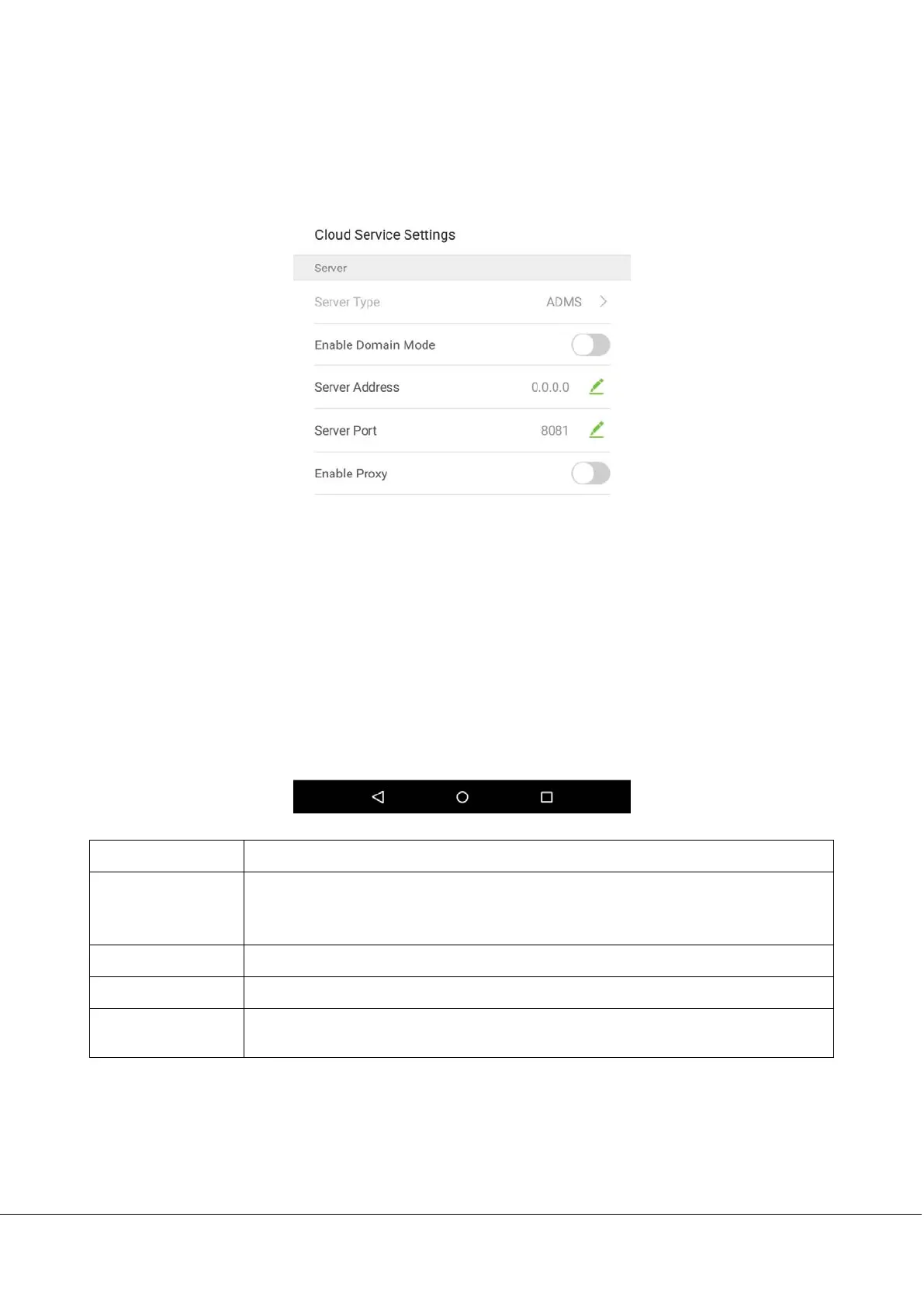
In the system settings list, tap on [Cloud Service Settings] to enter the Cloud service settings interface:
Menu Options
Function Description
Enable Domain
Mode
When domain mode is enabled, use a domain name mode of http://... For example, if the
server is installed on http://www.XXX.com, XXX indicates the domain name. If this is
disabled, users must input an IP address.
Server Address
The IP address of ADMS server.
Server Port
The port that ADMS server uses.
Enable Proxy
When you enable a proxy, you need to set an IP address and port number for the proxy
server.



 To Next Page