G4 User Manual
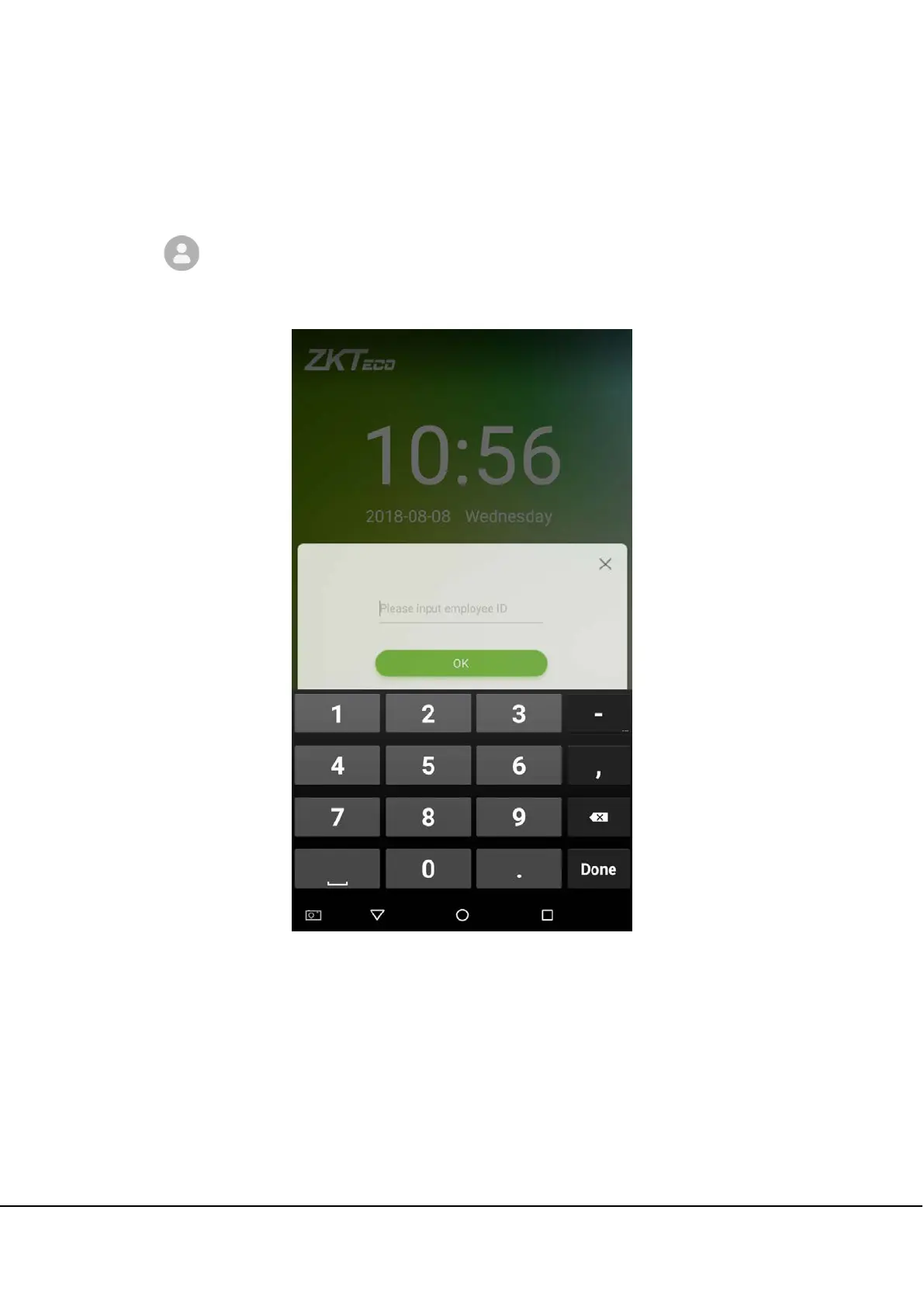
1.5.2 Password Verification
When an employee inputs his/her personnel ID and password into the device, the data will be compared to the
personnel IDs and passwords saved in the system.
Tap on the
button on the main screen to enter the 1:1 password verification mode.
1. Enter the employee ID and press [OK].



 To Next Page