G4 User Manual
4. Attendance Events
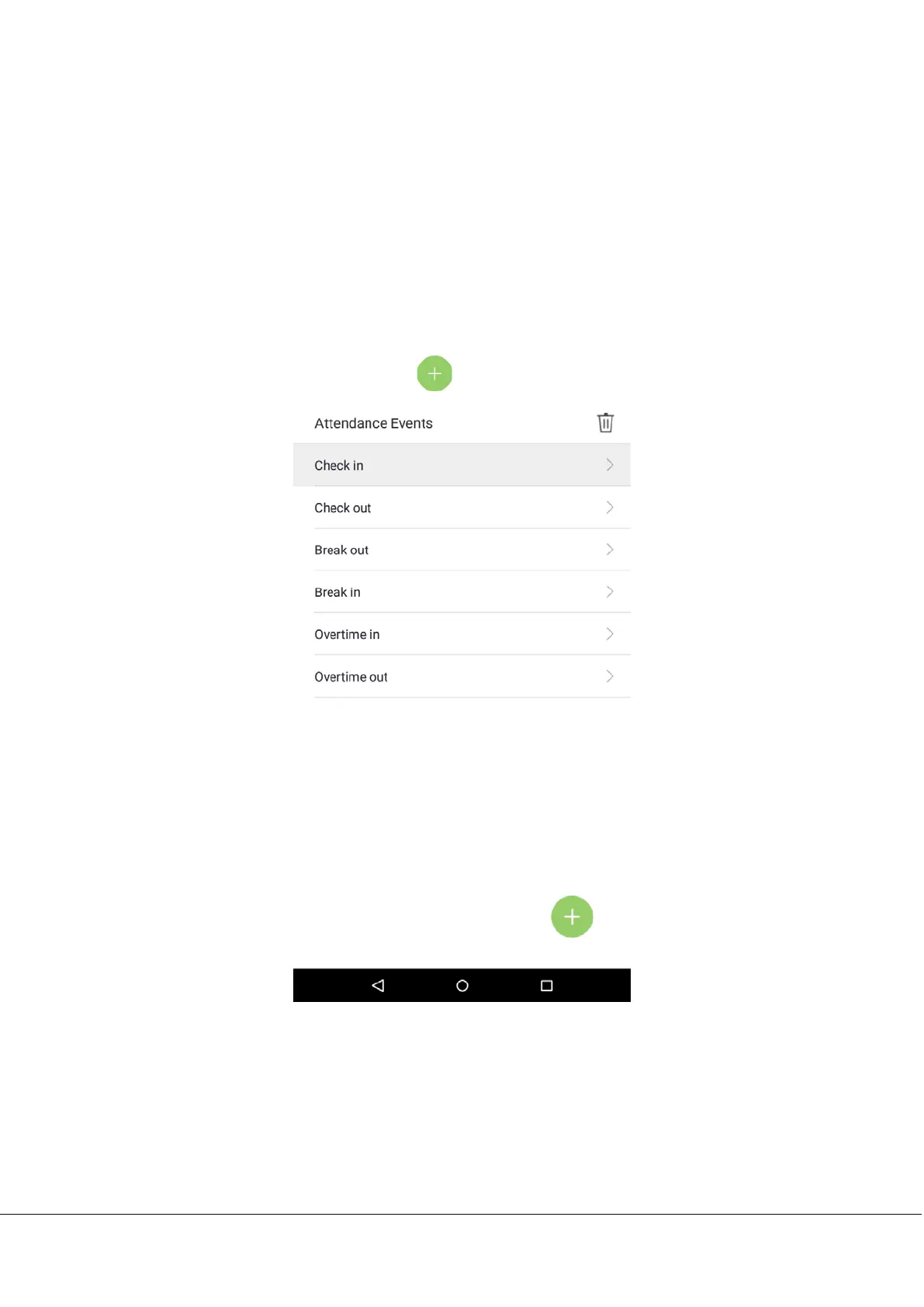
Attendance events are used to record clock-in/out status. There are 6 default attendance statuses, including clock in, clock
out, break out, break in, overtime in, overtime out. The 6 default statuses cannot be deleted or modified.
4.1 Add Attendance Events
Tap on [Attendance Events] in the main menu:
1. On the “Attendance Events” interface, tap on to enter the “ Attendance Event” interface.



 To Next Page