G4 User Manual
10.11 About the Device
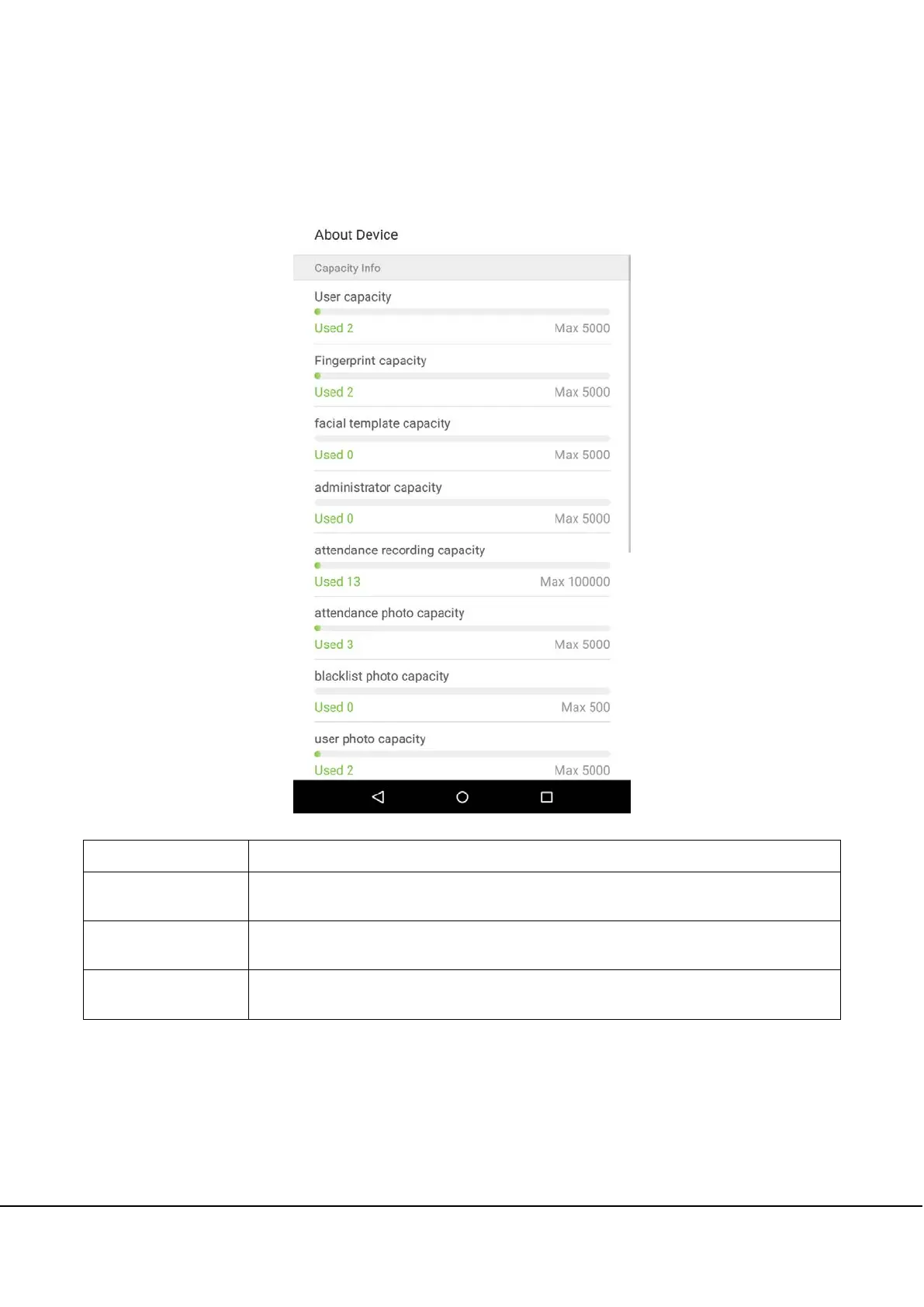
On the system settings list, tap on [About the Device] to enter the “About the Device” interface:
Menu Options
Function Description
Capacity Information
Displays the current device's employee storage, fingerprint storage, administrators,
attendance records, attendance photos, blacklist photos, and employee photos.
Device Information
Displays the device's name, serial number, MAC address, fingerprint algorithm version
information, platform information, and manufacturer.
Version
Displays all the versions of all the system's apps, such as the system settings, quick parts,
data manager, and other installed apps.



 To Next Page