G4 User Manual
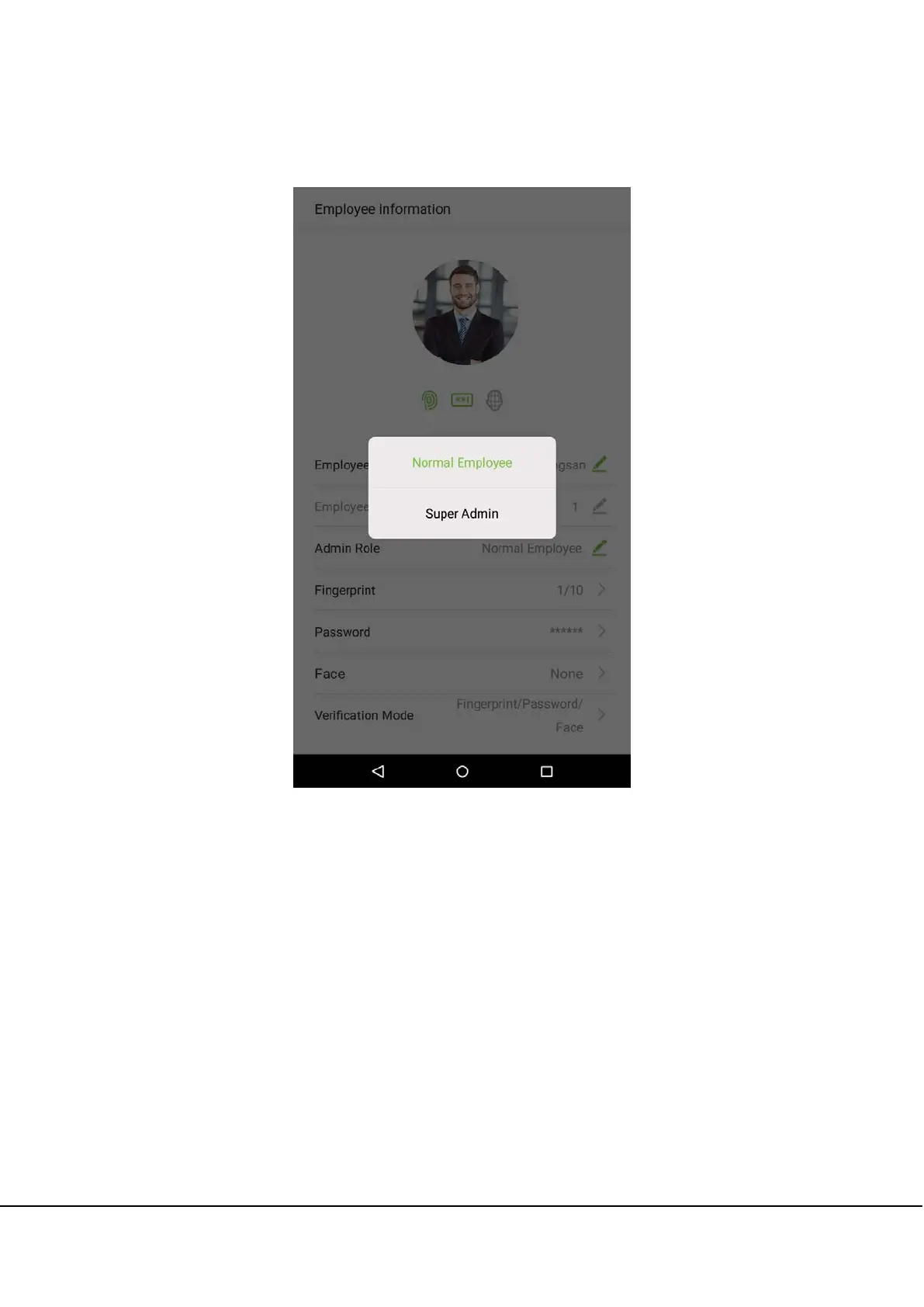
2. Once you have entered the “Employee information” interface, tap on the [Rights] column and select [General
Employee] or [Super Administrator] in the window that appears.
Note: When a user is given super administrator privileges, entering the main menu will require ID verification. The
verification process depends on the verification method that was used during user registration. See the description
in section “1.5 Verification Methods”.



 To Next Page