G4 User Manual
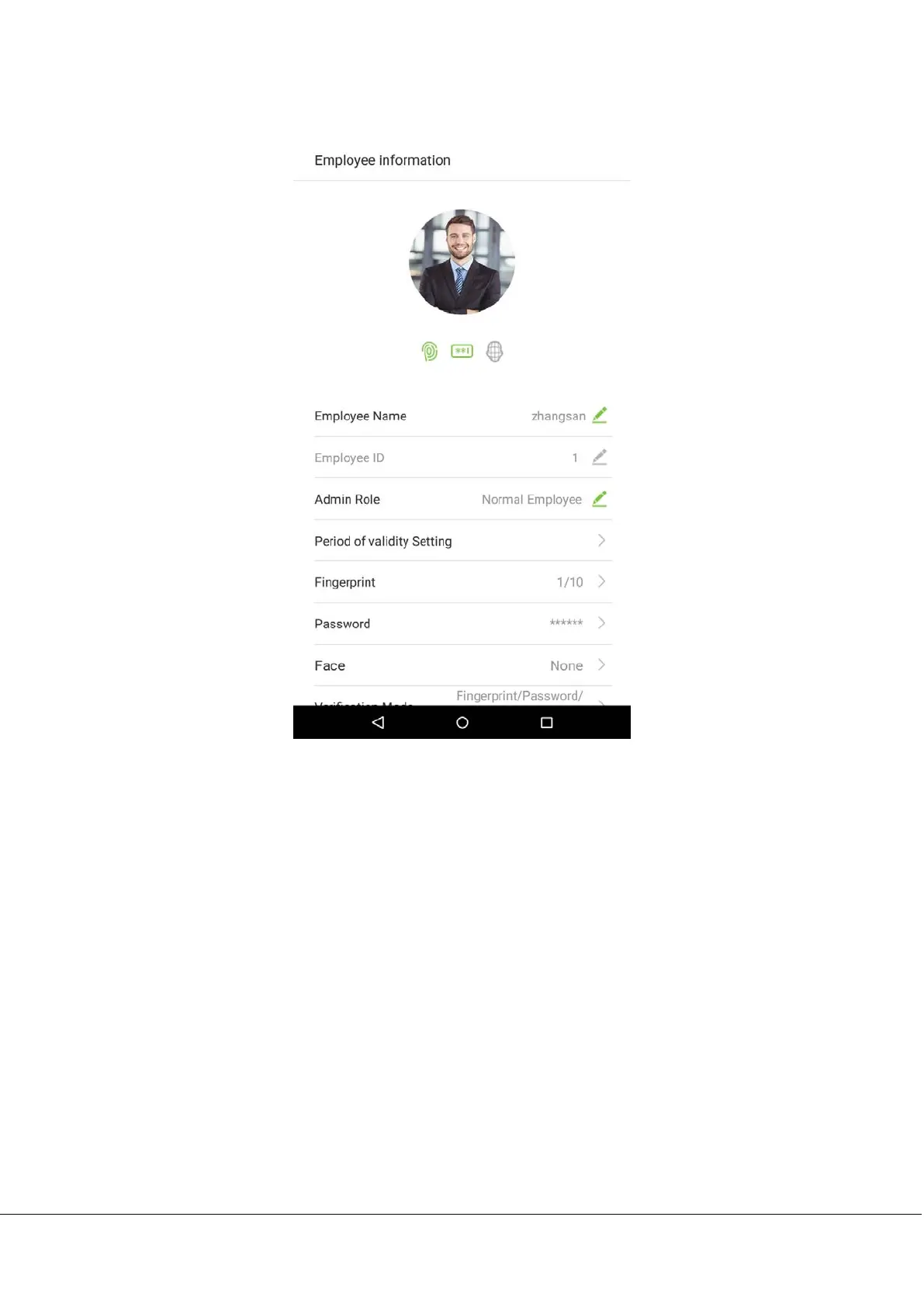
3. Return to the “Employee information” interface and it will display the verification method you have chosen.
Notes:
1. “/” means “or” and “+” means “and”.
2. Support 12 different verification method combinations: personnel ID/ fingerprint/ password; fingerprint/
password/ face; fingerprint; employee ID; password; fingerprint/ password; employee ID/fingerprint;
fingerprint/ password; fingerprint/ employee ID/ password; face; face fingerprint; face/ password; face/
fingerprint/ password.
3. Combined verification requires employees to register the information needed to complete verification.
Otherwise, employees may be unable to complete the verification process. For instance, when employee A
registers with his/her fingerprints and the system's verification method is set as “Fingerprint + Card”, the
employee will not be able to complete the verification process.



 To Next Page