134
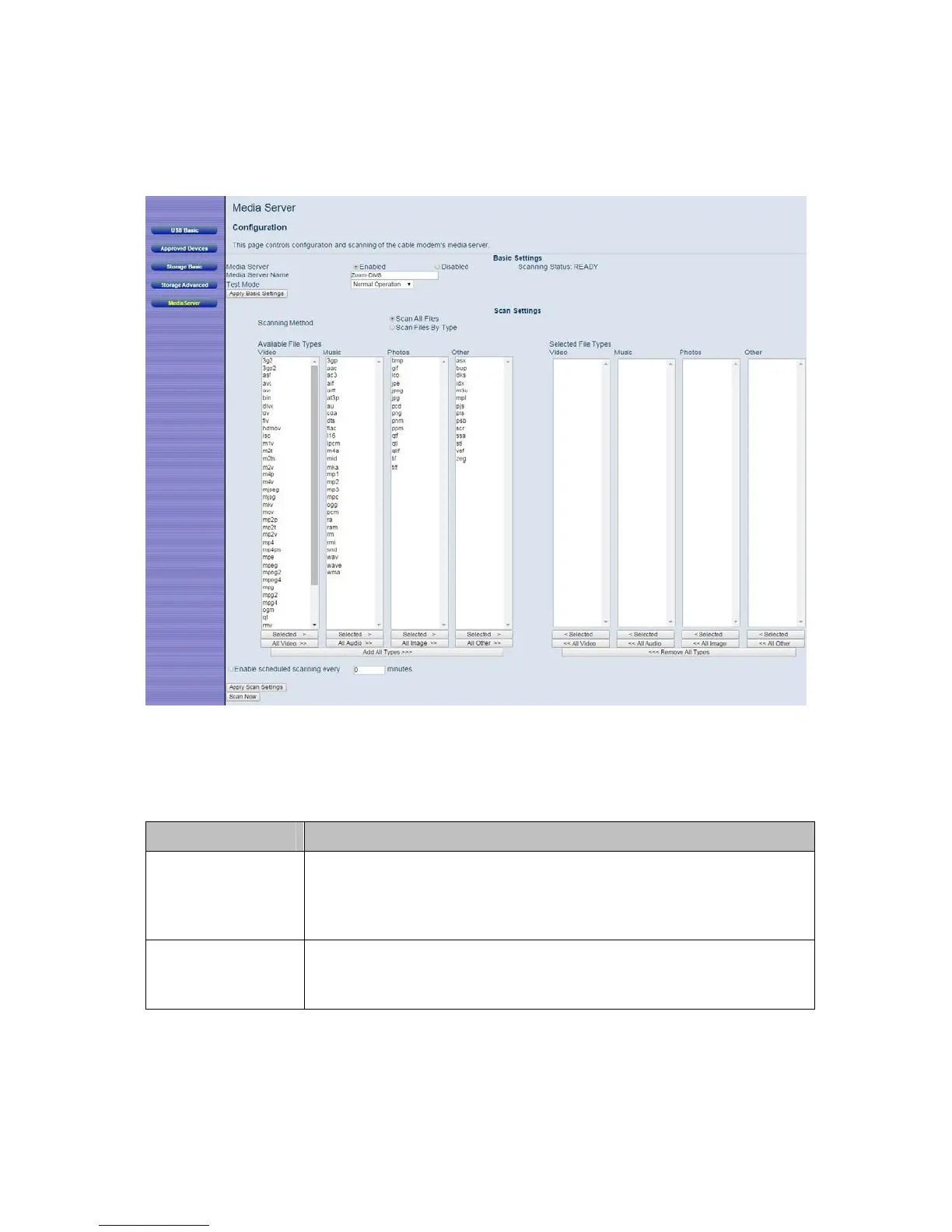
Figure 46. Example of Media Server page
Table 41. Media Server Menu Option
Option Description
Media Server
The default setting of Enabled allows DLNA/UPnP compatible
devices to connect to your Cable Modem/Router and play various
media files. Select Disabled if you do not want to be able to play
media files over your network.
Media Server
Name
This is the name of the media server that your DLNA/UPnP
compatible device will connect to. By default the name is
Zoom-DMS.



 To Next Page