Using patches (MEMORY mode)
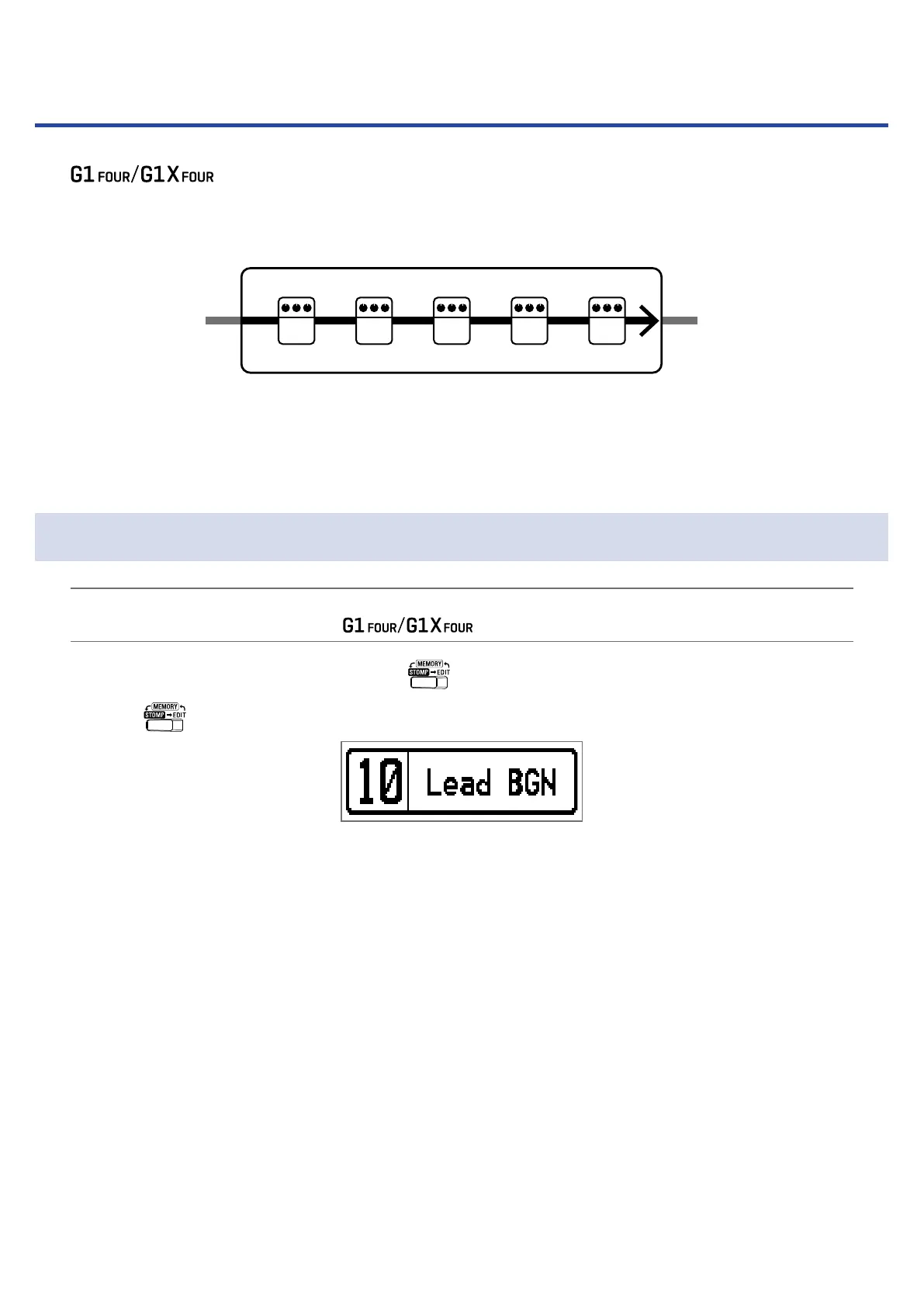
The manages effects in patches. A patch can have up to ve effects and save their ON/
OFF states and parameter settings.
1 2 3 4 5
Patch
IN OUT
Effect
Up to 50 patches can be created. Groups of 10 patches are organized into banks, so effects can be quickly
recalled by switching banks.
Select patches to use in MEMORY mode.
Switching to MEMORY mode.
HINT
MEMORY mode is shown when the starts up.
1.
When using STOMP or EDIT mode, press .
Pressing
repeatedly, cycles through the MEMORY, STOMP and EDIT modes in order.
12



 To Next Page