Overdubbing loops
Additional performances can be added to the recorded loop.
1.
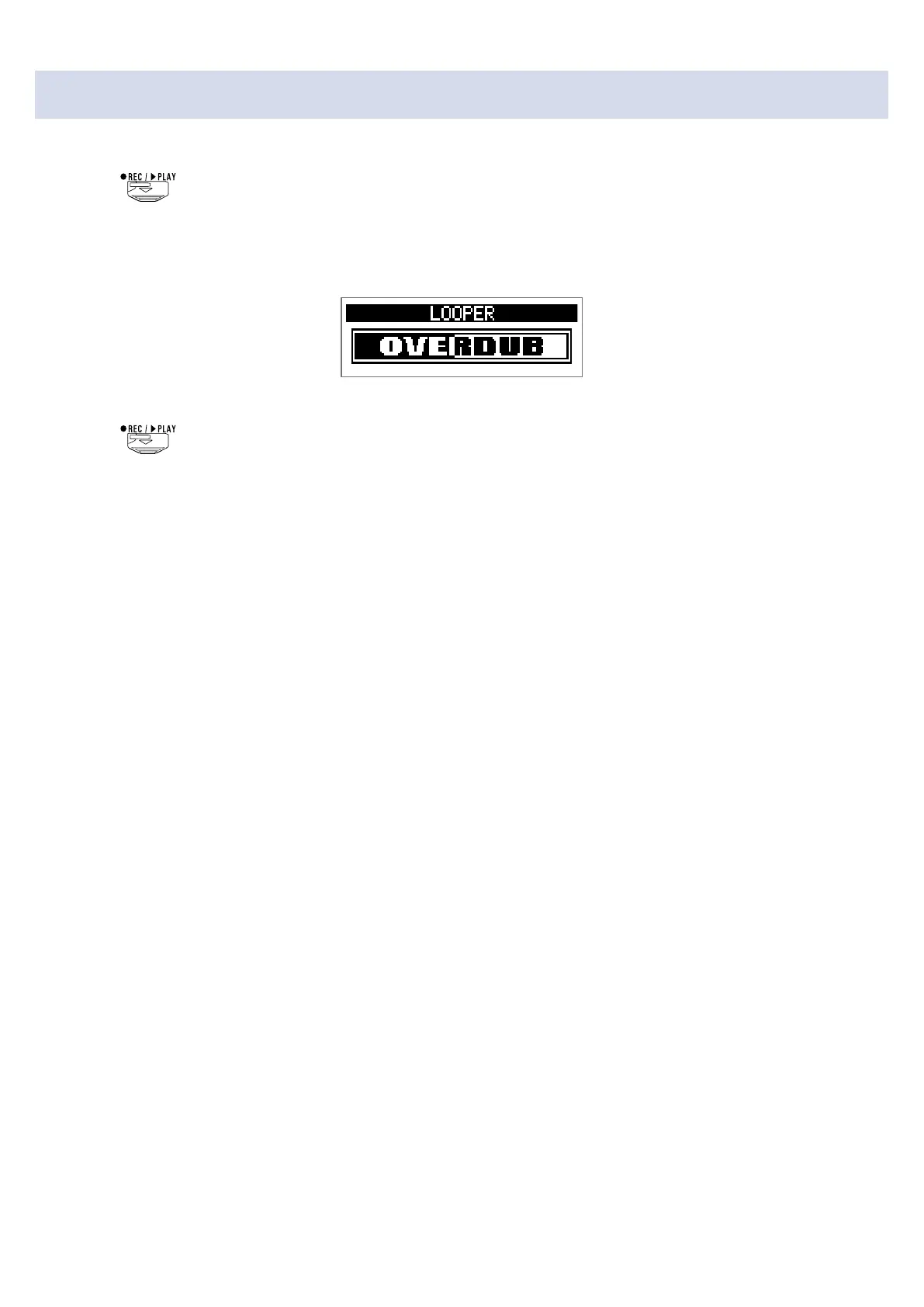
Press during loop playback.
This starts overdubbing.
When the end of the loop is reached, loop playback will continue from the beginning, and overdub-
bing can be repeated.
2.
Press during overdubbing.
This stops overdubbing, but continues loop playback.
51



 To Next Page