Recording and playing loops
1.
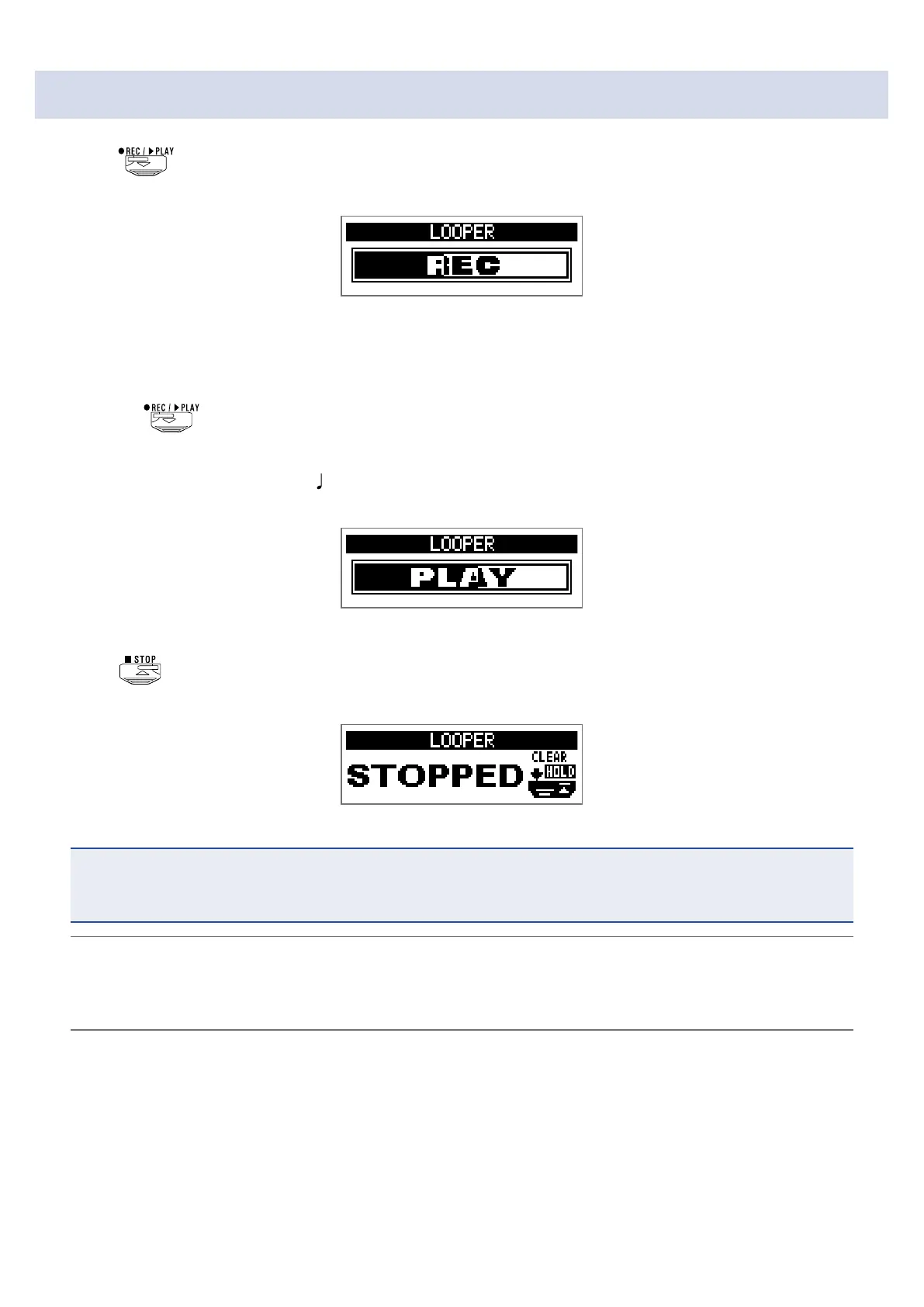
Press .
This starts loop recording.
2.
Stop recording and start loop playback.
If the recording time is set to "Manual"
Pressing
again or allowing the maximum recording time to be reached will stop recording and
start loop playback.
If the recording time is set to “
×1–64”
When the set recording time is reached, recording will stop and loop playback will start.
3.
Press .
This stops loop playback.
NOTE
• During rhythm playback, recording will start after the precount.
• Sound input through the AUX IN jack will not be recorded.
HINT
• During rhythm playback, quantization is enabled so even if the recording ending time is not exact, the
loop will automatically be adjusted so that loop playback stays in time.
• During loop playback, you can switch MEMORY, STOMP and EDIT modes.
50



 To Next Page